Connecting Codex to your brain
Like Claude Code, with one difference: Codex talks to Cobrain through a bridge (mcp-remote) that downloads itself the first time. You need Node installed.
What you need
A Cobrain account (free, with your email) and this address: it is the only thing you carry into the other program. No key, no password.
https://cobrain.space/mcpAccess: read and write, with exactly your permissions. Duration: until you revoke it, from the Connections page in the dashboard.
The steps
3 in all. One action per step; wherever something can go wrong, the fix is inside that step.
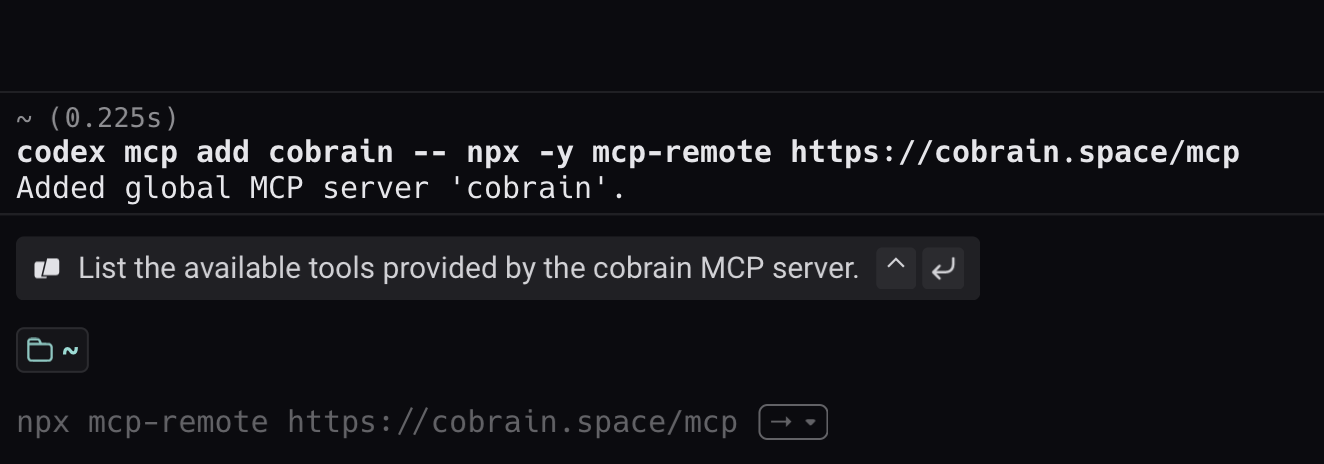
Paste this line into the Terminal
Open the Terminal, paste the line and press enter. The first time it takes a few seconds: it is downloading the bridge.
codex mcp add cobrain -- npx -y mcp-remote https://cobrain.space/mcp
Authorise in the browser
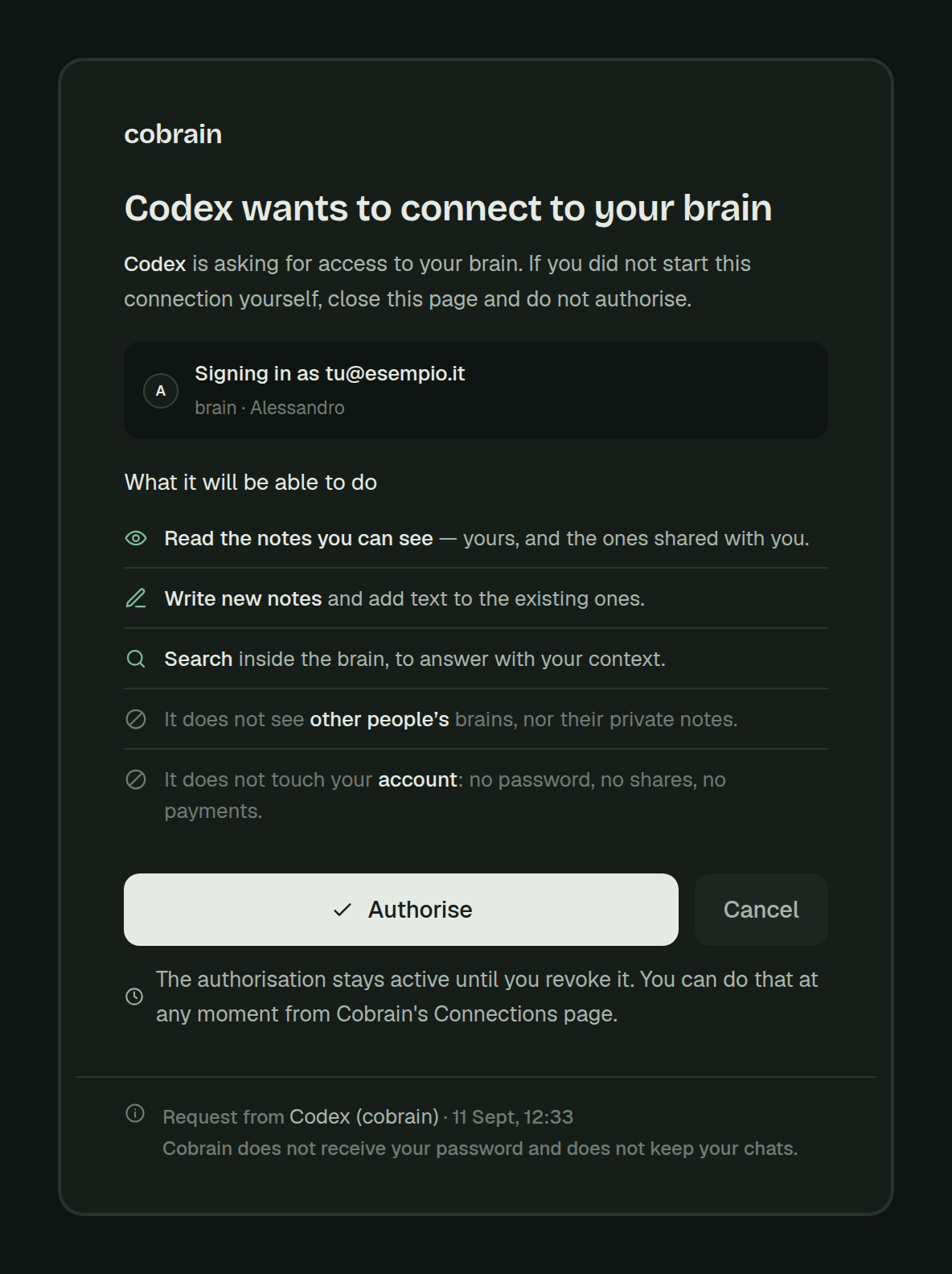
Start codex: on the first connection the browser opens on the Cobrain authorisation page. Press Allow access and go back to the terminal.
Try it
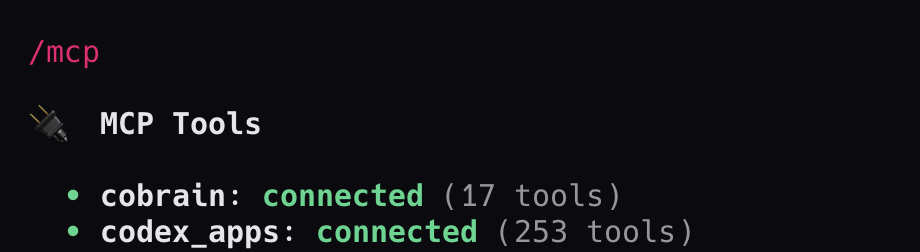
Inside Codex type /mcp: in the list cobrain must read connected. Then ask for something that is in your brain.
When you are done, try this
If it answers with your notes, it is connected.
Inside Codex type: «search my brain for information about the client ACME». If it answers with your notes, it is connected.
If it gets stuck
Does it hang on npx? That means Node is not installed: get it from nodejs.org and run the line again.
For anything else: hi@cobrain.space. The other guides: every AI.
First the account, then the connection.
You sign in with your email, come back here and follow the steps. Three minutes, and your AI can read your brain.

