An agency with fifteen clients runs fifteen sets of rules at once. One client wants short, warm copy. Another has a legal team that blocks the word "guaranteed". A third paused TikTok until January, and somebody needs to remember that.
AI makes this harder at first. The person writing a newsletter for one client is often still in a chat that knows a lot about another one. Some people on the team use Claude, others use ChatGPT, and each app keeps what it learned to itself. This article looks at what the built-in tools give you for keeping clients apart, where they stop, and how to set up one AI context per client that the whole team can use. Facts about Claude and ChatGPT were checked against their official help centers on 13 November 2026.
Why an agency needs one AI context per client
There are two ways to get this wrong, and they pull in opposite directions.
The first is mixing. One client's tone, numbers or plans end up in another client's work. Sometimes that's just embarrassing: the wrong product name in a draft. Sometimes it's worse, like a confidential launch date showing up in a document for someone else.
The second is forgetting. Every new chat starts from zero, so somebody pastes in the brief, the tone of voice, the list of words to avoid and last month's decisions. Then a colleague does the same thing in another app, with a slightly older copy. After a few weeks there are four versions of the rules and nobody knows which one is current.
A good setup fixes both at once. Each client has one place where its context lives, the AI loads that place and only that place, and when the client changes their mind you edit it once.
Two ways to get client context wrong
| Mixing | Forgetting | |
|---|---|---|
| What happens | one client's details reach another | every chat starts from zero |
| What it costs | a mistake in front of a client | rules pasted again and again |
| The fix | one context per client | one context per client |
What Claude Projects and ChatGPT Projects give you per client
Both apps have projects, and the obvious move is one project per client.
In Claude, a project holds knowledge files and instructions that apply to every chat inside it. Each project also has its own memory. Anthropic's help center says Claude uses "the project's memory alongside your memory from chats outside of projects, but not memory from other projects." So client A's project doesn't see what you discussed in client B's project. There's a catch worth knowing: memory from your chats outside projects does come in. If you sometimes talk about clients in ordinary chats, the help center explains how to turn off "Use account memory" on a project's page so it stays fully separate. Free accounts can create up to five projects.
In ChatGPT, a project groups chats, files and instructions, and where the option is available you can set it to project-only memory. OpenAI describes it as keeping the project self-contained: chats can draw on other conversations in the same project, not on ones outside it. A shared project always uses project-only memory, and it doesn't reach a member's memories from outside the project.
For one person in one app, this goes a long way. A project per client, the tone of voice as a file, a few lines of instructions, and memory kept inside the project.
One project per client, inside one app
- 1Create the projectone per client
- 2Add files and instructionsbrief, tone of voice, rules
- 3Keep memory insideproject-only, or account memory off
Where projects stop for an agency
The trouble starts when the agency is more than one person in one app.
Projects don't cross products. A Claude project is invisible to ChatGPT, and the other way round. If your copywriter uses ChatGPT and your strategist uses Claude, each client needs two projects kept in sync by hand. Claude Code and Codex, which developers on the team may use for the client's website, have their own instruction files again. We covered this in one memory for a team using different AIs.
Sharing depends on the app and the plan. Anthropic's help center describes project sharing for Team and Enterprise plans, with other users in your organization, as "Can view" or "Can edit". Freelancers and the client's own staff sit outside your organization, and they are often exactly the people who need the context. ChatGPT lets you invite people by email or with a link, though in managed workspaces invitations may be limited to members. Whoever you invite still has to work inside ChatGPT.
Memory is also per person. The help center describes Claude's memory per person and per project, and nothing says that what your Claude learned on a client reaches a colleague. The files are shared; the lessons picked up along the way usually aren't.
None of this makes projects bad. They were designed around one product, and in Claude's case one organization. An agency's work spreads past that.
Where a project's context stops
How to set up one context per client
Whatever tool you use, the shape that works is the same: a folder per client with a few notes that every AI reads first.
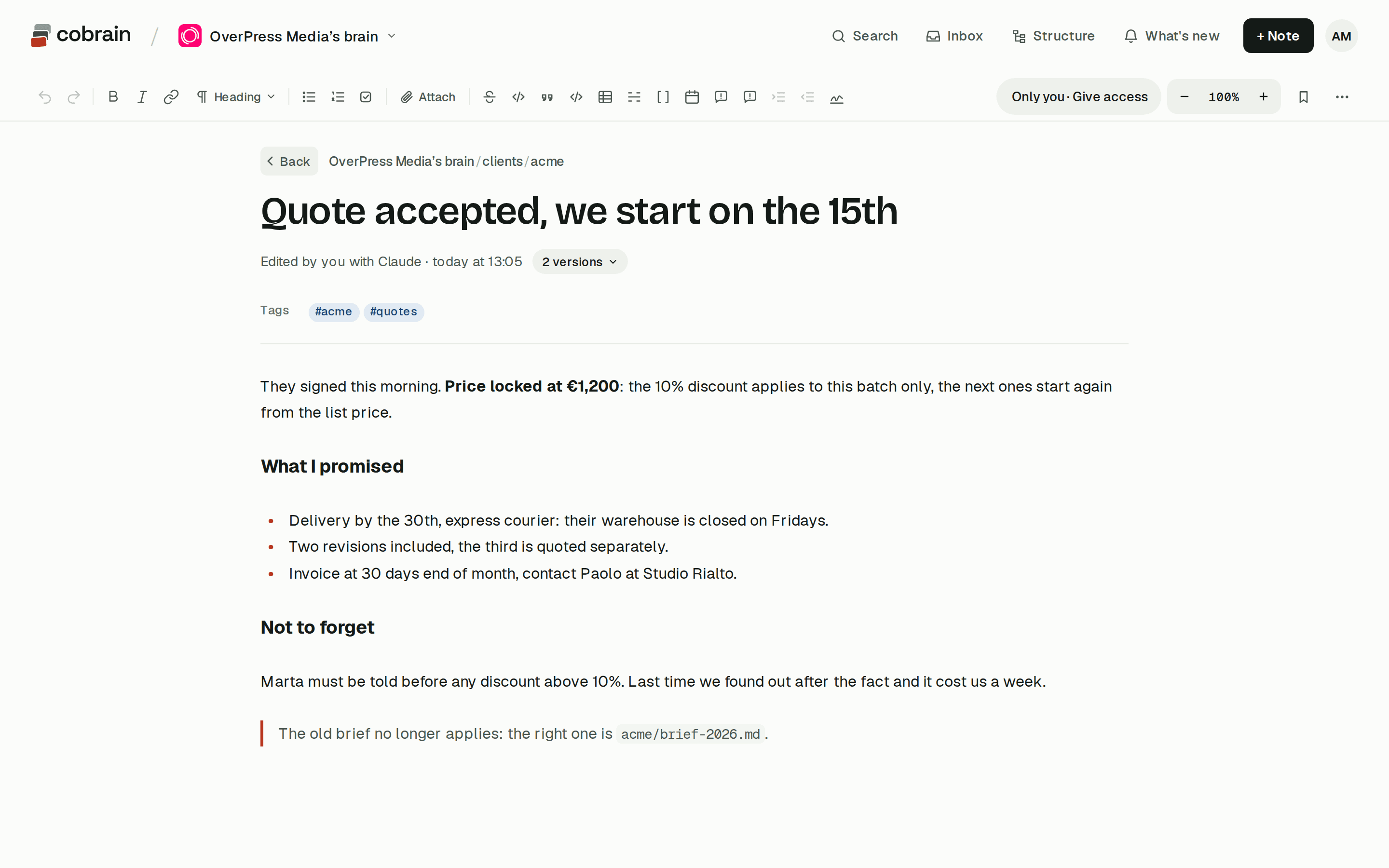
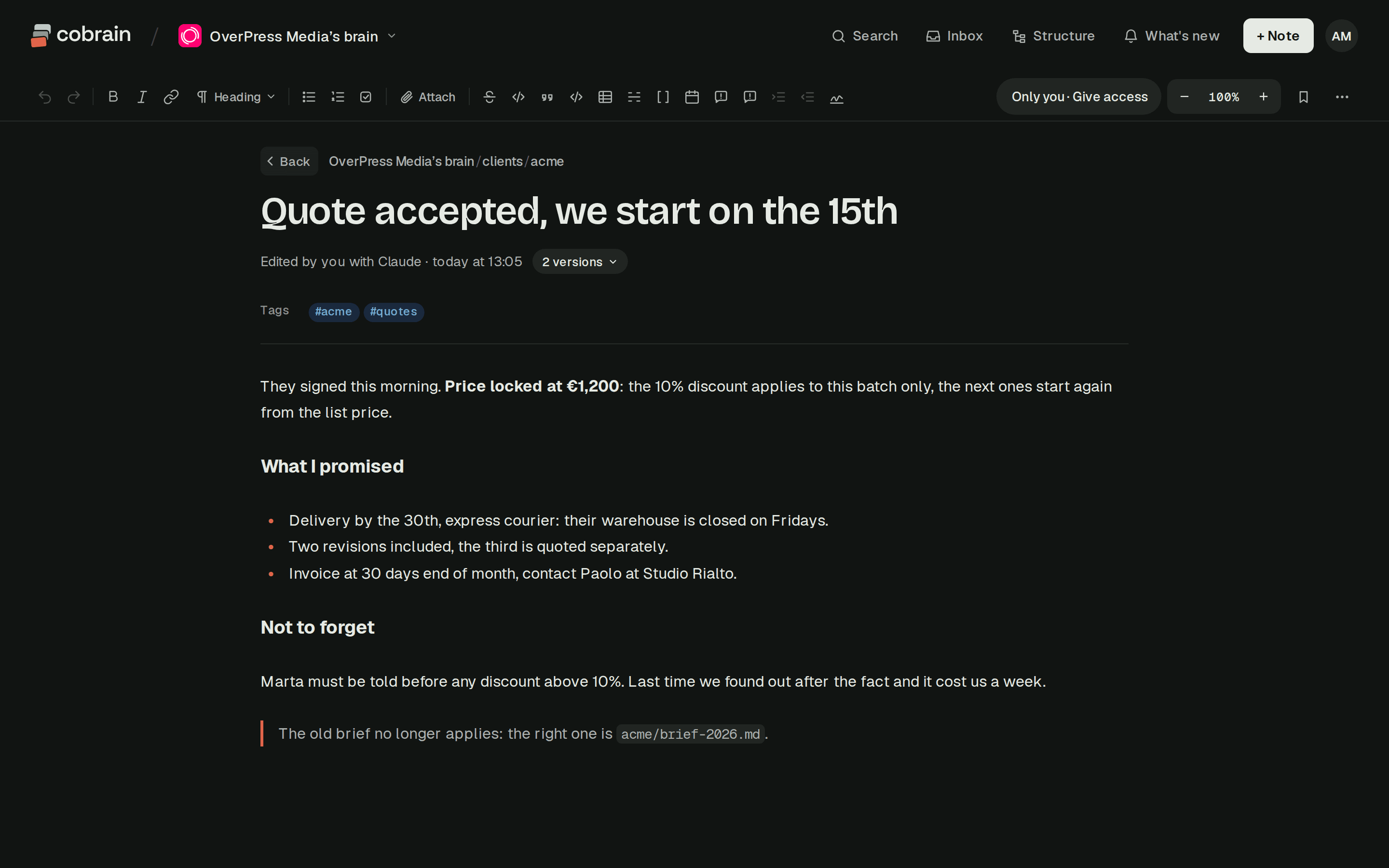
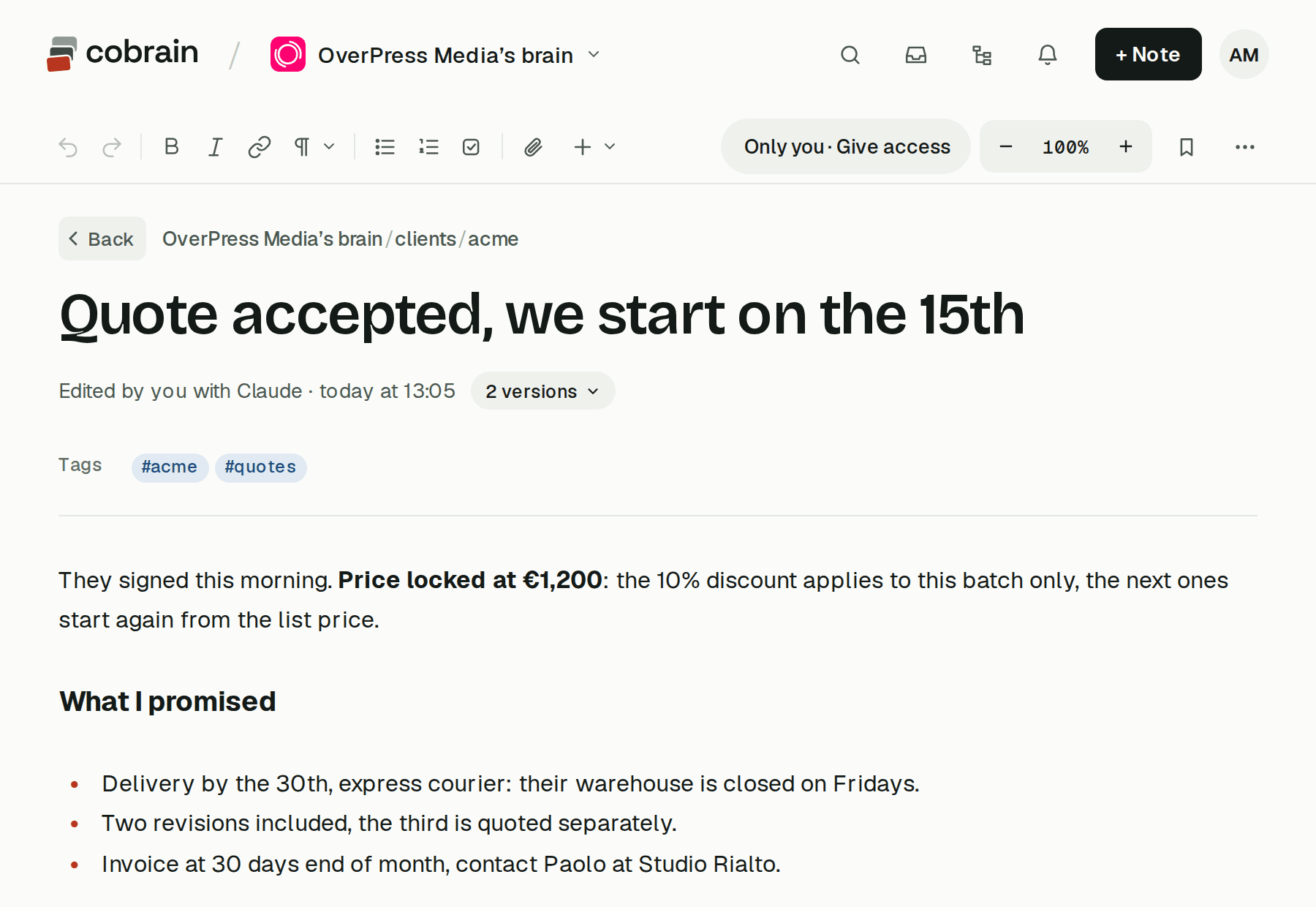
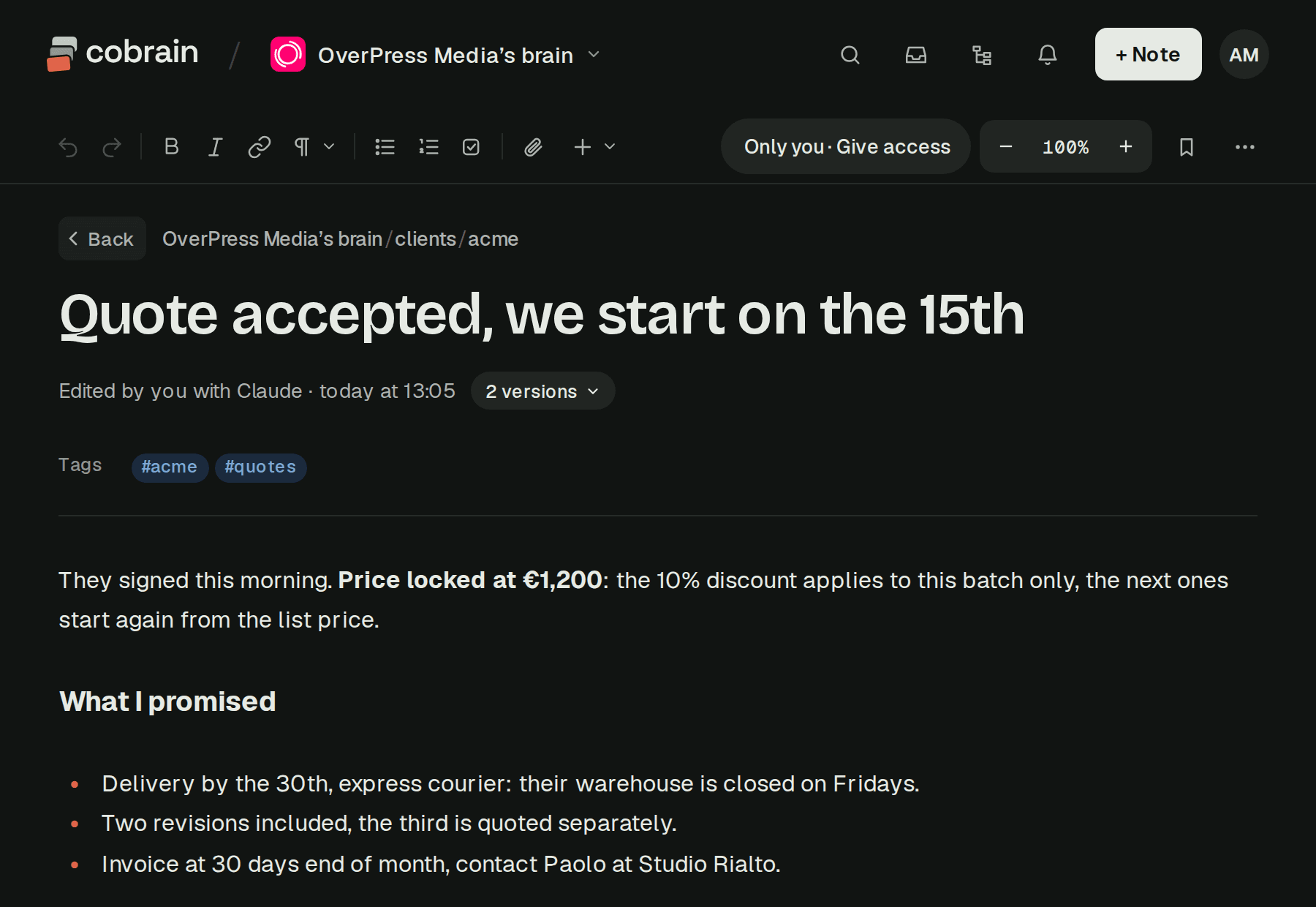
Start with a short index card for the client: who they are, what you do for them, who to talk to, which channels are live. Then the tone of voice, with words to use, words to avoid, one good example and one bad one. Then a decision log, one line per decision with the date and the reason, so "why did we stop the discounts?" has an answer. Briefs, reports and meeting notes go in the same folder underneath.
Two habits make it hold up. First, ask the AI to load the client before it does anything: "load ACME, then write the newsletter". Second, when something gets decided, it goes in the decision log right away, by you or by the AI. The folder is only useful if it's more current than anyone's memory.
A client folder
clients/acme/_about.mdwho they are, what you do for themtone-of-voice.mdwords to use and to avoid_decisions.mdone line per decision, with the reasonbriefs/…
How Cobrain handles client context
Cobrain is a shared memory of Markdown notes that Claude, ChatGPT, Claude Code, Codex and Cursor reach over MCP. The folder above is how it's meant to be used.
A client is a unit: a folder with an index card and a decision log, created from a template by create_unit. When someone asks their AI to start work on a client, start_session gives it the briefing in one call, with the brain's rules, the client's card and instructions, the latest decisions and the last fifteen changes. It loads that client, not the others. Every tool is listed in the tools your AI uses.
The same folder works from any AI. The copywriter in ChatGPT and the strategist in Claude read the same tone of voice, and a correction made from one app is there in the other.
People get exactly the branch they need. You can share a branch by email, read-only or read-write: a freelancer gets the client they work on, and the client can get their own folder read-only. Whoever receives a branch sees that branch and nothing above it or beside it, and the same rule applies to their AI. People who receive a share never pay. When the project ends, you remove access and from that moment neither they nor their AI see anything.
For the agency itself, the Team plan lets everyone with a seat write in the agency's brain, while people outside the team, freelancers and clients included, read the branches you give them. There's a worked example in every client's tone of voice, in every AI.
Quick answers
Should an agency use one Claude project per client? It's a good start if one person works in Claude alone. Each project has its own memory, and turning off "Use account memory" keeps it fully separate. It stops working well once people use different apps or the context has to reach freelancers and clients.
Does ChatGPT keep client projects separate? With project-only memory, chats in a project draw only on that project's conversations. Shared projects always use project-only memory.
Can I share a Claude project with a client? Anthropic describes project sharing on Team and Enterprise plans, with users in your organization. A client outside your organization usually can't be added.
How do I stop one client's details from ending up in another's work? Keep each client's context in its own folder or project, have the AI load only that client before it starts, and keep client talk out of general chats that feed account memory.
Can a client read their own folder without paying? In Cobrain, yes. You share their folder by email, read-only, and they read it on the free plan, with their own AI too.