Letting an AI read your notes is the easy decision. Letting it write to them is where people hesitate, and they're right to. A model that can add a line can also wipe out a page.
Write access is still worth having. A memory the AI can only read goes stale, because you end up being the one who copies every decision into it. So the useful question is narrower: what can go wrong, what the AI apps already do about it, and what to check before you say yes. Facts about Claude, ChatGPT and Claude Code were checked against their official documentation on 11 November 2026.
What can go wrong when an AI writes to your notes
Most of the damage is plain mistakes. The AI means to add a paragraph and rewrites the whole note with only that paragraph in it. It saves a client's decision under another client. It tidies up a folder and deletes a note that looked like a duplicate. None of it is malicious, and all of it hurts if you notice a week later.
The second risk is prompt injection. OWASP's list of risks for LLM applications puts it first, and describes the indirect kind like this: "Indirect prompt injections occur when an LLM accepts input from external sources, such as websites or files." Your notes are exactly that kind of input. A web page the AI summarized into a note can carry text written to look like an instruction, and so can a document a colleague pasted in. Anthropic's help center gives a related warning about connectors: "Malicious MCP servers may include hidden instructions that try to make Claude perform unintended actions." Claude has protections that, in Anthropic's words, "attempt to block these attacks". Note the word "attempt": it isn't a guarantee.
Indirect prompt injection
The third risk is reach. OWASP calls it excessive agency and gives it three root causes: excessive functionality, excessive permissions and excessive autonomy. In practice: the AI has tools it doesn't need, those tools can touch more than the task requires, or it acts on important things without anyone checking. An injection with no write access is a nuisance. With broad write access and no approvals, it does real damage.
What Claude, ChatGPT and Claude Code do about it
ChatGPT and Claude Code ask before writing by default. The Claude app has approval requests and admin controls.
In ChatGPT, OpenAI's documentation for custom MCP servers says write actions require confirmation by default, and warns that "incorrect write actions can inadvertently destroy, alter, or share data". ChatGPT treats a tool as read-only only if the server marks it with the readOnlyHint annotation, and every other tool counts as a write. You can let ChatGPT remember your choice for a tool, but a new conversation asks again. We covered the setup in how to connect an MCP server to ChatGPT.
Claude Code asks before editing files. Its permissions page lists file modification under the actions that need approval, and "Yes, and don't ask again" lasts until the end of the session. There are modes that loosen this, such as acceptEdits, which accepts file edits on its own, and plan, in which Claude reads and explores but doesn't edit your source files. One line on that page matters more than the others: "Permission rules are enforced by Claude Code, not by the model." The check sits outside the AI, so a clever prompt can't talk its way past it.
In the Claude app, connector tools can come with approval requests, and the help center says to review them carefully and to click "Allow always" only "when using a server and tool that you trust to run unsupervised". On Team and Enterprise plans, admins can set each connector permission to Always allow, Needs approval or Blocked. One exception is worth knowing: during Research, Claude can call connector tools without asking again.
Before the AI writes
| ChatGPT | Claude Code | |
|---|---|---|
| Asks before writing | ||
| Your yes can last | until the chat ends | until the session ends |
| Decides what counts as a write | the server, with readOnlyHint | Claude Code's rules |
Approvals help, but they have a known weak spot: after the twentieth confirmation people stop reading and click yes. That's why approvals are only half the answer. The other half is what happens after a bad write.
Questions to ask before you give write access
OWASP's advice for excessive agency is close to common sense: give the AI the fewest tools it needs, with the fewest permissions, and have a person approve the actions that matter. Applied to a notes app or a memory server, it turns into four questions.
Who runs the server, and where do the notes live? A connector is a door into your notes, and the help center warns that custom connectors reach services Anthropic hasn't verified.
What can the AI reach? Everything you own, or only the folders it works on? And can it touch the account, change who has access, or send your notes somewhere else?
Can you undo a write? This is the question people skip. If a note gets overwritten, is the previous version still there? If a folder gets deleted, can you get it back, and for how long?
Can you see who changed what? A note that says "edited by an AI on Tuesday" is easy to check. A note that changed silently is not.
Four questions before you say yes
- 1Who runs itand where the notes live
- 2What it can reachfolders, account, other services
- 3Can you undo itversions and a trash
- 4Who changed whata person or an AI
How Cobrain handles AI writes
Cobrain is a shared memory of Markdown notes that Claude, ChatGPT, Claude Code, Codex and Cursor reach over MCP.
Permissions are applied by the database, with the same rule for the site and for every AI. A connected AI works with exactly your permissions: it reads what you read and writes where you can write. A branch nobody shared with you is out of reach, for you and for your AI. The details are on permissions and privacy.
The writing tools are built to fail safely. write_file refuses to replace a long note with a much shorter text without confirmation, which catches the classic "add a line, lose the page" mistake. append_file adds to the end instead of rewriting. patch_file replaces one exact piece of text, and if that text isn't there, or appears more than once, it refuses instead of guessing. The AI has no tools to change your email, your plan, your shares or your authorisations, and the connector doesn't send your notes to other services.
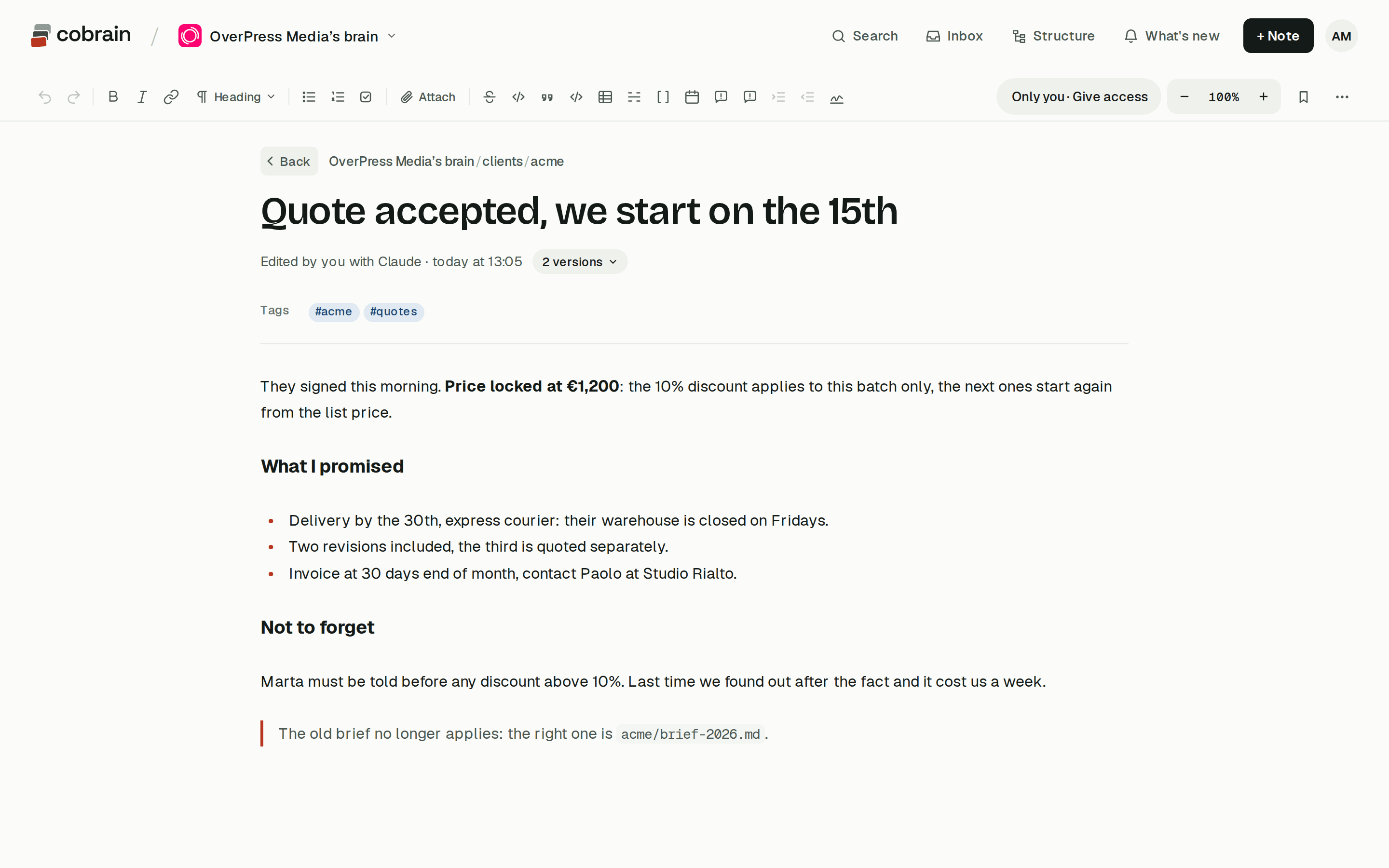
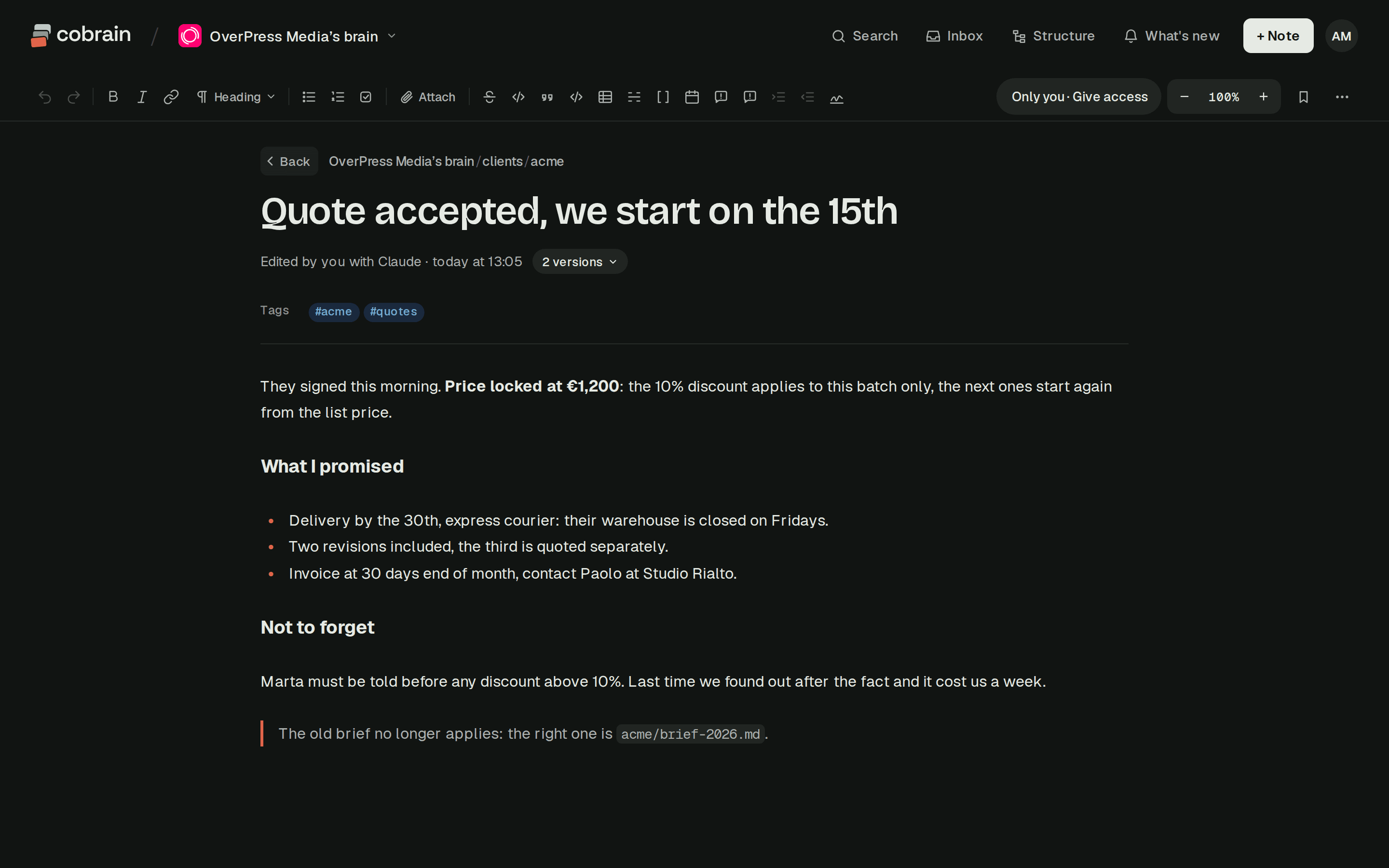
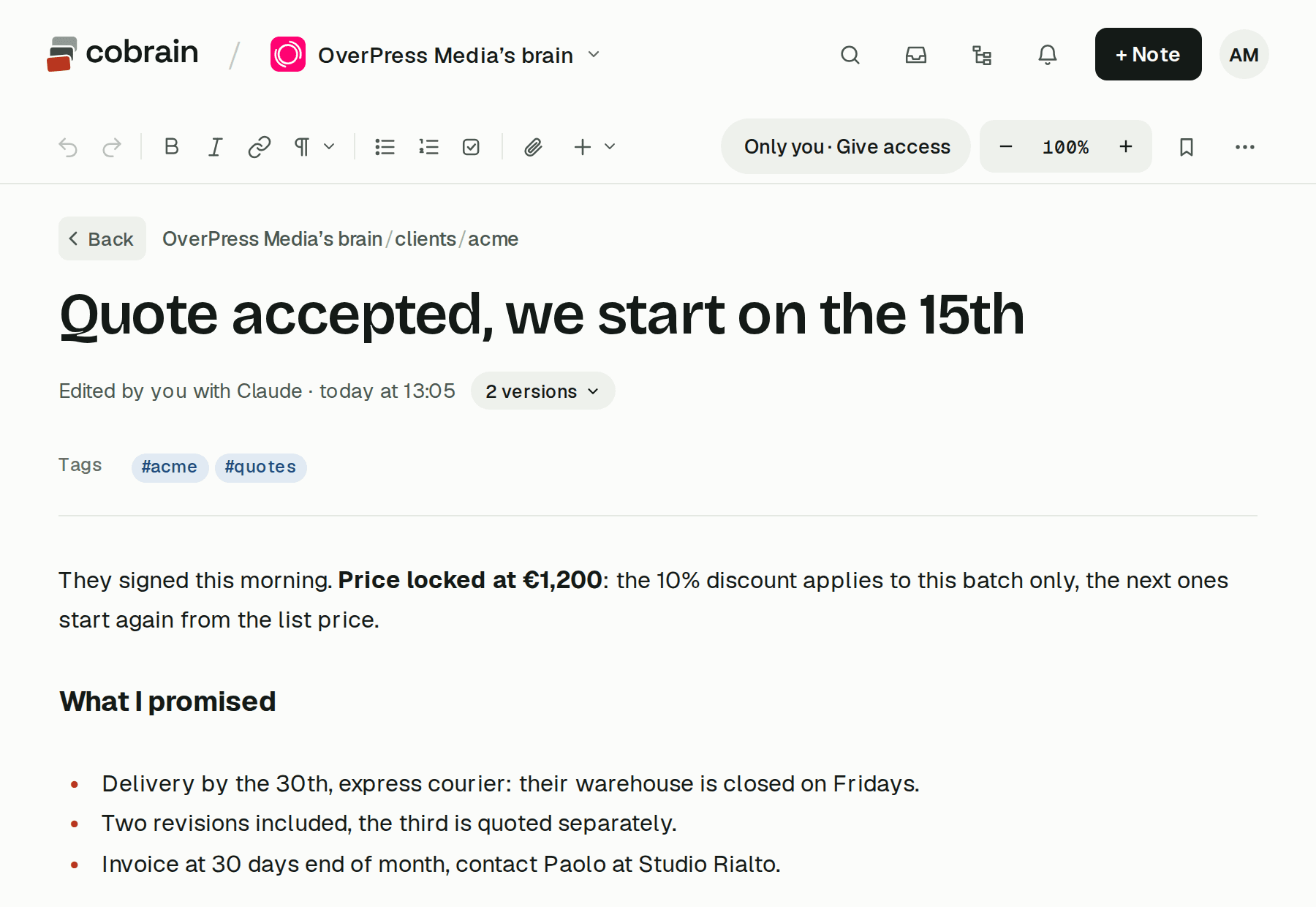
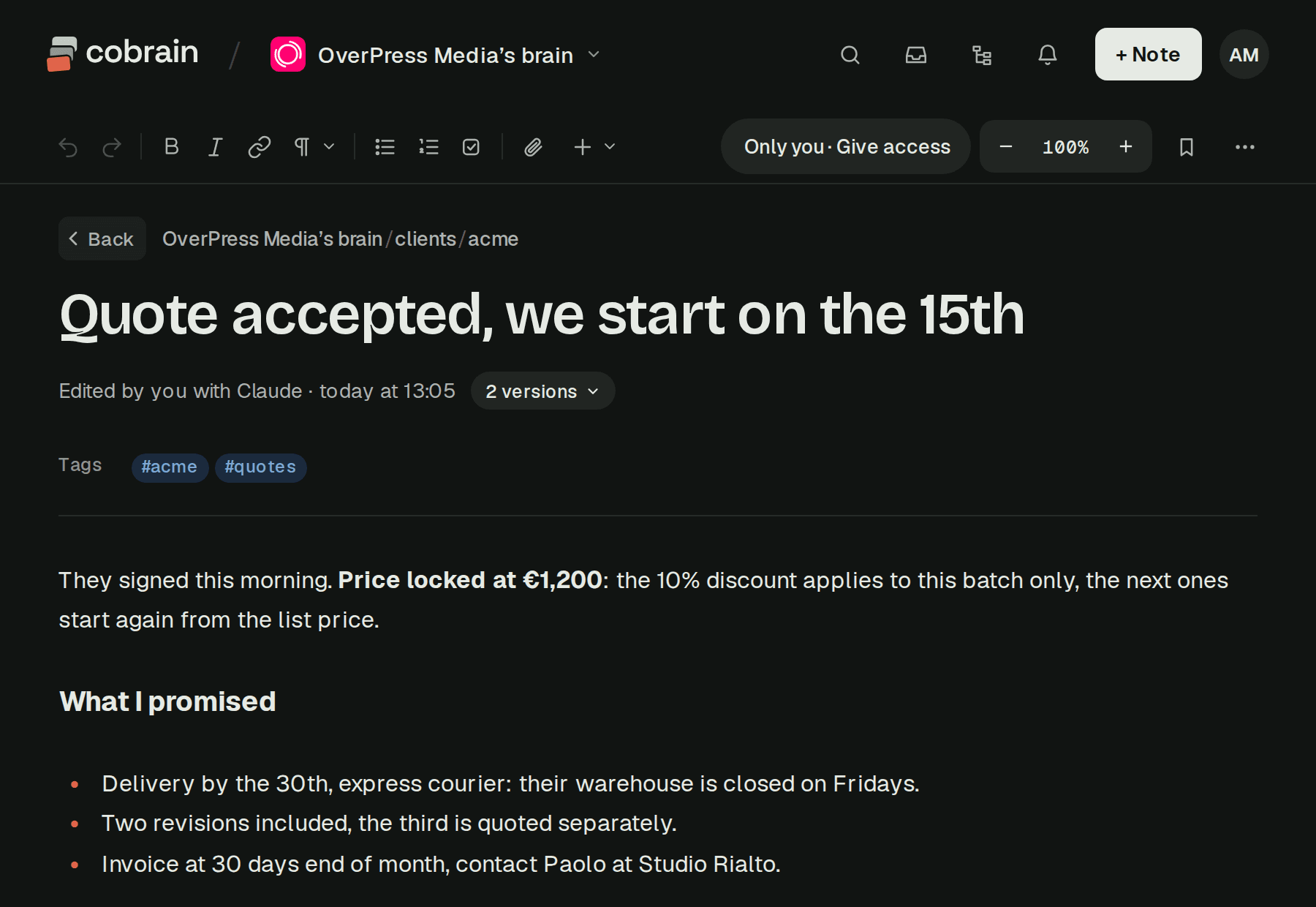
Then there's the undo. When a note changes, the previous version stays, with who changed it and when, including when it was your AI. On the free plan the last two versions are kept for three days; on Pro, the last thirty for seven days. Of the 24 tools, one deletes, and it moves things to the brain's trash. The owner can restore them for 30 days, then they're gone for good, and the AI can't see or restore the trash. The full list is in the tools your AI uses.
When you share with people, you choose read-only or write access per folder. So the setup we'd suggest is simple: let your own AI write in your brain, where every change is signed and the previous version is kept, and give colleagues write access only to the folders they work on.
Quick answers
Is it safe to let an AI edit my notes? It's reasonably safe when three things hold: the AI asks before writing or works in a limited area, every change keeps the previous version, and deletions can be undone. Without a way back, keep it read-only.
What is indirect prompt injection? Text inside a web page, file or note that is written to look like an instruction. When the AI reads it, it may act on it. OWASP lists prompt injection as the first risk for LLM applications.
Does ChatGPT ask before an MCP server writes something?
Yes. Write actions require confirmation by default, and any tool the server doesn't mark with readOnlyHint counts as a write. Your choice can be remembered for a tool until the conversation ends.
Does Claude Code edit files without asking?
Not in the default mode: file edits need your approval. Modes such as acceptEdits accept edits on their own, so use them where changes can be undone, like a git repository.
Can a Cobrain AI delete my notes for good? No. Deleting moves notes to the brain's trash, which only the owner can see and restore, for 30 days. After that they're gone. The AI has no tool to see or restore the trash.