You send three messages and Claude tells you you've hit your limit until later in the afternoon. It feels arbitrary, but it isn't. The limit isn't counted in messages, it's counted in how much Claude has to process, and some things weigh far more than they look.
This article covers how the limits work on the paid plans, what actually uses them up, what you can do about it, and where a memory outside the chat helps. Everything about Claude's plans comes from Anthropic's help pages as we read them on 10 October 2026. Anthropic doesn't publish message or token counts for its plans, so you won't find any here either.
How Claude's usage limits work
Paid plans have two limits that run side by side:
- a session limit that resets every five hours;
- a weekly limit that resets once a week, at a fixed time assigned to your account.
On Pro, the weekly limit applies across all models. Max comes in two tiers: Max 5x gives five times Pro's usage per session, Max 20x gives twenty times. Max also has a weekly limit across all models, and Anthropic's Claude Code help page mentions a separate weekly limit for the Fable models. Anthropic also says it may add other caps, such as limits on specific models or features, to manage capacity.
You don't get a number of messages. The Pro page says it outright: the number of messages you can send varies with their length. Anthropic gives relative sizes ("five times Pro") and nothing absolute.
Two more details people miss. The claude.ai apps, Claude Desktop and Claude Code draw from the same limits, so a long coding session in the terminal uses the allowance you wanted for the chat. And you can see where you stand in Settings > Usage: one bar for the current five-hour session with the time left, one for the week with its reset time.
When you hit a limit, you wait for the reset, upgrade, or, if you turned on usage credits, keep going on credits at pay-as-you-go rates.
What each plan includes, side by side with ChatGPT, is in ChatGPT vs Claude usage limits, plan by plan.
Usage limits and length limits are different things
There's a second limit that looks like the first and isn't. The context window is how much Claude can hold in a single chat, its working memory. Depending on the model it's 200K, 500K or 1M tokens on paid plans.
The usage limit caps how much you use Claude across all your chats over time. The length limit caps how long one chat can grow. Anthropic's own fix for each is different: for usage, wait or upgrade; for length, start a new conversation or use a project.
What actually uses up your limit
Anthropic lists the factors: message length, the size of attached files, the length of the current conversation, tools (web search, Research), the model, the effort level, artifacts, and multi-step tasks like running code or browsing.
The one that surprises people is conversation length. Claude doesn't remember a chat between messages. Each reply is computed over the conversation so far. Anthropic says this most plainly on its Claude Code pages: every previous message in the session is sent again on each turn, along with the files Claude has read. That's why the tenth message in a long chat costs more than the first, even if it's one line.
Long chats have a second cost. On paid plans with code execution on, Claude summarizes older messages as the chat nears the context window so it can keep going. Anthropic notes that conversations that trigger this automatic context management use more of your limit.
Tools and connectors are the third. Anthropic's words are "token-intensive": they take space in the context window and draw on your usage. That includes connectors you added and forgot about. Each one tells Claude what it can do, and that description has a size.
Projects and caching work in your favor. Documents in a project are cached, and when Claude reuses cached content, Anthropic says it counts less against your limits than new content. It doesn't say how much less, so we won't guess. Caches also expire after a period of inactivity: after a long break, your first message counts that content in full again.
What you can do about it
None of this needs a new tool. These come from Anthropic's own recommendations:
- Start a new chat for unrelated work. A fresh chat doesn't drag the old conversation along on every message.
- Put documents you reuse in a project. Projects use retrieval, so only the relevant parts load, and cached content counts less. Keep project instructions short and remove files you no longer use.
- Turn off what you don't need. Extended thinking, web search and connectors you aren't using in this chat. Lower the effort level for simple questions.
- Pick the model for the job. Model choice is one of the listed factors, and Anthropic's Claude Code page says Opus uses several times more per turn than Sonnet.
- Write one complete message instead of five small ones. Give the background up front and group related questions. Fewer round trips means less re-reading.
- Refer back instead of repeating. "As we said earlier" costs less than pasting the same text again.
Where a memory outside the chat helps
There's a pattern behind many fast-burning limits: you start each chat by giving Claude your context. The project brief, the client notes, the decisions so far. Pasted in, or attached, every time. That context then rides along on every message of the chat.
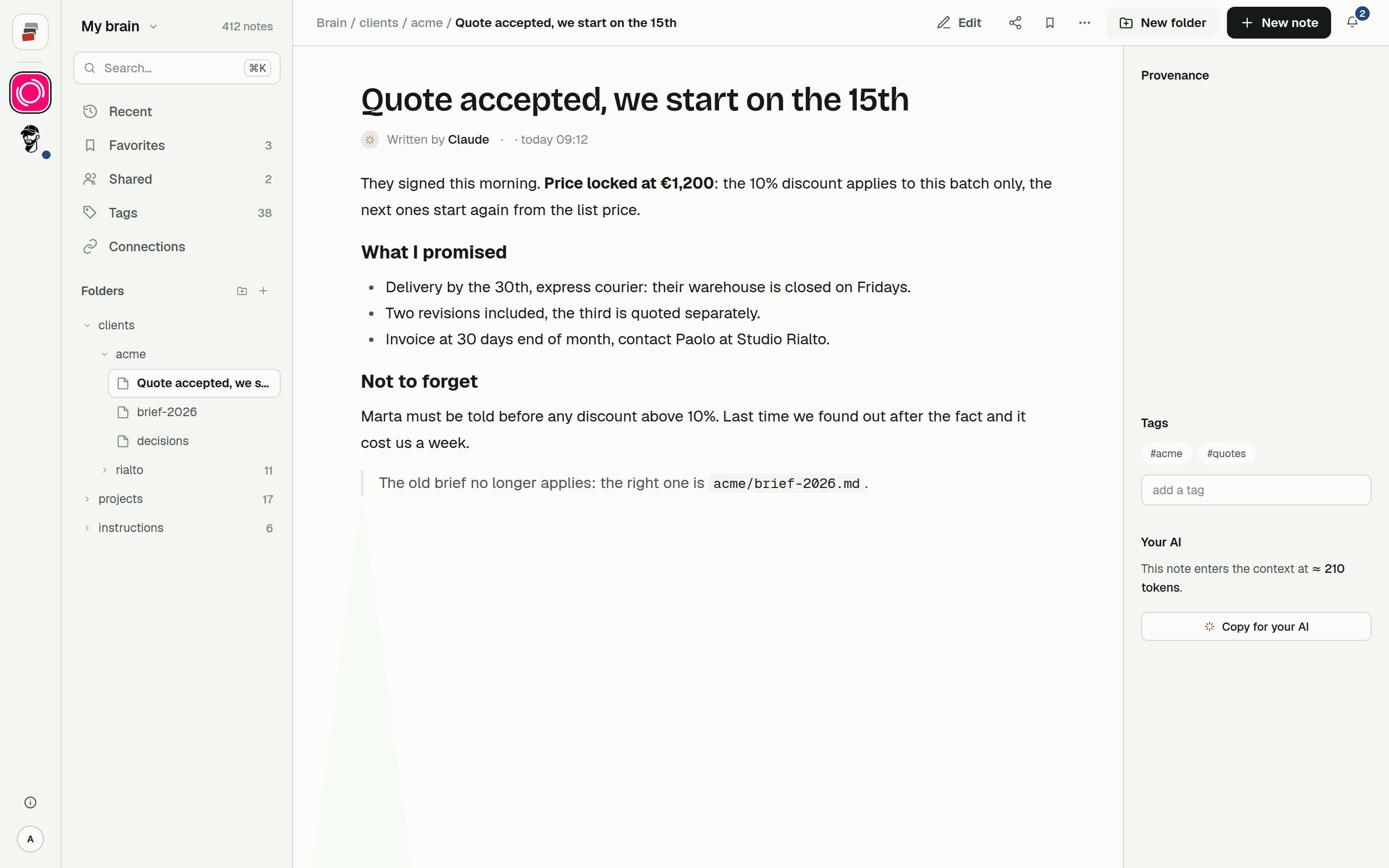
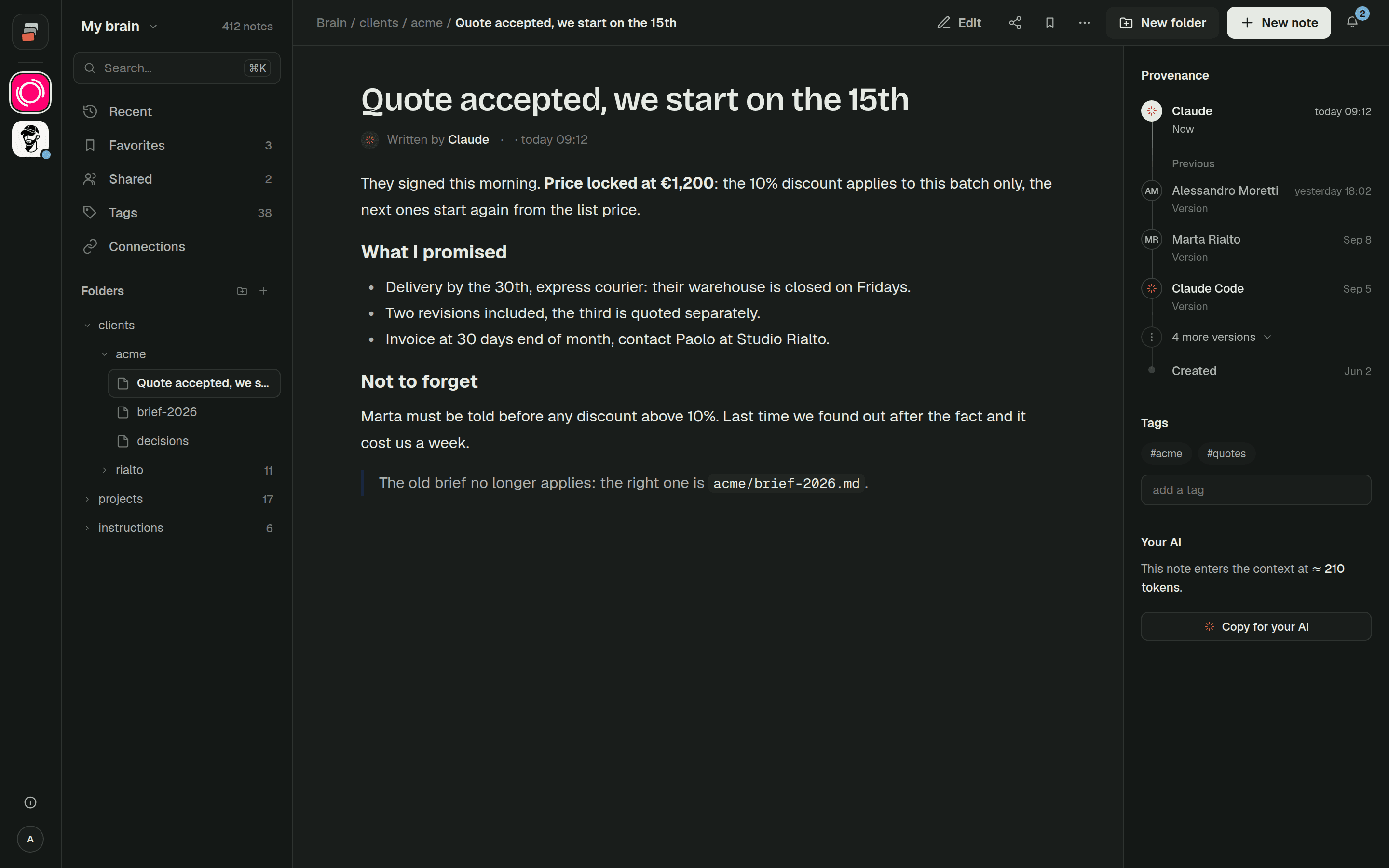
A memory outside the chat changes what Claude receives. Instead of the whole file set up front, Claude gets a short opening summary through a connector, then searches and opens only the notes the question needs.
We measured it on a real project in our own brain: 134 notes, counted with Claude's own tokenizer, derived from 258 real conversations. The files that project declares always necessary (brief, index, decisions) come to about 69,400 tokens. Cobrain's opening summary for the same project is 4,700 tokens.
The connector has a cost too, and it should be said. Having Cobrain connected adds a fixed cost of about 5,200 tokens: the definitions of its tools. So on the first message it's 69,400 against roughly 9,900, about 7 times less. Over a whole working chat (35 real chats on the same project, every note read included), the median is 2.9 times less, and 3.6 times less once you count that the model re-reads its context on every reply.
It doesn't always win. In 4 of those 35 chats Cobrain delivered more than the "without" case. Those were chats that opened a lot of notes, notes you'd have had to paste in anyway. We go through the full method in context costs.
That's what Cobrain is: a Markdown memory, in real folders, that Claude reads and writes through a connector, and that ChatGPT, Claude Code and Codex can share. It doesn't change Claude's limits, and it doesn't change what Claude does with what it reads. It changes how much you have to give it. The Claude guide takes a few minutes, and the free plan is enough to try it.
Quick answers
Why does Claude hit its usage limit so fast? Because each reply is computed over the whole conversation, plus attachments, tools and connectors. A long chat with big files can use a session's allowance in a few messages.
When does the Claude usage limit reset? The session limit resets every five hours. The weekly limit resets once a week, at a fixed time for your account. Both are shown in Settings > Usage.
How many messages do you get on Claude Pro? Anthropic doesn't publish a number. It says the count varies with message length, file size, conversation length and the features and model you use.
Does Claude have a weekly limit? Yes. Pro and Max have a weekly limit across all models, on top of the five-hour session limit. Max also has a separate weekly limit for the Fable models.
Does Claude Code use the same limit as the Claude app? Yes. Claude, Claude Desktop and Claude Code draw from the same limits on Pro and Max.
Do connectors use up my Claude limit? They do. Anthropic calls tools and connectors token-intensive: they take context space and usage. Turn off the ones you aren't using.