GitHub Copilot knows your code. It can read the file you have open, search the repository and run your tests. What it usually doesn't know is the rest: why the team dropped a library last spring, what the client said on Tuesday's call, which fix you already tried and rolled back. Start a new chat and you explain it again.
Copilot does remember more than it used to: two separate memory features plus a stack of instruction files, easy to mix up. This article sorts out what each one keeps, where it stops, and how to add a long-term memory through MCP. Facts about Copilot and VS Code were checked against GitHub's and Microsoft's documentation on 28 October 2026.
Copilot Memory: what GitHub remembers
Copilot Memory is in public preview. According to GitHub's docs, it stores two kinds of things:
- facts about a repository, such as coding conventions or build commands, which can only be used for work on that same repository and are available to everyone who has Copilot Memory for it;
- your personal preferences, which stay with you across repositories.
It's used by the Copilot cloud agent, Copilot code review, Copilot CLI and agentic autofix. Repository facts come with citations to the code that supports them, and Copilot checks those citations against the current branch before using a fact. Anything unused for 28 days is deleted automatically. Repository owners can review and delete repository facts, and you can view and delete your own preferences.
On individual plans it's on by default. On Business and Enterprise an administrator has to enable the policy first, and then each person can opt out.
The memory tool in VS Code
VS Code has its own memory, and its docs don't tie it to the GitHub feature. Agents in VS Code get a built-in memory tool that saves notes in three scopes:
- user memory in
/memories/, kept across every workspace, with the first 200 lines loaded at the start of each session; - repository memory in
/memories/repo/, kept across conversations in one workspace; - session memory in
/memories/session/, which lasts for the current conversation only.
All three are stored locally on your machine. You can list them with Chat: Show Memory Files and wipe them with Chat: Clear All Memory Files. The docs themselves say repository memory isn't a shared project file, and suggest moving stable team guidance into custom instructions or documentation under version control.
Copilot custom instructions
Then there are instructions, which are guidance more than memory:
.github/copilot-instructions.mdfor the whole repository;NAME.instructions.mdfiles under.github/instructions, with anapplyTopattern that limits them to matching files;AGENTS.md,CLAUDE.mdorGEMINI.md, which GitHub calls agent instructions and notes aren't supported by every Copilot feature;- personal instructions, and organization instructions on Copilot Business and Enterprise.
VS Code, Visual Studio and the CLI combine the files that apply without a general precedence rule, and GitHub warns that Copilot may not follow instructions the same way every time.
Where Copilot's memory stops
Put together, that's a decent amount of memory. It still leaves gaps.
It's tied to code. Copilot Memory's repository facts cite code and get checked against a branch. That's a good design for "tests live next to the file", and it simply has no place for a decision about a client or the notes from a call.
Some of it is temporary. Repository facts and preferences that go unused for 28 days disappear. That keeps things fresh, but it isn't where you'd keep the reason behind a choice made last year.
Some of it stays on one machine. VS Code's memory files are local. Switch laptops, or ask a colleague to pick up the task, and they don't come along.
And none of it leaves Copilot. Your Copilot memories and instruction files don't reach Claude in the browser, ChatGPT on your phone, or Claude Code in a terminal. If you plan a feature with one AI and build it in VS Code, the plan stays where you wrote it. We described the same wall for Cursor in How to give Cursor long-term memory with MCP, and for instruction files in CLAUDE.md vs AGENTS.md.
MCP: connecting Copilot to an outside memory
Copilot supports the Model Context Protocol, the open standard that lets an AI app use outside tools. GitHub's docs list MCP support in Copilot Chat for VS Code (1.99 or later), Visual Studio, JetBrains IDEs, Eclipse and Xcode.
In VS Code, servers go in an mcp.json file, .vscode/mcp.json in a workspace or a file in your user profile, and the guided add flow writes it for you. The top-level key is servers, not the mcpServers some other clients use. A remote server is an http entry with a URL. When a remote server uses OAuth, VS Code opens the browser on the first connection, so there's no key to paste into the file. On Copilot Business and Enterprise, the "MCP servers in Copilot" policy is off by default and an admin has to turn it on. Free, Pro, Pro+ and Max users aren't affected by it.
Copilot CLI accepts remote HTTP servers too, added with copilot mcp add and saved in ~/.copilot/mcp-config.json.
One limit to know before you choose a server: the Copilot cloud agent and Copilot code review are configured per repository in GitHub's settings, use only MCP tools, and don't currently support remote MCP servers that sign in with OAuth.
So a memory server is another MCP server. In agent mode Copilot can search it before starting and save a decision before the chat ends, and other AIs can reach the same notes. For the different kinds of memory servers, local or remote, see What is an MCP memory server.
What to look for in a memory for Copilot
A few questions narrow it down.
Can you read it? Plain text you can open, correct and export keeps you in charge. A vector store you can only query through the AI is harder to check.
Does it work where you use Copilot? An OAuth server works in VS Code today. If the cloud agent matters most to you, you need one that authenticates with a token stored as a secret.
Does it go beyond the editor? Most projects aren't only code. If the same notes are there when you talk to Claude or ChatGPT, you stop retyping context.
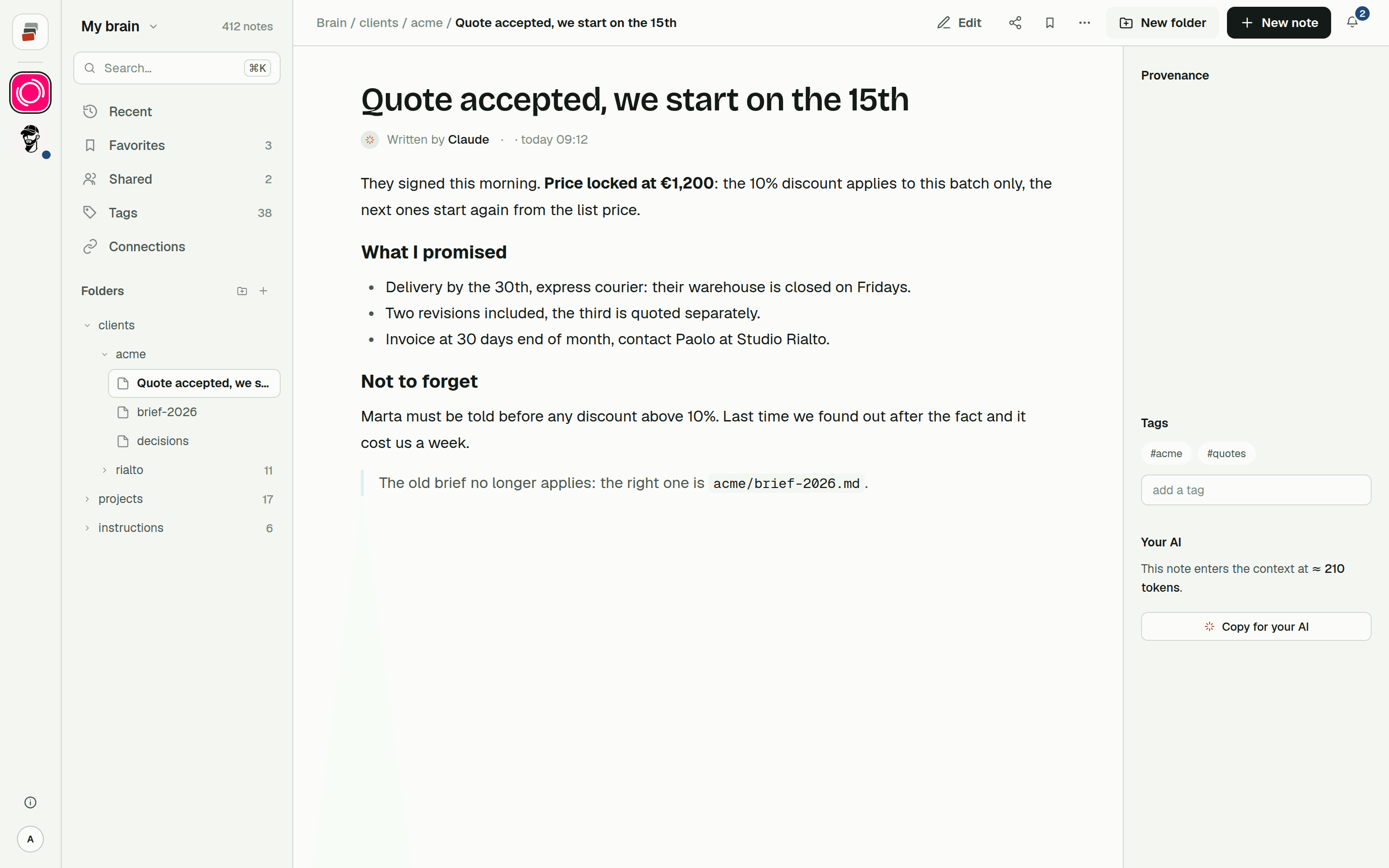
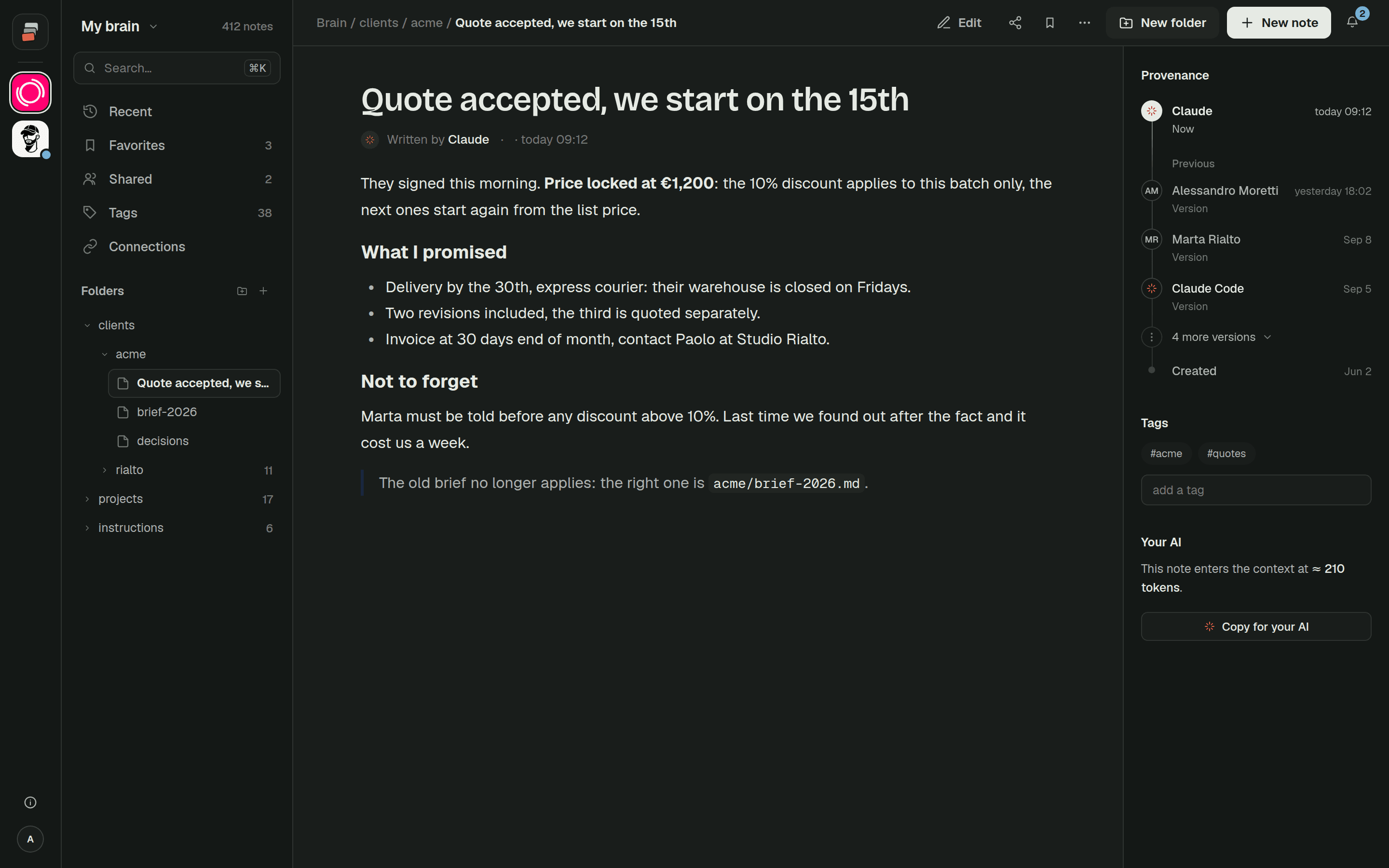
And who wrote what? When the agent saves something, you want to see that it was the agent and be able to go back to the earlier version.
How Cobrain fits
Cobrain is a shared memory built that way: Markdown notes in folders, behind a standard remote MCP server at https://cobrain.space/mcp, over Streamable HTTP with OAuth 2.1 and no API key. There's no dedicated Copilot guide yet. The tools page has a message you paste into the chat so the program can set itself up, and the guides explain how any MCP client connects.
To be clear about the limit above: because Cobrain signs in with OAuth, the Copilot cloud agent and code review can't use it today. Copilot Chat in the editor can.
Your instruction files keep doing their job, the short part about how this codebase works. Cobrain keeps the rest: client decisions, what you tried, what's still open. Each note shows who wrote it, you or one of your AIs, and earlier versions can be restored. The same notes are reachable from Claude, ChatGPT, Claude Code, Codex and Cursor. More on that in Cobrain across AIs.
Quick answers
Does GitHub Copilot have memory? Yes, in two forms. Copilot Memory (public preview) keeps repository facts and personal preferences on GitHub, and is used by the cloud agent, code review, Copilot CLI and agentic autofix. VS Code also has a local memory tool with user, repository and session scopes.
Where do Copilot custom instructions go?
Repository-wide instructions go in .github/copilot-instructions.md, path-specific ones in .github/instructions/*.instructions.md. Copilot also reads AGENTS.md, CLAUDE.md or GEMINI.md, though not in every feature.
How do I add an MCP server to Copilot in VS Code?
Add it to .vscode/mcp.json or your user mcp.json under the servers key, or use the guided add flow. Remote servers that use OAuth open a browser to sign in the first time.
Can the Copilot cloud agent use an OAuth MCP server? Not at the moment. GitHub's docs say the cloud agent and code review don't support remote MCP servers that use OAuth, and only use MCP tools.