Search for "MCP memory server" and you get dozens of GitHub repositories, each promising that your AI will finally remember things. Most of them do roughly the same job. Where they differ is where the memory lives, who can reach it, and whether you can still read it in a year.
This article explains what an MCP memory server actually is, how the common designs work, and the handful of questions that decide which one fits you.
What MCP is, briefly
The Model Context Protocol is an open standard, created by Anthropic, that lets AI applications connect to outside tools and data. The app (Claude, ChatGPT, Claude Code, Codex, an editor) is the host. Each thing it connects to is an MCP server, and the server offers the model three kinds of things: tools it can call, resources it can read, and prompts it can reuse.
The protocol has two ways to carry messages. With stdio, the app starts the server as a local process on your computer and talks to it directly. With Streamable HTTP, the server sits at a web address and the app connects over the network, usually after an OAuth login. The official docs put it plainly: local stdio servers typically serve a single client, while remote servers typically serve many.
Keep that distinction in mind. For a memory server it matters more than anything else.
What makes a server a "memory" server
Nothing in the protocol says "memory". A memory server is simply one whose tools let the model write things down and find them again later: save a fact, add to it, search, read it back. The model decides when to call those tools, based on their names and descriptions and on what you ask.
The reference implementation in the official MCP servers repository is a good example of the idea. It keeps a knowledge graph in a local JSONL file (memory.jsonl by default). You get entities such as a person or a project, relations between them, and observations, which are short strings attached to an entity. The tools do what their names say: create_entities, add_observations, search_nodes, read_graph, and a few more. It runs over stdio, on your machine.
It works, and it's a nice way to see how the pieces fit together. It also shows the trade-offs you'll run into with anything else.
Three ways to store the memory
Broadly, memory servers keep what they learn in one of three shapes.
A knowledge graph, like the reference server. Tidy and structured, but facts get chopped into small observations, and the file is meant for the program more than for you. Opening memory.jsonl to check what your AI "knows" is possible. It isn't pleasant.
A vector store. Text is turned into embeddings and retrieved by similarity, so a question can find a note that uses different words. The cost is an extra embedding step on every write and search, and results that are hard to explain when they go wrong. You also can't read a vector.
Plain notes. The server stores text documents, often Markdown, in folders, and searches them by words and names. Less clever on paper. But a person can open the same notes, fix them and move them, and the AI's memory stops being a black box.
None of these is wrong. They just answer different questions, and the right one depends on who's going to use the memory besides the model.
Local or remote: the choice that decides everything else
A local server is private by default and costs nothing to host. It's also stuck on one computer. The Claude app on your phone can't start a process on your laptop, and neither can a colleague. If you use two machines, you have two memories that know nothing about each other.
A remote server is reachable from anywhere you can sign in: the chat apps in the browser, the phone, Claude Code on a server, a teammate's Codex. The price is that someone has to run it, and you need to trust how it handles login and permissions.
Here's what the main apps support today:
- Claude (web, desktop, Cowork) takes remote servers as custom connectors on every plan, including Free, which is limited to one custom connector. Claude Desktop can also run local servers.
- ChatGPT supports full MCP, read and write. The simplest way is a plugin: you upload it on the web (Plugins → + → Upload plugin) and it works on every plan, the free one too. The alternative is developer mode, on the web, for Plus, Pro, Business, Enterprise and Education accounts. Write actions ask for confirmation by default.
- Claude Code adds a remote server with
claude mcp add --transport http <name> <url>, then/mcpto log in. The--scope userflag makes it available in every project. - Codex supports both stdio and Streamable HTTP servers. A remote one goes in
config.tomlunder[mcp_servers.<name>]with aurl, andcodex mcp login <name>handles OAuth.
So if you only ever use one coding agent on one machine, local is fine. The moment a chat app or a second person is involved, you need remote.
Questions to ask before you pick one
- Which AIs need to reach it? List them, including the phone. That settles local versus remote.
- Can you read what it stored? If the only way to inspect the memory is to ask the AI, you won't notice when it saves something wrong.
- What happens when the AI overwrites something? Models make mistakes on writes. Look for version history, or at least a guard against replacing a long note with a short one.
- Who else can see it? For a team, permissions should be enforced by the server, not left to the model's good manners.
- How does search work? Word search is predictable and cheap. Similarity search finds more but can surprise you. Know which you're getting.
- Can you leave? An export into ordinary files means your memory survives the tool. A proprietary format means it doesn't.
Where Cobrain fits
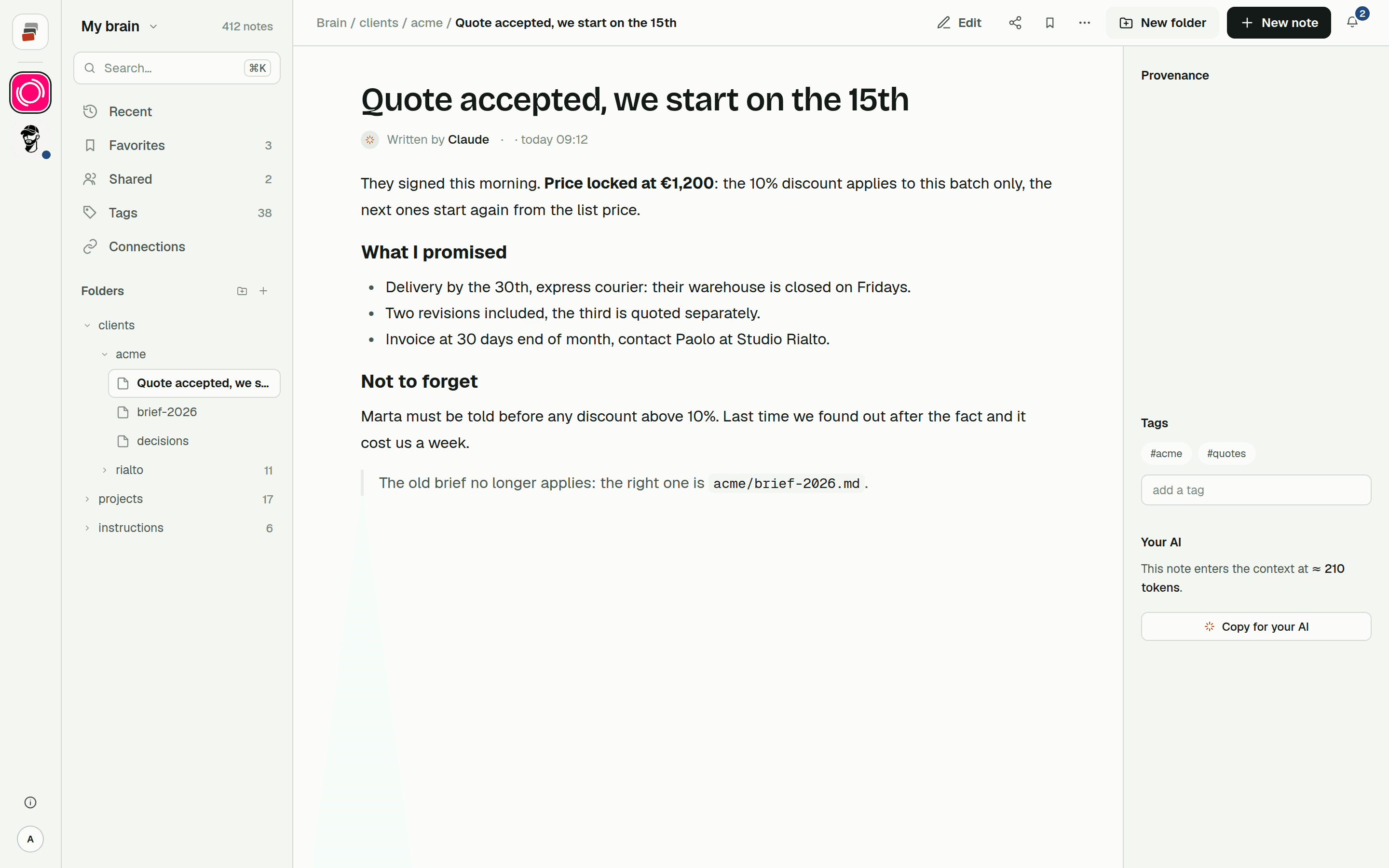
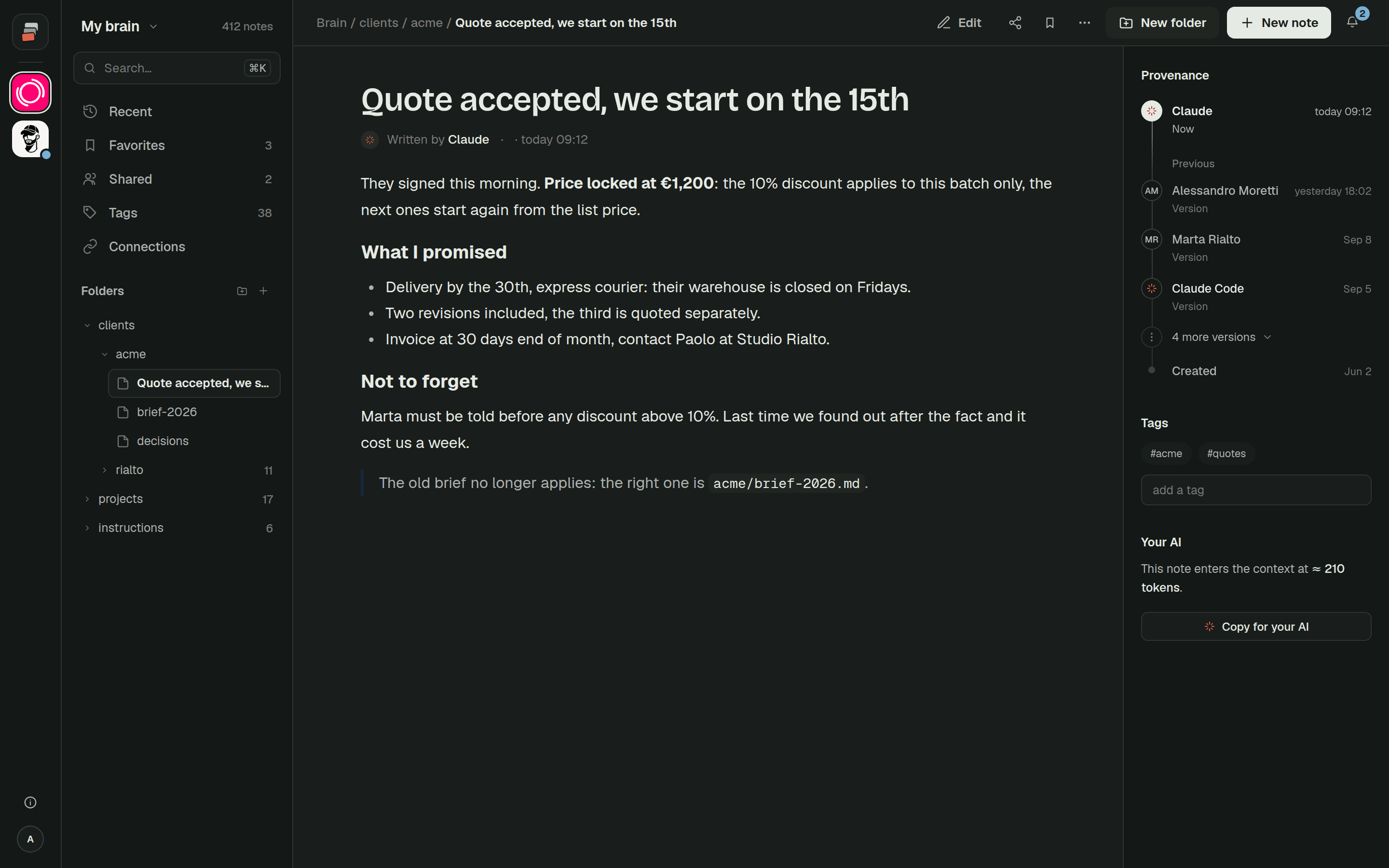
Cobrain is a remote MCP memory server built around the plain-notes approach. One address works for every AI, over Streamable HTTP with OAuth 2.1, so there's no API key to paste. Every note is a Markdown file in folders you arrange yourself, and you can export all of it at any time. Search is a word index that updates as you write, and it's explained step by step in how the AI finds things. Each write keeps the previous version, and every note records which program changed it.
The connector has nineteen documented tools, and all of them run with your permissions: what you can't do, the AI can't do either. The guides walk you through setup for Claude, ChatGPT and Claude Code. If you're still deciding whether the built-in memory is enough, start with how Claude's memory works.
Quick answers
What is an MCP memory server? An MCP server whose tools let an AI save information and look it up later, so it carries over between conversations and, with a remote server, between apps.
Is the official MCP memory server enough? For one person on one computer, it can be. It stores a knowledge graph in a local file and runs over stdio, so the chat apps in the browser or on your phone can't reach it.
Does ChatGPT support MCP memory servers? Yes. You upload a plugin on the web, on any plan, the free one too; the alternative is developer mode, for Plus, Pro, Business, Enterprise and Education accounts. Write actions ask for confirmation by default.
Local or remote MCP server for memory? Local if a single app on a single machine uses it. Remote if you want the same memory in Claude, ChatGPT and your coding agents, or shared with a team.