Start a new conversation in Google Antigravity and the agent knows your code, because it can read it. It doesn't know what you settled yesterday: that the staging database is off limits, that the client wants dates written the European way, that the obvious fix was tried last week and broke the build. Google's own documentation says it plainly: "Agents don't remember conversations."
This article covers what Antigravity does keep between sessions, where that stops, and how to give it a long-term memory over MCP that you can read and correct. Everything about Antigravity here was checked against its official documentation on 25 November 2026.
What Antigravity keeps between sessions
Instructions, mostly. Antigravity reads rules from your filesystem and puts them into the agent's context on every turn where they apply. It looks in two places.
In the workspace, it loads an AGENTS.md or GEMINI.md file, or a .agents/rules/ folder, in the workspace folder and in every parent folder up to the repository root. It does not look in subfolders below the workspace, even when the agent is editing files there.
Globally, it reads ~/.gemini/GEMINI.md or ~/.gemini/AGENTS.md, which apply to every project on your machine, plus modular rules in ~/.gemini/config/rules/.
AGENTS.md and GEMINI.md are plain Markdown and always active. Files inside a rules/ folder need YAML frontmatter with a trigger: always_on, model_decision (the agent sees only the description and reads the rule when it fits), glob (it switches on for matching files) or manual (only when you @-mention it). Watch out for one thing: a rule file with missing frontmatter, or a misspelled trigger like alwaysOn, is dropped without a warning.
Next to rules there are skills: a folder with a SKILL.md file, in .agents/skills/ or globally in ~/.gemini/config/skills/. The agent sees every skill's name and description on each turn and reads the full instructions only when one looks relevant. Google's rule of thumb is a rule for constraints ("always use zod for validation") and a skill for procedures ("how to run database migrations").
Then there's /learn, which is the closest Antigravity comes to remembering on purpose. After you've corrected the agent, you type /learn and it looks back over the session, finds the lesson and decides whether it's a rule or a skill. It writes a learning_proposal.md for you to review, and it only changes files after you approve. If nothing in the session is worth keeping, it says so.
How /learn saves a lesson
- 1You correct the agentin the session
- 2You type /learnwith or without a focus
- 3It writes a proposal
learning_proposal.md - 4You approvethen it writes the rule or skill
Past conversations aren't lost either. In the Antigravity App you can type @ and pick a conversation, and the agent reads its saved transcript when it needs the details. The CLI keeps conversation history per working directory, and you pick it back up with /resume or agy --continue. Both help, but you have to remember which conversation to point at.
Older guides and forum threads mention Knowledge Items. Today's documentation doesn't list them, so we've left them out.
Where it stops
Rules and skills are good at "tests run with this flag" and "never import across these packages". They're less good at the rest of what you'd want an assistant to remember.
They live with the code. A rule sits in the repository or in ~/.gemini on your machine. A decision about a client, notes from a call, the reason you switched suppliers: none of that belongs in a repo, and on a second laptop the global rules aren't there.
They have a budget. Google caps each rule file at 24,000 bytes, and all always-on and global rules share a 20,000-token budget. Past that, Antigravity demotes the largest files to a one-line pointer the agent has to go and read. Rules are meant to stay short. They aren't a running log of what happened and why.
/learn saves lessons, not history. It's built to catch corrections and turn them into constraints or procedures. It won't keep last week's decision about the pricing page.
They stay in Antigravity's world. AGENTS.md helps a little, because other coding agents read the same file; we covered that overlap in CLAUDE.md vs AGENTS.md. But a file in a repo still doesn't reach Claude in the browser or ChatGPT on your phone. If you plan a feature in one of those and build it in Antigravity, the plan stays where you wrote it.
MCP: the way in for a real memory
Antigravity supports the Model Context Protocol across the App, the CLI, the IDE and its extensions. From the docs:
- servers are defined in
mcp_config.json: in the CLI and the IDE that's~/.gemini/config/mcp_config.jsonfor every project, or.agents/mcp_config.jsonfor one workspace, and the App shows them under Customizations; - local servers start with a
command, and remote ones need aserverUrland the Streamable HTTP transport (the old HTTP+SSE transport isn't supported); - for remote servers that support it, Antigravity handles the OAuth sign-in itself, so there's no key to paste;
- tools load lazily by default: their schemas stay on disk and the agent reads one when it needs it, which keeps the context small;
- MCP tool calls ask for your approval unless you've set a permission for them.
Where Antigravity reads from
repo/AGENTS.mdor GEMINI.md, always active.agents/rules/need atriggerin the frontmatterskills/one folder per skill, withSKILL.mdmcp_config.jsonMCP servers for this workspace~/.gemini/GEMINI.mdglobal rules, every project~/.gemini/config/mcp_config.jsonMCP servers, every project
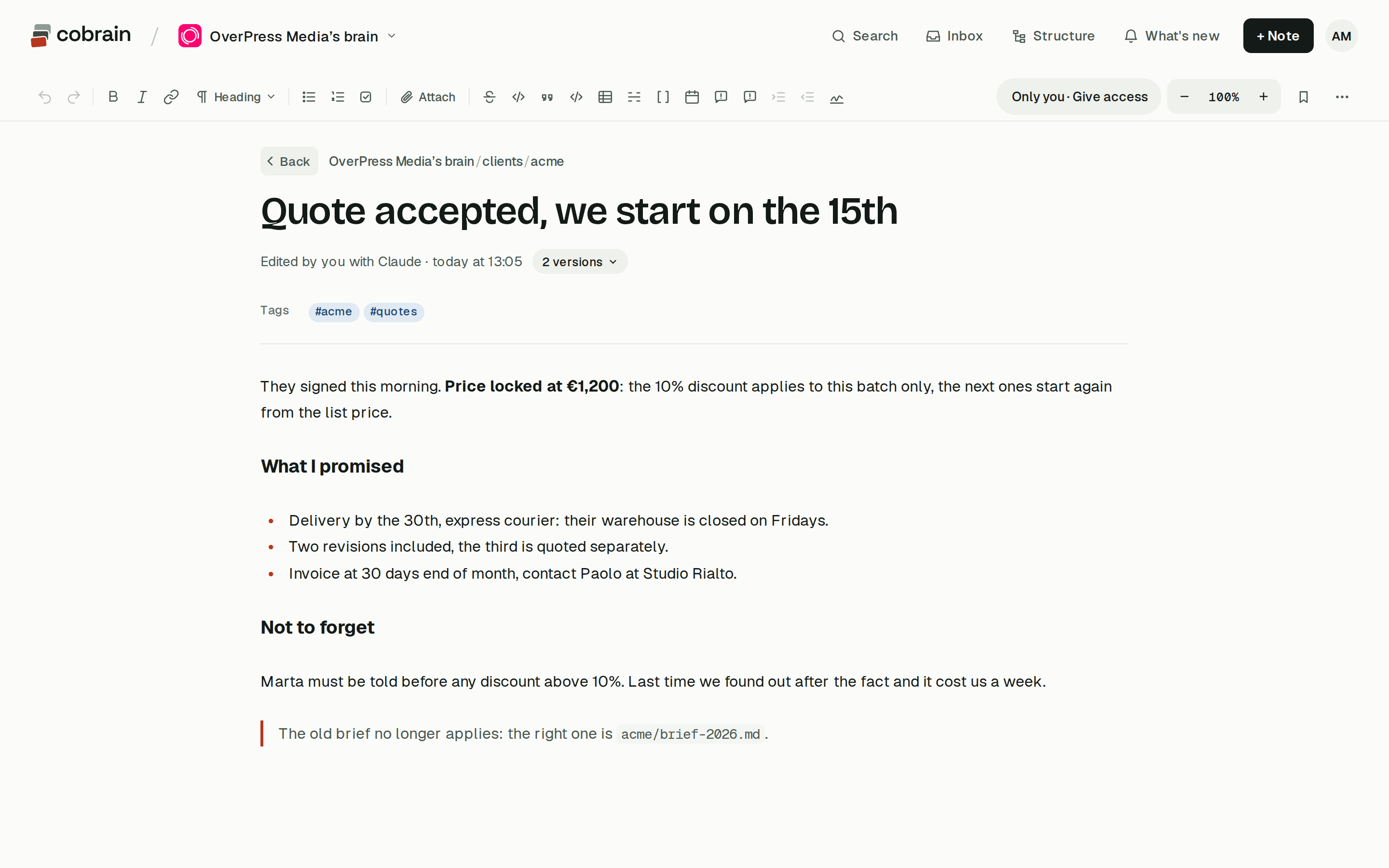
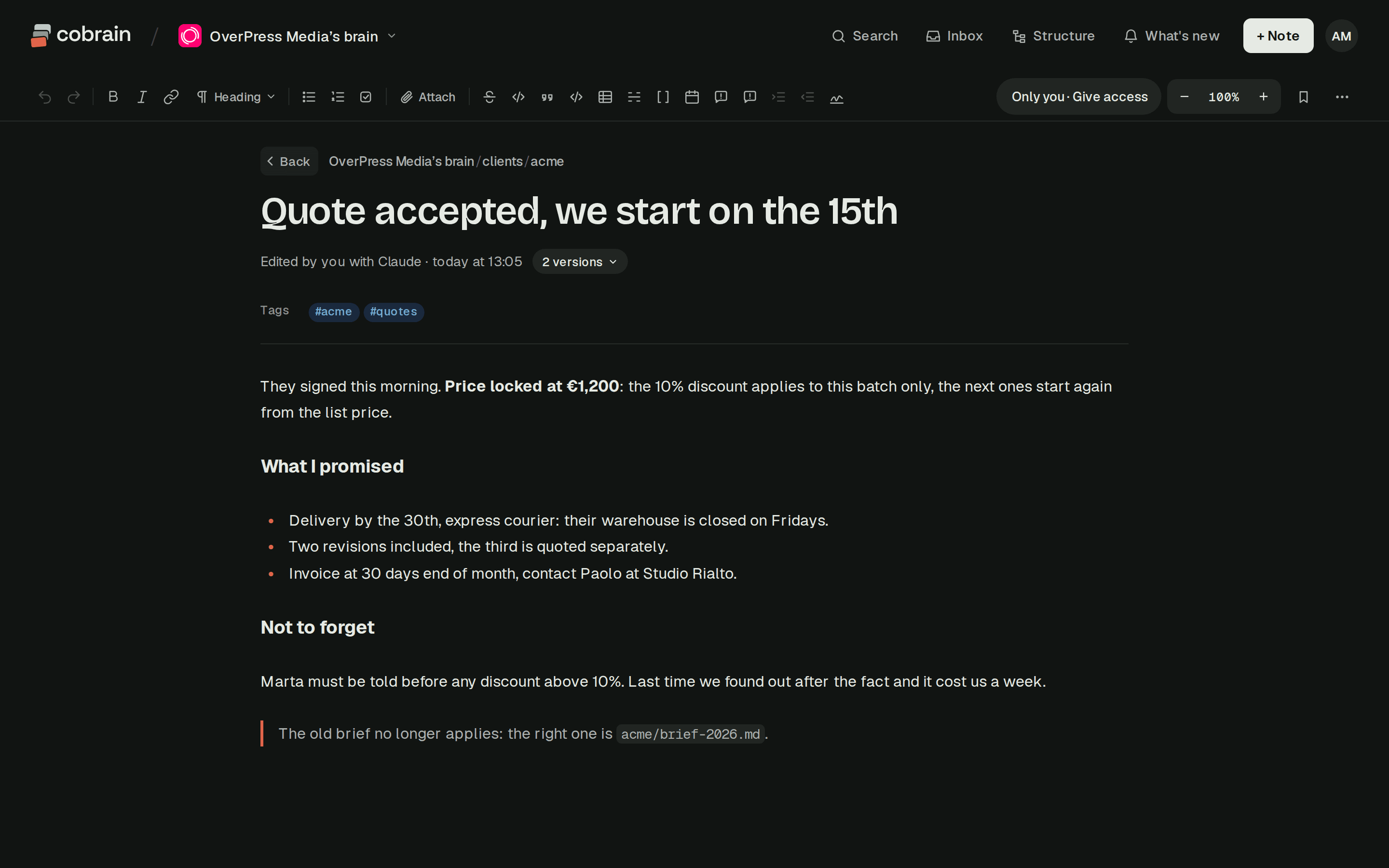
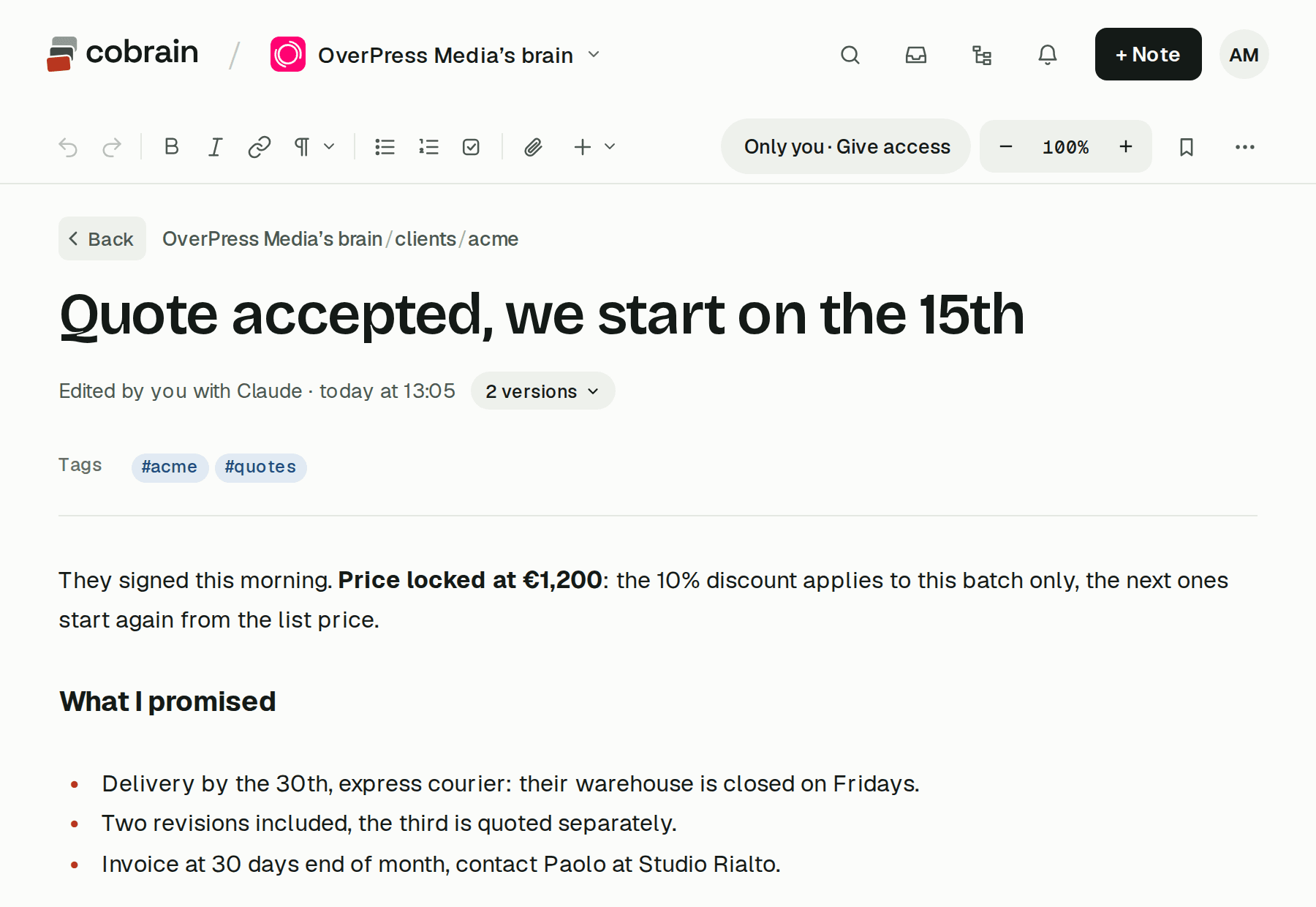
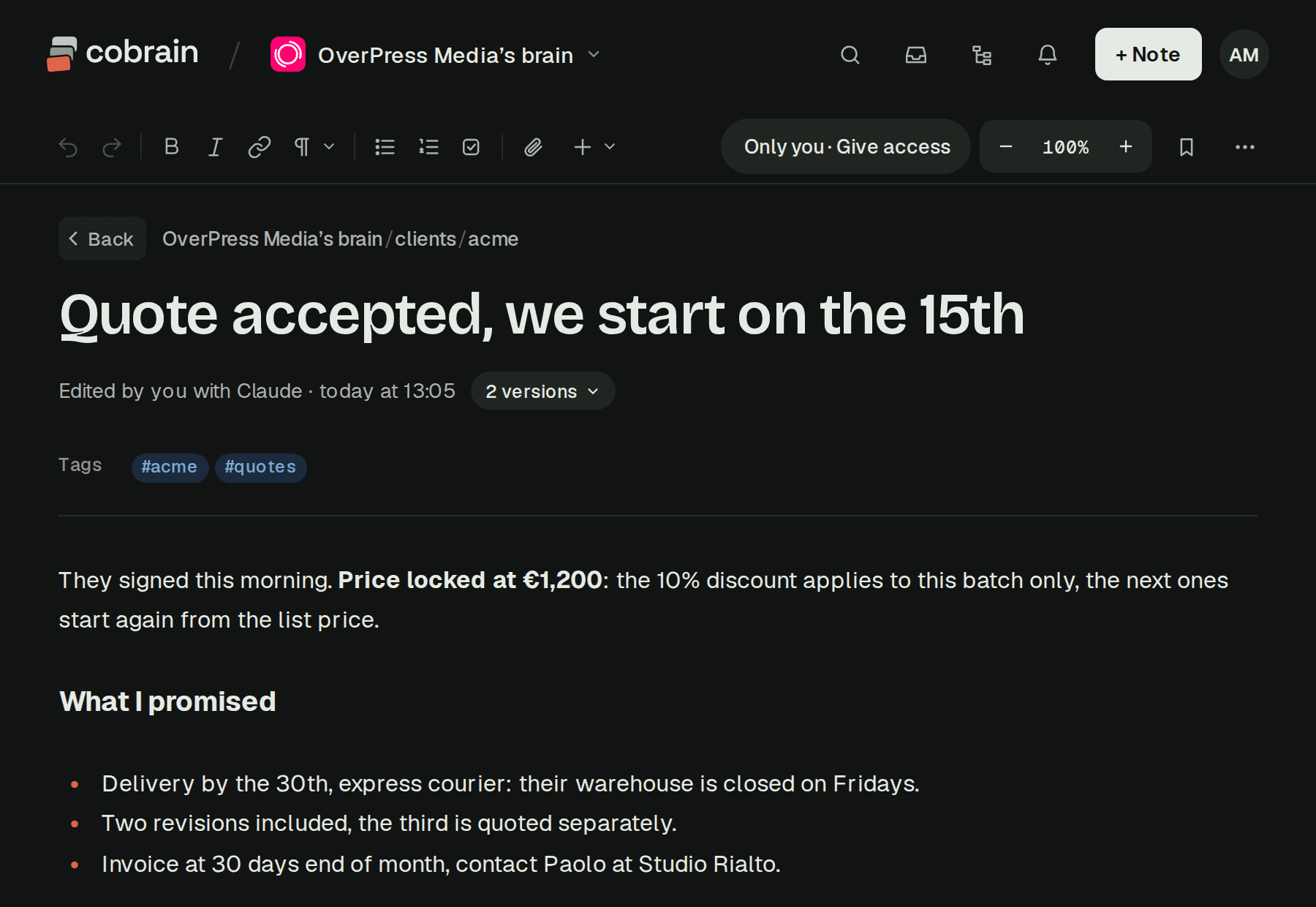
That's all a memory needs. Connect a server that holds notes, and the agent can look things up when a task starts, open the two or three notes that matter, and save a decision before you close the session. The server isn't inside Antigravity, so Claude or ChatGPT can open those notes too. There's more on the kinds of memory servers in What is an MCP memory server.
Rules or a memory over MCP
| Rules and skills | Memory over MCP | |
|---|---|---|
| Where they live | repo or ~/.gemini | outside, on a server |
| Size | 24 KB a file, 20,000-token budget | the agent reads only what it needs |
| Other computers | only with the repo | |
| Claude, ChatGPT |
How Cobrain fits
Cobrain is a shared memory built that way. Notes are Markdown files in folders, behind a remote MCP address. To connect it you ask Antigravity to add Cobrain to its MCP configuration, press Authenticate, allow access on the Cobrain page and paste back the code Antigravity gives you. The Antigravity guide has the six steps with screenshots, about five minutes.
Keep AGENTS.md and your rules for the short list of how this codebase works. The notes in Cobrain are for everything around it: what a client asked for, what you already tried, what's still open. When a note changes, the previous version stays, with who changed it and when, including when it was your AI, so a bad edit can be undone. The same notes are reachable from Claude, ChatGPT, Claude Code, Codex and Cursor, which is what a rule file can't do. How that works is on Cobrain across AIs.
Quick answers
Does Antigravity remember previous conversations?
Not on its own. Google's docs say agents don't remember conversations. You can @-mention a past conversation in the App, resume one in the CLI, and turn lessons into rules or skills with /learn.
Where does Antigravity read rules from?
AGENTS.md or GEMINI.md and .agents/rules/ in the workspace and its parent folders up to the repository root, plus global rules in ~/.gemini/.
Does Antigravity read AGENTS.md?
Yes. It loads AGENTS.md or GEMINI.md from the workspace folder and from each parent folder up to the repository root, and both are always active.
How do I add an MCP server to Antigravity?
The App lets you add servers from a list under Customizations. For any other server, edit mcp_config.json: ~/.gemini/config/mcp_config.json for every project, .agents/mcp_config.json for one workspace. Remote servers use serverUrl.
Can Antigravity and Claude share the same memory? Not through rules, which stay in the repository and on your machine. They can share notes kept behind an MCP server both are connected to.