Claude Code starts every session with an empty context window. Whatever it figured out yesterday about your build, your tests or the way you like commits written is gone, unless something writes it down. Two things do: the CLAUDE.md files you write, and auto memory, the notes Claude writes for itself.
This article is about the second one. Where those notes live, what gets saved, how much of it Claude actually reads at the start of a session, how to look inside and switch it off, and where it runs out.
What auto memory is
Auto memory lets Claude keep what it learns across sessions without you writing anything. While it works, it saves notes of four kinds, recorded as a type field in each file's frontmatter:
user: your role, your experience, how you like to work;feedback: corrections you give it, and approaches you confirmed;project: ongoing work, deadlines and decisions that can't be worked out from the code or the git history;reference: where to find things outside the project, such as the issue tracker or a dashboard.
What it leaves out matters just as much. Claude skips anything it can derive from the codebase (architecture, file paths, how a bug was fixed) and anything your CLAUDE.md already says. It also doesn't save something every session. It writes a note only when it thinks the information will be useful in a later conversation.
You can push it, too. Say "remember that the API tests need a local Redis" and it goes into auto memory. If you want it in CLAUDE.md instead, you have to say so: "add this to CLAUDE.md".
Where the files live: MEMORY.md and topic files
Each project gets a folder at ~/.claude/projects/<project>/memory/. The project is worked out from the git repository, so every worktree and subfolder of the same repo shares one memory. Outside git, the project root is used.
Inside there's an index and one file per memory:
~/.claude/projects/<project>/memory/
├── MEMORY.md           # the index, one line per memory
├── user_role.md        # one memory
├── feedback_testing.md # another memory
└── ...
MEMORY.md is the table of contents. The topic files hold the detail. Everything is plain Markdown, and you can read it, edit it or delete it whenever you like.
Since version 2.1.214, Claude Code also stamps a modified date into the frontmatter each time Claude writes a memory file that has one. Small thing, but useful: both you and Claude can see how old a fact is before trusting it.
These files also aren't swept away with old session transcripts. The cleanup that deletes transcripts after cleanupPeriodDays skips the memory folder, so a note stays until you or Claude removes it.
What loads at the start of a session
This is the part that is easy to get wrong. Claude doesn't read its whole memory when a session starts. It reads the first 200 lines of MEMORY.md or the first 25 KB, whichever comes first. Anything past that isn't loaded.
Topic files aren't loaded at startup at all. Claude opens them with its normal file tools when it decides it needs them, and the index is how it knows what's there. A note that's well written but missing from the index, or buried past line 200, is in practice a note nobody reads.
Claude Code keeps an eye on the size. After Claude writes to MEMORY.md, it checks the file against the two limits. Near a limit, it tells Claude to tighten up: one line per entry, details moved into topic files, stale entries merged or dropped. Over a limit, the write still goes through, but Claude gets an error asking it to rewrite the index, because the extra lines would be cut off on the next load.
For comparison, CLAUDE.md files have no such cutoff. Claude Code loads one up to 4 MiB in full and skips anything bigger. Shorter still works better, though, and we covered what belongs in them in CLAUDE.md vs AGENTS.md.
How to see it, edit it, or turn it off
Run /memory in a session. It lists your CLAUDE.md files, has a switch for auto memory and opens the memory folder, so you can see what Claude saved. When the interface shows "Saved 2 memories" or "Recalled 2 memories", that's Claude writing to or reading from that folder.
Auto memory is on by default in local sessions. There are a few ways to turn it off:
- the switch in
/memory, which writesautoMemoryEnabledto~/.claude/settings.json; "autoMemoryEnabled": falsein a single project's settings, to turn it off just there;- the environment variable
CLAUDE_CODE_DISABLE_AUTO_MEMORY=1.
To keep the folder somewhere else, set autoMemoryDirectory in your settings. It has to be an absolute path or start with ~/.
One detail that catches people: subagents don't get the main conversation's auto memory. The exception is a fork, which inherits the parent conversation. A subagent can keep its own memory if you enable it with the memory field, but that's a separate folder.
The limits of auto memory
Auto memory works well for what it was built for: remembering how you work in this repository, on this computer. The limits come from the same design.
It's machine-local. The documentation says it plainly: the files aren't shared across machines or cloud environments. Switch from the desktop to the laptop and Claude starts from zero again.
It's yours alone. It sits in your home folder, not in the repository, so a colleague working on the same code doesn't see any of it. Their Claude Code learns the same lessons from scratch.
It's Claude Code's only. What Claude remembers in the chat app is a different system (we explained it in Claude memory), and other agents don't read this folder. A decision made in a chat with Claude, or in a session with another agent, never reaches it.
And the index is small. 200 lines is plenty for preferences and a handful of gotchas. It isn't enough for the full history of a project with several clients, a year of decisions and the reasons behind them.
A memory that follows the project, not the computer
None of this is a reason to switch auto memory off. Leave it on for the small personal stuff. For knowledge the whole team needs, the answer is to keep it outside your computer and let Claude Code read and write it through a connector. Claude Code supports MCP, an open protocol, and so do the Claude and ChatGPT apps and Codex.
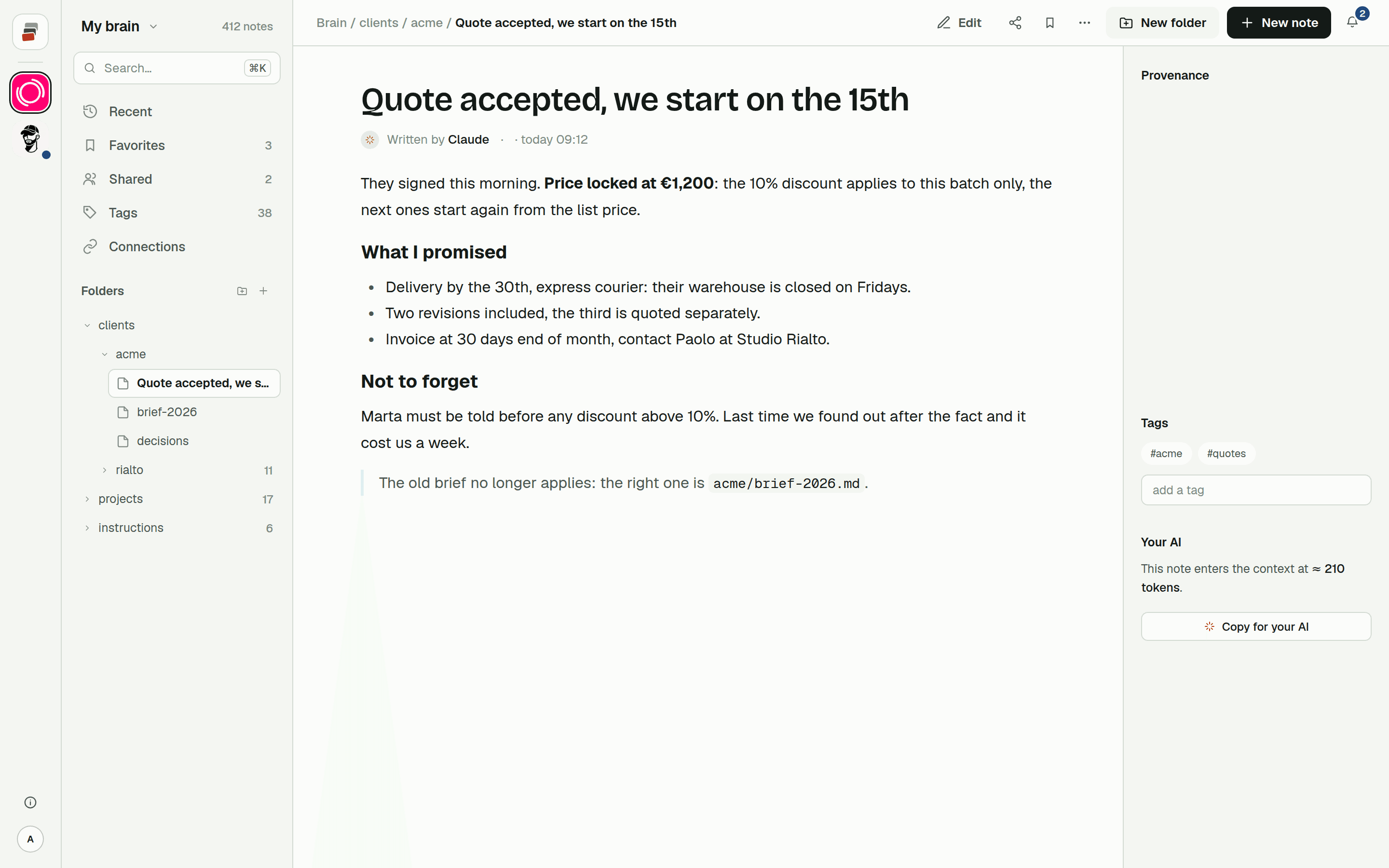
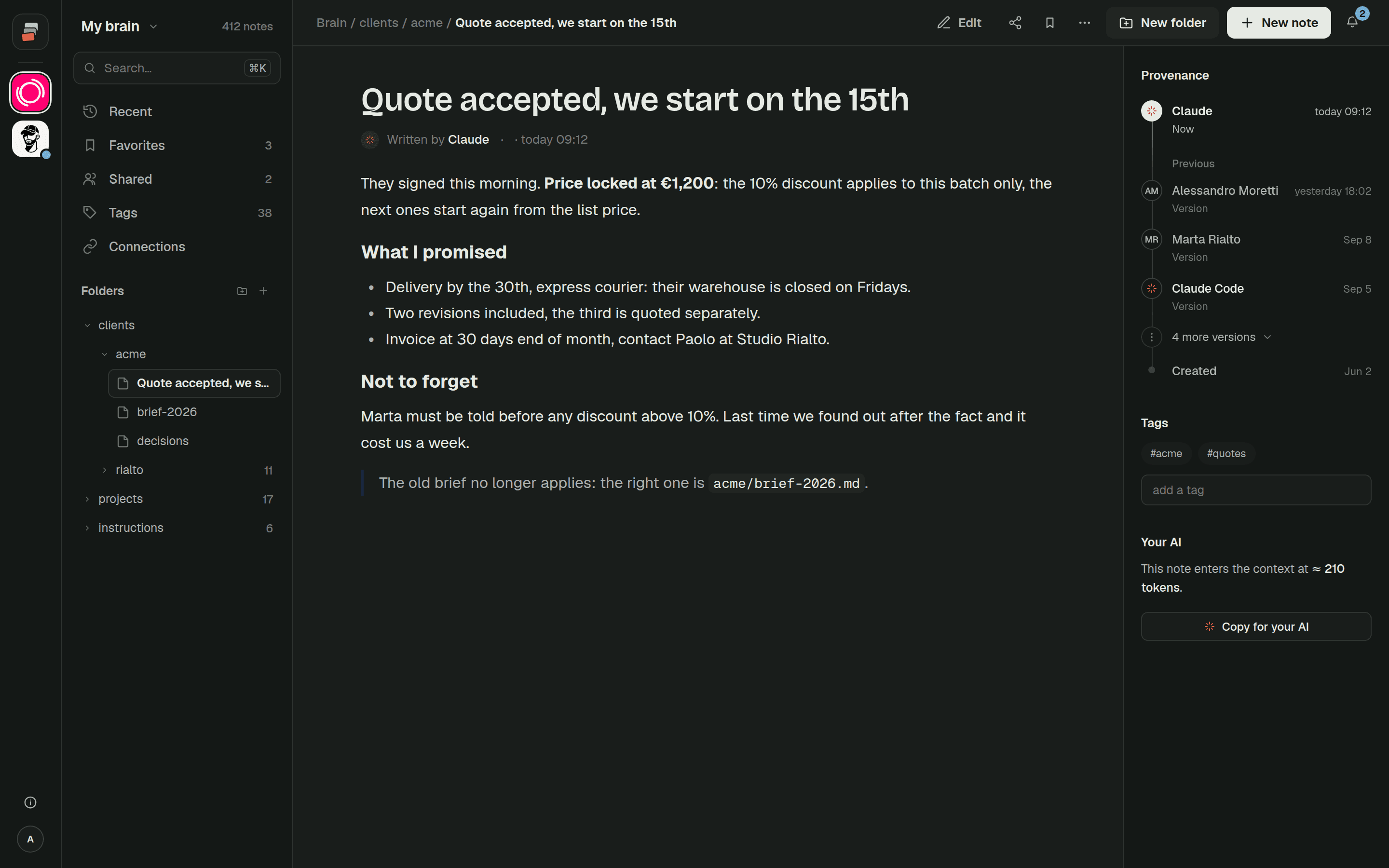
With a shared Markdown memory, each client or project is a folder with its rules, decisions and notes. Two lines in CLAUDE.md are enough to tell Claude Code to load that folder at the start (start_session on the project) and to write new decisions there instead of in a local file. From then on, the notes are the same on every computer, the chat app reads the same folder, and you can share a folder with a colleague, read-only or with write access.
It also costs less than it sounds, because Claude searches the notes and reads only what it needs instead of loading everything at the start. We explain why that matters in context costs.
That's what we built Cobrain for. The Claude Code guide takes a few minutes, and the free plan is enough to try it.
Quick answers
Where does Claude Code store its memory?
In ~/.claude/projects/<project>/memory/, with a MEMORY.md index and one Markdown file per memory. The project is worked out from the git repository, so worktrees share the same folder.
Why did Claude Code forget something I told it?
Either it decided the information wasn't worth saving, or the note sits past the first 200 lines or 25 KB of MEMORY.md, which is all that loads at startup. Open /memory and look at the folder.
What's the difference between CLAUDE.md and MEMORY.md?
You write CLAUDE.md, with instructions and rules, and it loads in full. Claude writes MEMORY.md as an index of what it learned, and only the beginning of it loads.
Does Claude Code memory sync between computers? No. Auto memory is local to the machine. To have the same knowledge everywhere, keep it in shared notes that Claude Code reaches through MCP.
How do I turn off Claude Code auto memory?
Use the switch in /memory, set "autoMemoryEnabled": false in a project's settings, or set the environment variable CLAUDE_CODE_DISABLE_AUTO_MEMORY=1.