Before you drop a contract, a payslip or a client's figures into a chat, it helps to know where that file goes and who can read it later. That depends less on which AI you use than on your plan and a couple of settings. This is what Anthropic and OpenAI say in their official pages as of 10 October 2026, what you control, and a short list of things to check before uploading. None of it is legal advice.
Claude: training is a setting you choose
On the personal plans (Free, Pro, Max, and Claude Code used with those accounts), whether your chats help train Claude depends on the Model Improvement setting in Settings > Privacy. Anthropic's pages describe what each choice means. With it on, new or resumed chats and coding sessions may be used, and they're kept in de-identified form for up to five years. With it off, your chats aren't used for future training. Data already in a training run, or in a model already trained, stays there.
There are exceptions. Rate a reply with thumbs up or down and the whole conversation is stored for up to five years, separated from your user ID, and may be used for training where the law allows. A chat flagged for a Usage Policy violation may be kept for up to two years.
Incognito chats aren't used to improve Claude even with Model Improvement on. They stay out of your history and memory and are kept for 30 days by default. Every plan has them, but on Team and Enterprise the account owners see them in data exports. Anthropic's training page also says raw content from connectors and MCP servers isn't used "unless you directly copy it into a conversation".
When you delete a chat, it leaves your history at once and is removed from Anthropic's back end within 30 days.
On the business plans (Team, Enterprise) and on the API, Anthropic doesn't train on your inputs and outputs by default. The exception is again feedback you send yourself, and admins can switch off chat rating for the whole organization.
Anthropic's own help page is blunt about it: be careful with financial information, health records and passwords, and think before sharing confidential business or personal documents.
ChatGPT: you have to opt out
On the personal plans (Free, Go, Plus, Pro), OpenAI says it may use your content to train its models. You opt out in Settings > Data controls by turning off "Improve the model for everyone", or in the Privacy Portal with "Do not train on my content". Either one is enough, and it also covers Codex tasks on a personal plan. Codex has its own "Include environments" setting, which the other two don't change.
The exceptions look a lot like Claude's. Even after opting out, if you rate a reply, "the entire conversation associated with that feedback may be used" for training. A temporary chat stays out of your history, creates no memories and isn't used for training, but OpenAI may keep a copy for up to 30 days for safety. Save it and it becomes a normal chat with your normal settings.
Files need their own attention. Deleting a chat doesn't delete a file saved in Library, and files in a project stay until you delete the project or the file. A GPT that uses actions sends data to a third party, under that party's privacy policy.
A deleted chat leaves your account at once and is scheduled for permanent deletion within 30 days, unless it was already de-identified or OpenAI has to keep it for security or legal reasons.
On Business, Enterprise and Edu, OpenAI doesn't use your content for training by default. On Enterprise, admins decide how long data is kept. On Business, workspace admins can view, export and delete members' conversations, which is worth knowing before you paste something personal into a work account.
What you control
| Claude | ChatGPT | |
|---|---|---|
| Training on personal plans | Model Improvement, in Settings > Privacy | Used unless you opt out, in Settings > Data controls |
| Chat outside history | Incognito, kept 30 days by default | Temporary, a copy up to 30 days |
| Rating a reply | Whole conversation kept up to 5 years | Whole conversation may be used, even after opting out |
| Deleted chat | Removed from the back end within 30 days | Permanent deletion within 30 days |
| Business plans | No training by default | No training by default |
Before you upload a confidential file
- Don't upload passwords, API keys, card numbers or other people's identity documents. No setting makes that a good idea.
- Check which account you're in. Personal and work accounts follow different rules, and in a work account your admin may be able to read what you write.
- Change the training setting before, not after. What has already gone into a training run doesn't come back out.
- Don't rate sensitive chats. A thumbs up is enough to keep the whole conversation.
- For a one-off question about a document you don't want saved, use incognito or temporary chat.
- Send only the part you need. One page with names and figures blanked out often does the job of the whole file.
- Ask whether you're allowed. A non-disclosure agreement, a client contract or company policy may forbid it whatever the AI's settings are. For legal and financial documents at work, a business plan with a data processing agreement is the usual route, and your lawyer has the last word, not us.
- Clean up afterwards: delete the chat, and on ChatGPT check Library and projects too.
Where Cobrain fits, and where it doesn't
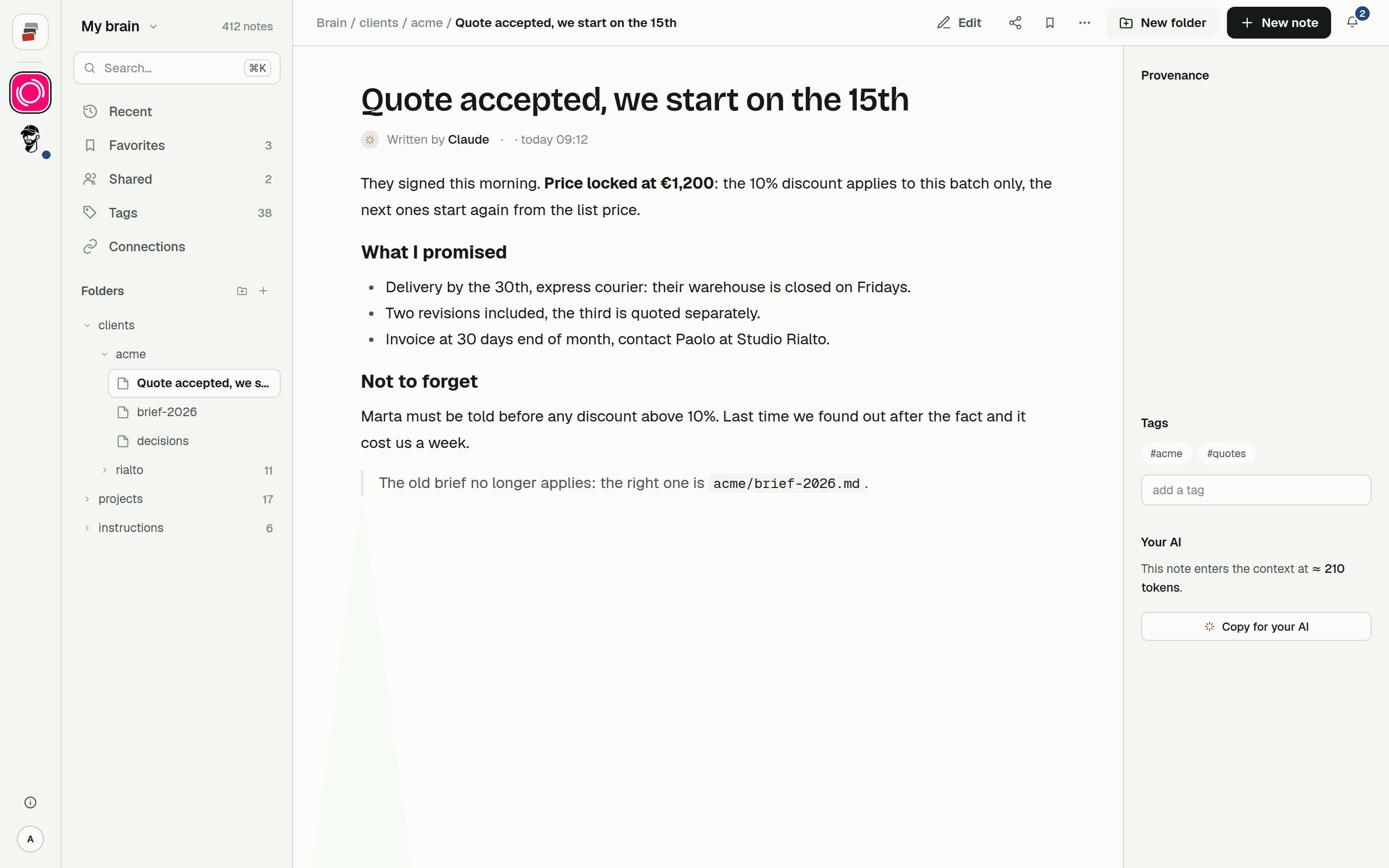
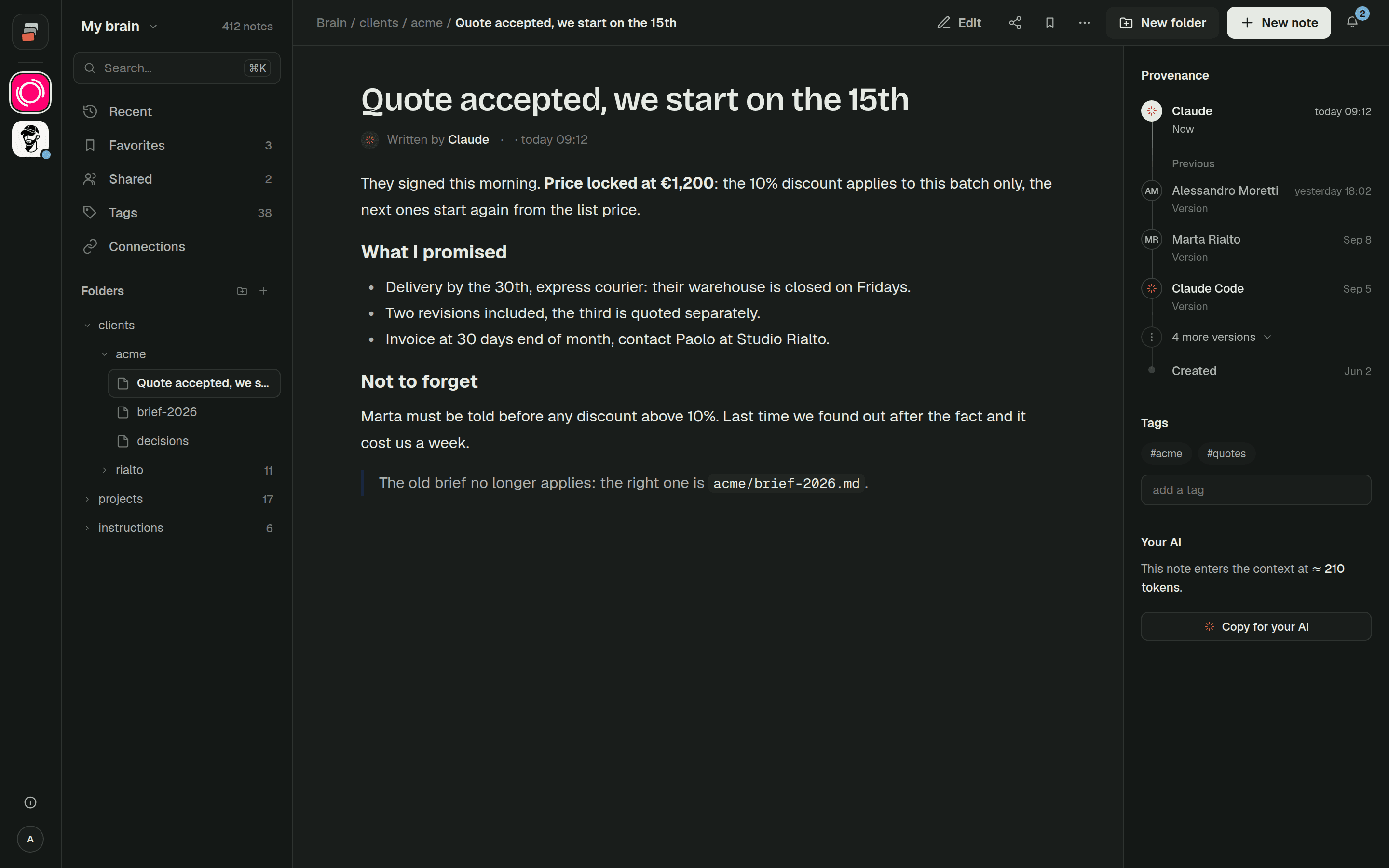
Many people paste the same documents into a new chat every day: the client brief, the price list, last month's decisions. Cobrain is a different place for that material. Notes and files live in folders in your brain, and the AI you connect reads them through a connector when you ask, opening only the ones it needs. That also means less text in each chat, as we explain in context costs.
Notes and attachments are encrypted, with a key for every brain, and every opening of a key is recorded. The database holds only encrypted text: the database can't read your notes, and whoever stores your files can't open them.
To be exact about what that covers: Cobrain's server opens notes and files to show them to you and to hand them to your AI. Names and paths of notes and files, tags, dates, authors and file sizes stay readable, because the tree and the search are built from them.
And Cobrain doesn't change what Claude or ChatGPT do with what they read. Once the AI opens a note, its content is part of that conversation, and from there the AI company's terms and your settings with them apply, including everything above. The details are on permissions and privacy.
If that works for you, the Claude guide takes a few minutes. The free plan holds up to 1,000 notes, and attachments come with the paid plans.
Quick answers
Is Claude safe for confidential information? It depends on the plan and settings. On personal plans you choose whether chats are used for training. Incognito chats are never used for it. Team, Enterprise and the API aren't used for training by default. Anthropic itself advises care with confidential documents.
Is it safe to upload documents to ChatGPT? On personal plans OpenAI may use your content for training unless you turn off "Improve the model for everyone". Business and Enterprise aren't used by default. For confidential, legal or financial documents, also check your contract and your company's rules.
How do I stop ChatGPT from training on my data? Settings > Data controls > turn off "Improve the model for everyone", or "Do not train on my content" in the OpenAI Privacy Portal. It applies to new conversations.
Does Claude train on my chats? On Free, Pro and Max only if Model Improvement is on, in Settings > Privacy. Rating a reply sends that conversation to feedback, which may be used for training.
Are temporary and incognito chats really deleted? Not right away. OpenAI may keep a copy of a temporary chat for up to 30 days for safety. Claude keeps incognito chats for 30 days by default.
Does Cobrain make ChatGPT or Claude private? No. Cobrain encrypts the notes and files it stores, but what the AI does with what it reads depends on that AI's terms and your settings.