Bring in the notes you already have
You do not convert them by hand. You tell your AI where they are, it reads them and writes them into Cobrain, one note per file, in the folders that match. You check the plan before and the result after.
Before you start
The AI has to be able to read the notes you start from. How, depends on where they are.
- Notion, Google Docs, Drive: your AI needs that service’s connector as well as Cobrain’s. Claude and ChatGPT have them in their lists; you turn them on and the AI reads from one side and writes to the other.
- A folder on your computer (.md and .txt files, exports from Apple Notes or Bear): you need an AI that can see the disk, such as Claude Code or Codex. The notes are already Markdown: they go in as they were.
- An old chat, or a handful of scattered notes: you paste them into the message. No connector needed.
- An Obsidian vault is a folder of .md files: the second case applies.
[[wikilinks]]and#tagswork in Cobrain too.
Attachments (images, PDFs) stay out of the import: you upload them afterwards, one note at a time, and they belong to the Pro plan. On the free plan a brain holds a thousand notes.
The steps
Three. One message, one go-ahead, one check.
Paste the message, with your source
Open a chat with the AI connected to your brain and paste this, replacing the line in square brackets with the real place.
Move my notes into Cobrain.
The notes are in: [where they are: the «Clients» page in Notion / the folder ~/Documents/Notes on my computer / the text I paste below].

Rules:
- one note per file, in Markdown, with write_file; the title becomes the file name;
- do not summarise and do not rewrite: the text goes in as it is;
- folders follow whatever organisation you find (for example clients/<name>/); if there is none, propose one to me;
- before writing, tell me how many notes you found and where you would put them; only proceed when I say ok;
- at the end tell me what you moved and what you left out, and why.
Read the plan and give the go-ahead
The AI tells you how many notes it found and which folders it would put them in. This is the moment to correct it: «clients under clients/, courses under training/». If you want a folder to become a unit, with its own index card, say so now: «ACME is a client, make it a card». Then write ok.
Check in the dashboard
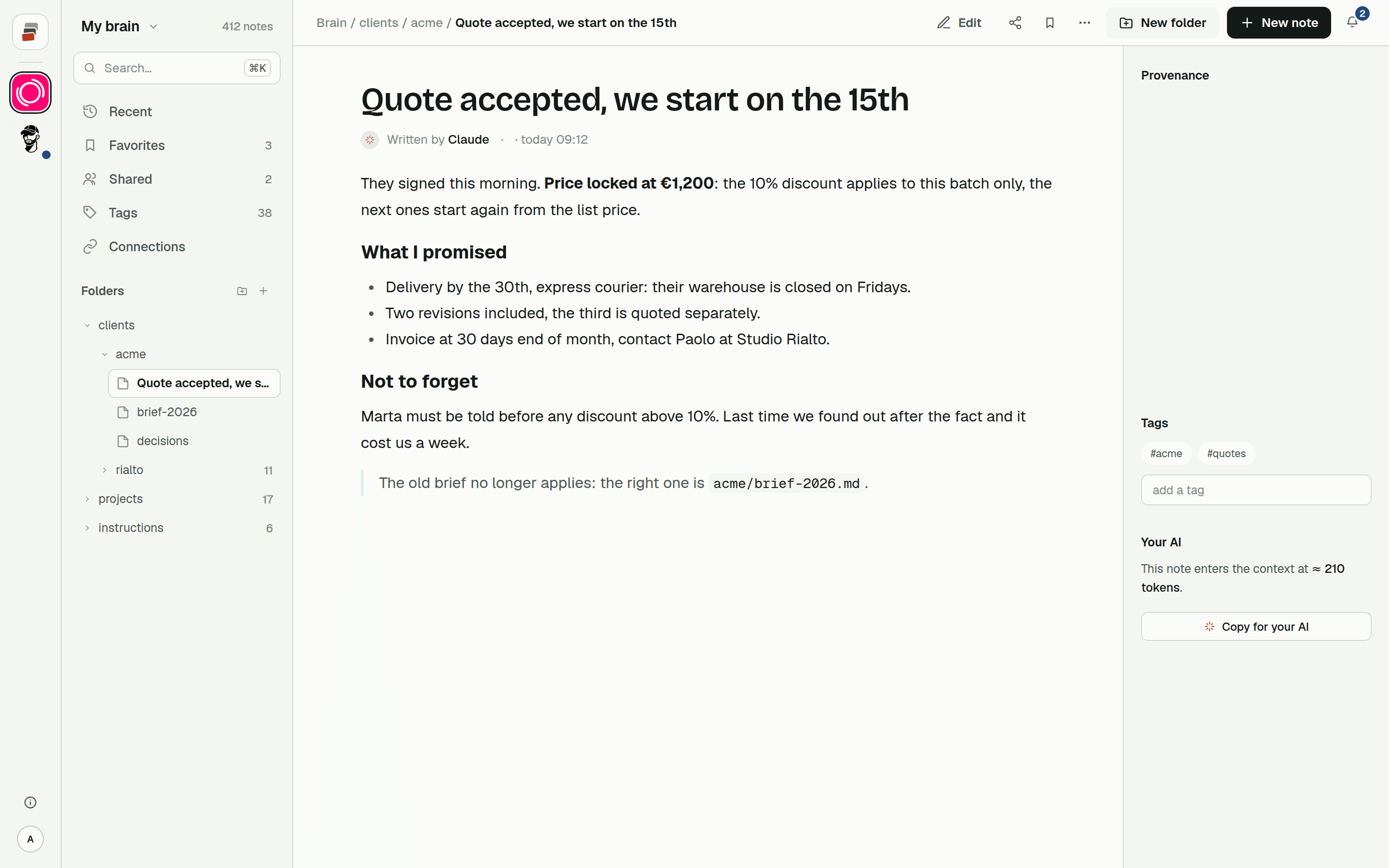
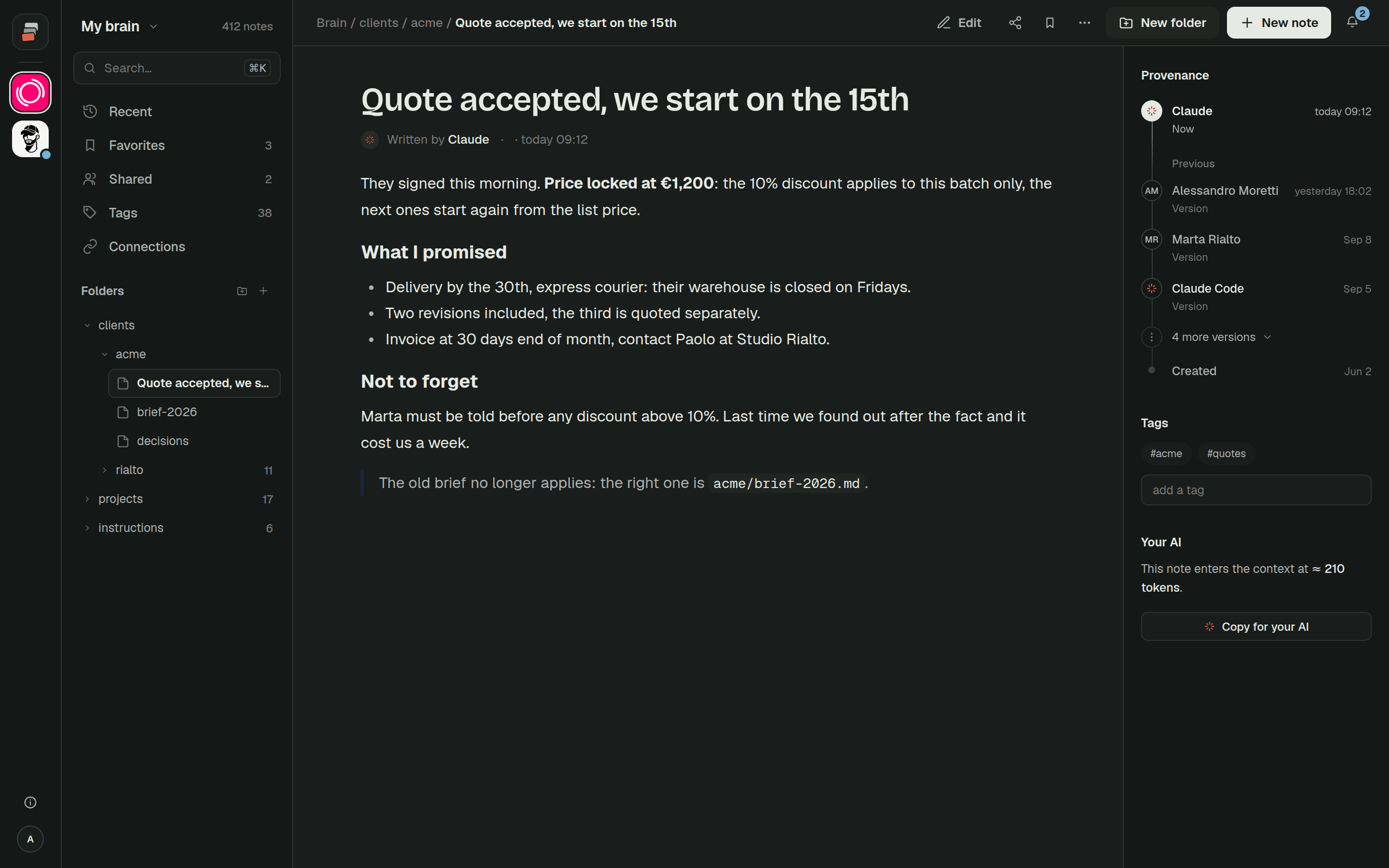
On app.cobrain.space the tree on the left has the new folders. Open two or three notes at random and compare them with the original: same text, same title. Every note says which AI wrote it, and Recent lists them all in order.
And afterwards
The notes you started from stay where they were.
The transfer copies: it touches nothing on the other side. From here on it pays to pick a single home, otherwise the two copies drift apart. If that home is Cobrain, your AI works inside it; and if one day you want to go back, you export everything from the dashboard: folders and .md files, which open with anything.
Want the AI to start on the right foot? Put an index card at the top of every client or project, and the rules at the root: the guide Start from scratch does this in its last step, and the page on context costs explains why.
Bring in what you already have.
One message to your AI, one go-ahead, and your notes are in the brain. The other AIs can read them right away.