They are your files, not rows in somebody else’s database.
Plain Markdown, always, even when you write with the formatting already in place. Real folders, which you rearrange as you like. You export everything whenever you please, and what comes out is readable anywhere. If one day you stop using Cobrain, there is nothing to convert.
Why the format matters
A memory you cannot take away is not yours: it is on loan.
The memory of today’s AIs lives in a format you cannot see, inside a product you do not control. Change tool and you lose it. The product changes its mind and you lose it. Want to simply read all of it? Often you cannot.
Cobrain makes the opposite choice, once and for all: every note is a Markdown file. A text format twenty years old, read by Obsidian, Notion, GitHub, any editor and any AI. There is no «Cobrain format».
| AI memory | Cobrain | |
|---|---|---|
| A format you can see | ||
| You can read all of it | often not | |
| Stays when you switch tool | ||
| Any editor opens it |
Real folders
Like on your computer. Like in Obsidian.
The notes live in folders you create, rename and move as you like, by dragging. A client is a folder, a project is a folder, and the structure you see is the one your AI sees when you ask it to look for something in clients/acme. No proprietary database, no compulsory tags, no «pages» inside «pages».
clients/acme/one client, one folder…projects/…
Two ways of writing, one format
Formatted or as plain Markdown. Underneath it is always the same file.
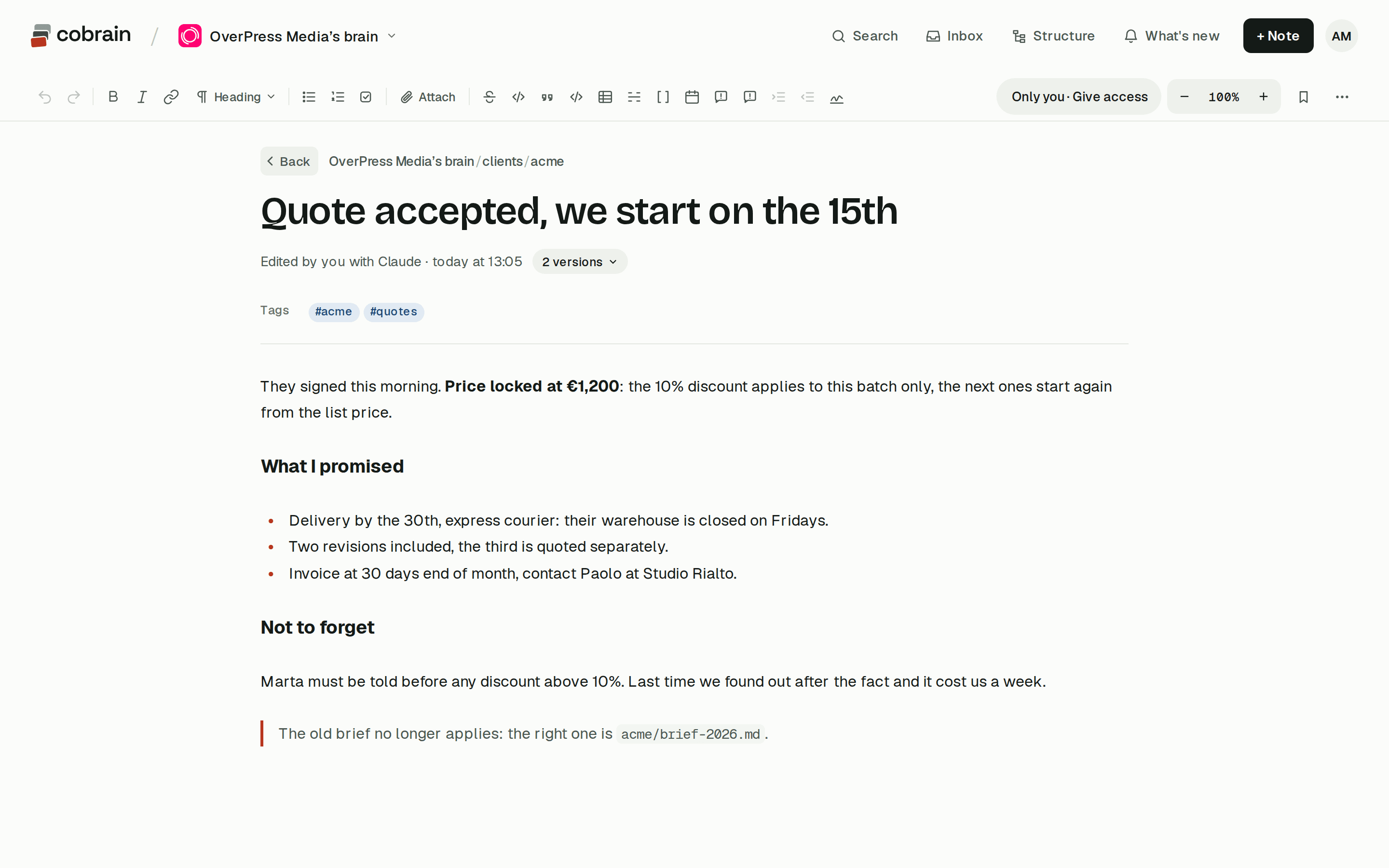
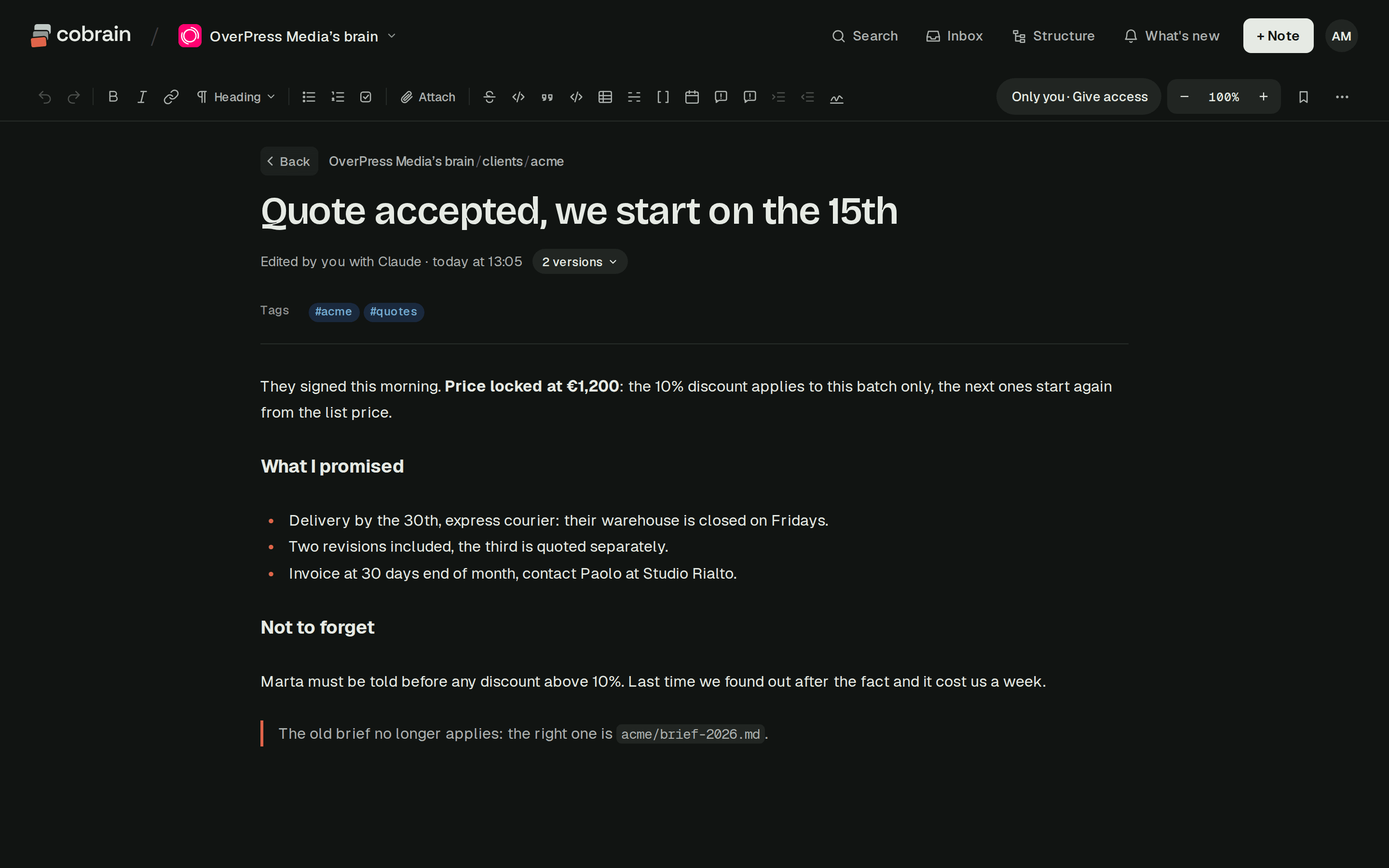
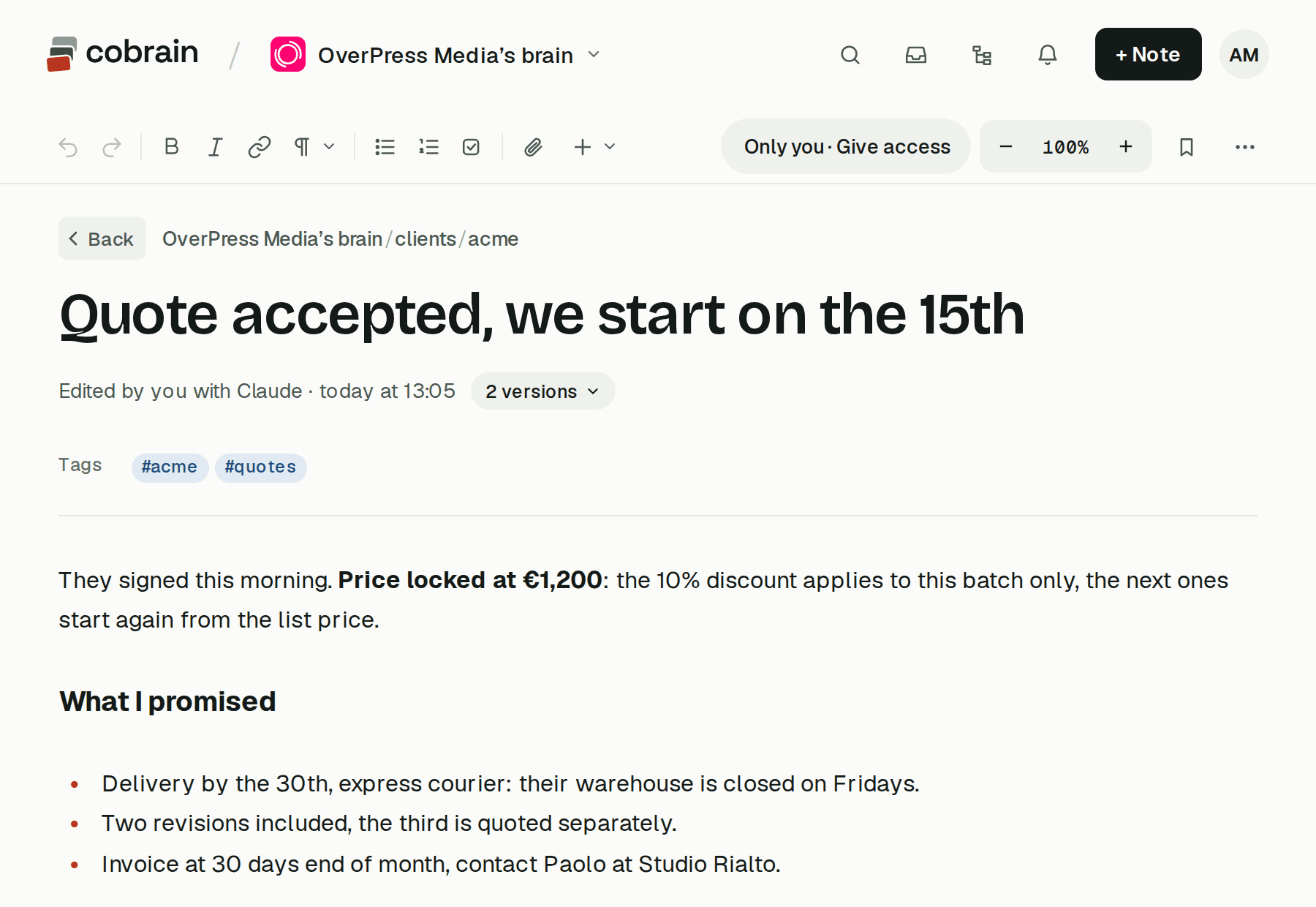
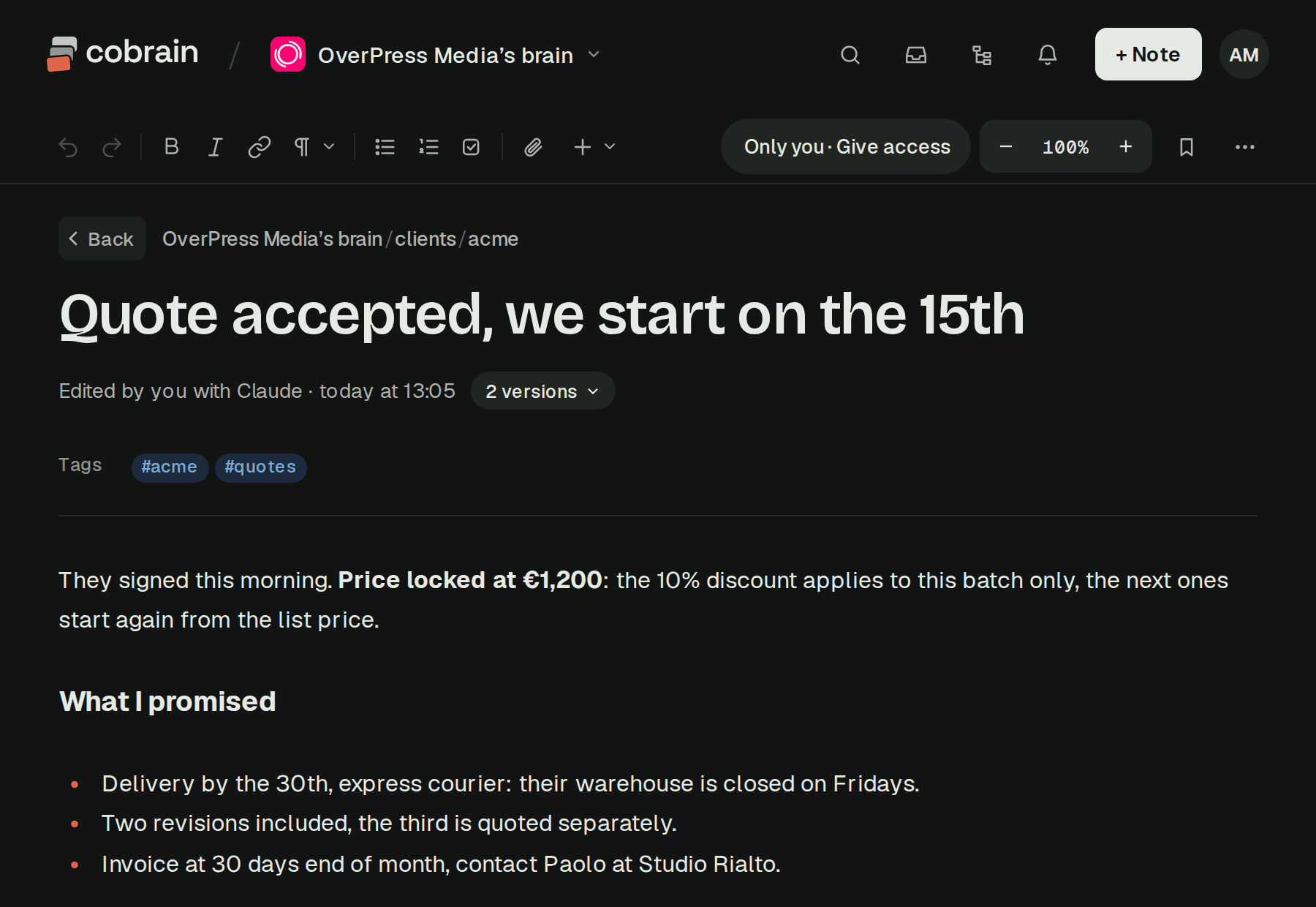
You write by tapping the note’s text, and you see headings, lists, quotes and code already formatted; or you open the plain Markdown and see the text as it is. They are two views of the same thing: the formatting is only how the note is shown, and the file underneath stays identical, character for character.
Obsidian’s [[wikilinks]] and #tags work exactly as you know them.
Getting in and getting out
Notes come in through your AI, and all go out in one go. Without asking anyone's permission.
If you already have notes elsewhere, an Obsidian vault included, your AI carries them in, one folder at a time. And at any moment you export everything in one go: an archive of folders and .md files you open with Obsidian, with a text editor, with your computer. No need to write to us, no waiting, no paid plan.
The same holds at the end: if you close the account, you export first, and what you exported is already ready to use.
And the history
Every save keeps the one before it.
When a note changes, the previous version stays: who edited it, when, and the text as it was. Including when it was your AI. A wrong edit can be undone. On the free plan the last two versions are kept for three days; on Pro, the last thirty, for seven days.
| Free | Pro | |
|---|---|---|
| Versions kept | last 2 | last 30 |
| For how long | 3 days | 7 days |
Bring in what you already have.
Already have notes? Your AI carries them in. Not got any? The brain grows as you work, and it stays yours either way.