Use more than one coding agent and your repository will eventually contain a CLAUDE.md and an AGENTS.md that say almost the same thing. Nobody remembers which one is current.
The short answer: Claude Code reads CLAUDE.md, Codex reads AGENTS.md, and you can keep one set of instructions for both. The longer answer is mostly about what to leave out, because that's where these files go wrong. Ours included, as you'll see.
Who reads what
Claude Code reads CLAUDE.md. It doesn't read AGENTS.md. It loads these, broadest first:
| Scope | Where | Who it is for |
|---|---|---|
| Organisation | a system path managed by IT | everyone on the machine |
| User | ~/.claude/CLAUDE.md |
you, in every project |
| Project | ./CLAUDE.md or ./.claude/CLAUDE.md |
the team, via git |
| Local | ./CLAUDE.local.md (in .gitignore) |
you, in this project |
Files in the folders above the one you launch from load at start. Files in subfolders load once Claude works on something in there. Nothing overrides anything: the files are stacked, and whatever sits closest to your working directory gets read last. You can also split rules into .claude/rules/ and limit some of them to certain paths.
Codex reads AGENTS.md. It starts with the global one in ~/.codex/, then picks up one file per folder from the root of the git repository down to where you're working. Closer files come later, so they win. An AGENTS.override.md replaces the AGENTS.md in the same folder. By default Codex stops reading at 32 KiB of combined instructions (the project_doc_max_bytes setting).
AGENTS.md is an open format that plenty of other coding agents read too, which makes it the sensible file to treat as the source.
One set of instructions for both
Write the instructions in AGENTS.md and have CLAUDE.md import it. Claude Code supports imports with @:
@AGENTS.md

## Claude Code only

Use plan mode for changes under `src/billing/`.
The imported file loads first, and anything underneath applies to Claude alone. If there's nothing Claude-specific to add, a symlink does the job (ln -s AGENTS.md CLAUDE.md). On Windows the import is less hassle.
Then check what actually loaded. In Claude Code, run /context and look under Memory files. For Codex, ask it to summarise its instructions: codex --ask-for-approval never "Summarize the current instructions.".
What to put in them
Both files are read at the start of every session and eat context every time. Anthropic's guidance is to stay under 200 lines per file, because adherence drops as the file grows.
Here's the embarrassing part. The CLAUDE.md in Cobrain's own repository is 51 lines long, comfortably under that limit, and it weighs 43 KB. Each line is a paragraph. That's more than Codex's default 32 KiB, so Codex would simply stop partway through. Line count was the wrong thing to watch. Size is what counts.
What does earn a place in these files:
- Commands, exactly as you'd type them: install, build, test, lint.
- Conventions that differ from the usual, like "we use pnpm, not npm" or "dates are stored in UTC".
- The traps, meaning whatever breaks every time someone new touches the code. Write the reason too, so the agent recognises the situation when it shows up in a slightly different shape.
- Hard rules, stated concretely: "never commit with
git add -A", "migrations go insupabase/migrations/".
Specific instructions get followed. "Run npm test before committing" works. "Make sure the code works" doesn't.
What does not belong there
Anything the code already tells the agent. Folder trees, dependency lists and architecture overviews go stale, and the agent can read the real thing anyway.
Long procedures. A ten-step release checklist you need twice a month belongs in a skill or a script that loads when it's needed.
Secrets, ever. These files get committed and read by tools you don't control.
Anything that has to happen no matter what. Instructions are context, and the model can ignore context. If something must be blocked every single time, use a hook or a permission rule.
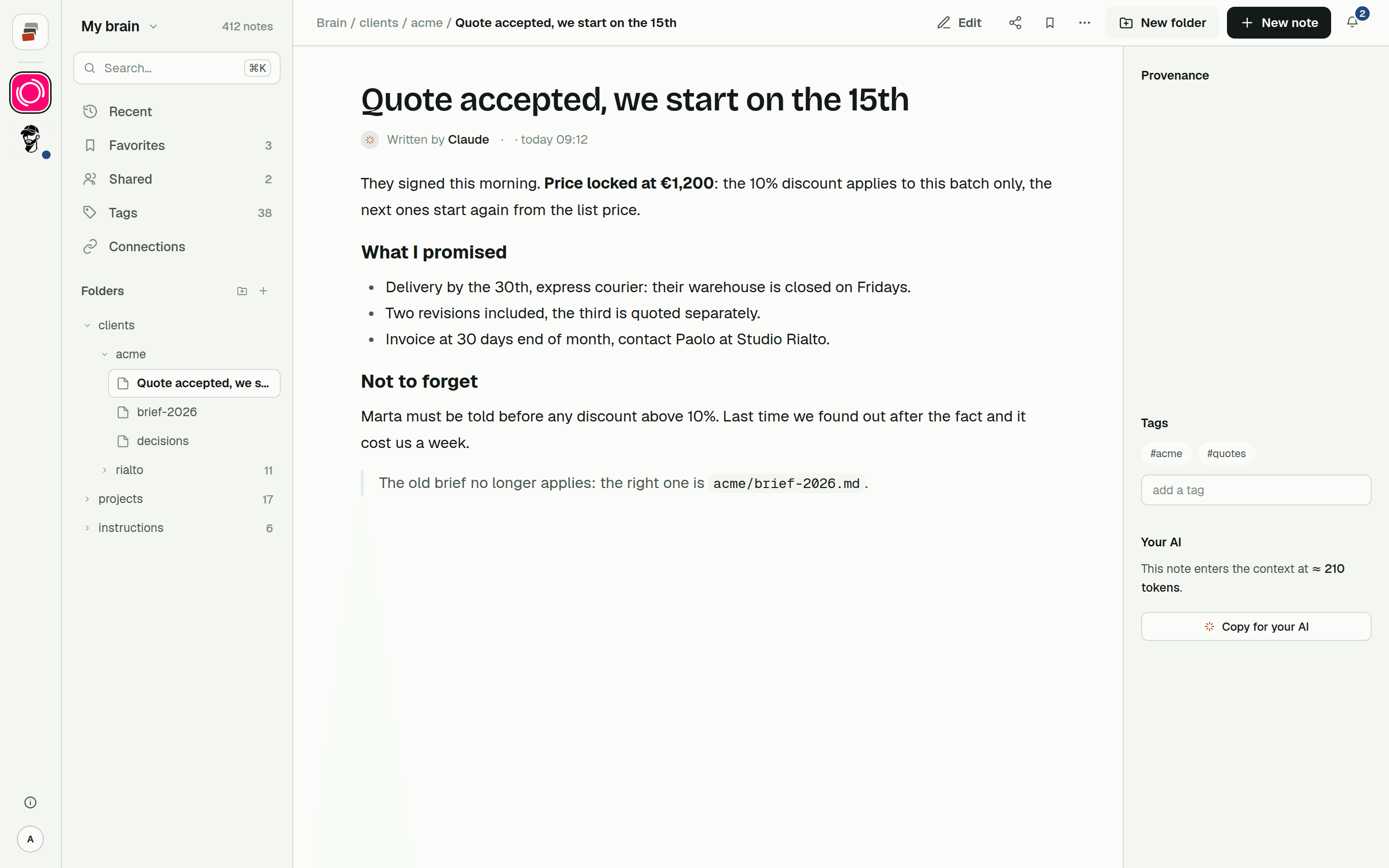
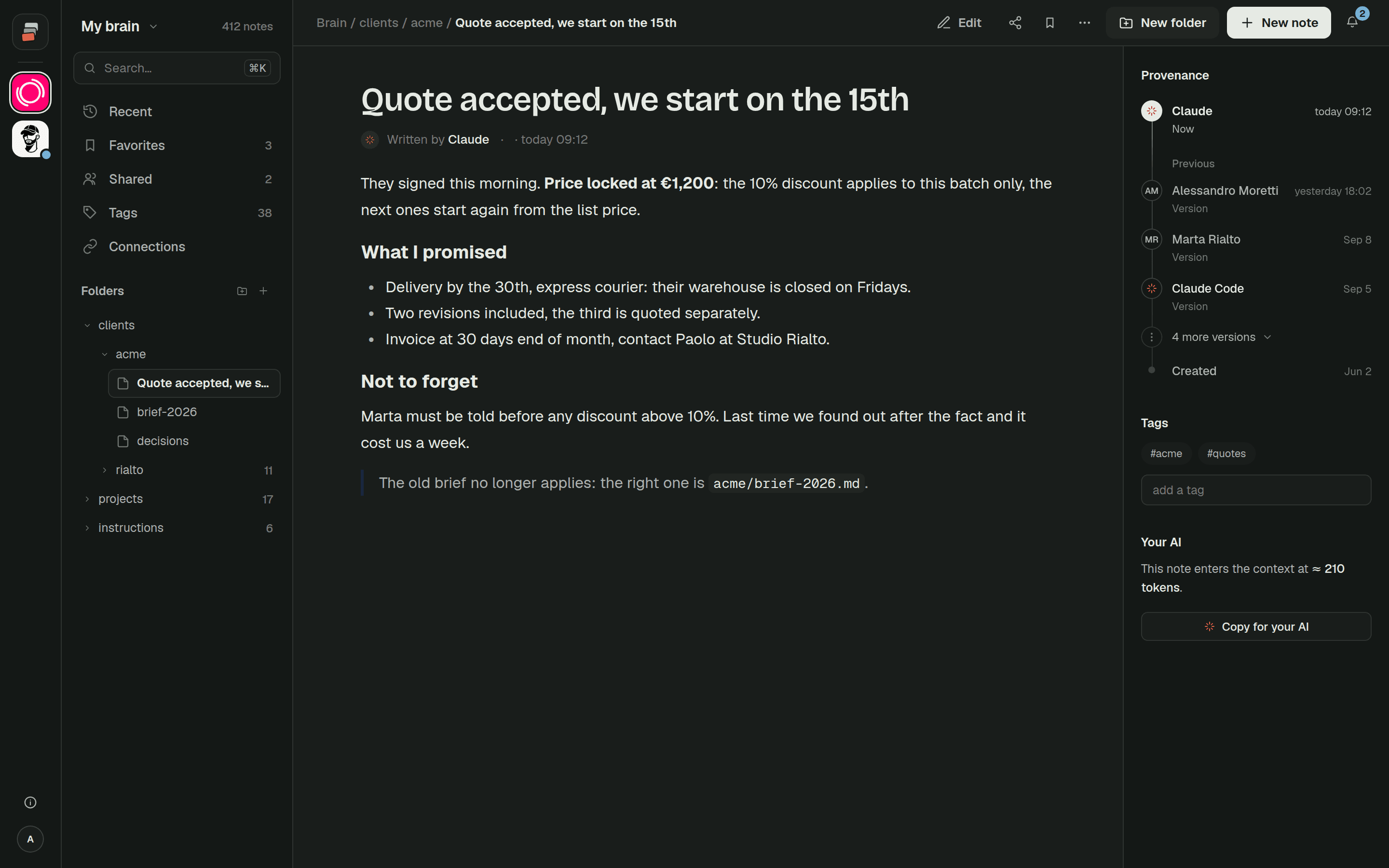
And project knowledge: what the client decided, why a feature got dropped, who to ask about billing, where the work stands. It changes weekly. It matters to people who never open the repository. The AIs that need it most, the ones in the chat app, don't read the repository either. Honestly, that's what bloated our file.
Where project knowledge goes
Claude Code does have somewhere for what it learns. Auto memory writes notes to a folder on your computer, with a MEMORY.md index whose first 200 lines (or 25 KB) load each session. It helps. It's also local, so it doesn't follow you to another machine, your colleagues never see it, and Codex doesn't read it.
For a team, what works is a knowledge base outside the repository that every agent reaches over MCP. Claude Code and Codex both support MCP, and so do the chat apps. The instruction file then needs one short section pointing to it:
## Project knowledge

Before starting, call `start_session` for this project on the Cobrain connector
and read the latest decisions. Write new decisions there, not in this file.
AGENTS.md stays short and rarely changes, because it only covers how to work in this code. The things that do change, what was decided and why, live in notes that Claude Code, Codex, Claude and ChatGPT all read and write, and that a colleague can open without cloning anything.
That's the job of Cobrain. Setup is in the Claude Code guide and the Codex guide, and context costs explains why loading less gets you better answers.
Quick answers
Does Claude Code read AGENTS.md?
Not by itself. Add a CLAUDE.md containing @AGENTS.md, or symlink one to the other.
Can I keep both files? Yes, as long as one is the source and the other imports it. Two files edited by hand drift apart within weeks.
How long should CLAUDE.md be?
Anthropic suggests under 200 lines, and keep an eye on the byte count too. If it grows, move path-specific rules to .claude/rules/ and procedures to skills.
Where should the AI keep what it learns about the project? In memory, not in the instruction file. Claude Code's auto memory is fine if it only concerns you on this machine. If the team or other AIs need it, use a shared memory reachable over MCP.