ChatGPT can talk to tools that live outside it, like your issue tracker or a notes app. The standard that makes this possible is the Model Context Protocol (MCP), and ChatGPT can use any MCP server you point it at, not only the ones OpenAI lists in its directory.
The tricky part is that the menus keep moving. OpenAI renamed connectors to apps in December 2025, and the place where you add a server is now the Plugins page. This article walks through what you need, the steps as OpenAI describes them today, and the settings that decide what ChatGPT is allowed to do with your server. Facts about ChatGPT were checked against OpenAI's developer documentation and help center on 30 October 2026.
What an MCP server adds to ChatGPT
An MCP server is a small program that exposes a list of tools, such as "search notes" or "create ticket". Each tool comes with a description and a schema for its inputs. When you connect a server, ChatGPT reads that list and decides during the chat when a tool is worth calling.
So you don't install code inside ChatGPT. You give it the address of a server, sign in if the server asks you to, and from then on the model can call the server's tools on your behalf. If you're new to the idea, What is an MCP memory server explains the protocol with one common use as the example.
What you need before you start
According to OpenAI's developer docs, ChatGPT reaches MCP servers over the network, so the server has to be reachable from the internet:
- a public HTTPS endpoint, usually ending in
/mcp; - streaming HTTP or Server-Sent Events (SSE), the two transports ChatGPT supports;
- an authentication setup ChatGPT understands, which means OAuth, no authentication, or a mix of the two.
A server that only runs on your laptop won't work as it is. For testing, OpenAI suggests a development tunnel or its Secure MCP Tunnel, which lets ChatGPT reach a private server without exposing it to the public internet.
You also do this from ChatGPT on the web. Adding a server is a browser job.
How to add a custom MCP server in ChatGPT, step by step
OpenAI's current steps go like this:
- Open the Plugins page at chatgpt.com/plugins.
- Press the + button and choose Add custom MCP server.
- Give it a name and, if you want, a description.
- Under Connection, paste the server URL (including
/mcp), or choose Tunnel if you're using Secure MCP Tunnel. - Pick the authentication type.
- Read the risk warning and confirm with I understand and want to continue.
- Choose Create as a plugin, check the tools ChatGPT discovered, then install the plugin.
If the server uses OAuth, a sign-in window from the server opens at this point and you authorize ChatGPT there. No API key gets pasted into ChatGPT.
There's a second way that some services offer: a ready-made plugin, packaged as a ZIP with a manifest and the address of one MCP server, which you upload instead of filling in the form. OpenAI's docs describe the format (a plugin.json manifest plus an mcp.json that declares one remote server, with no secrets inside), but where the upload button sits depends on your account and workspace. If a service gives you a file like that, follow its own guide.
Which plans can connect MCP servers
This is the part that has changed most often, so treat it as a snapshot. OpenAI's help center currently says custom MCP servers with full support, write actions included, are available to Business, Enterprise and Edu workspaces on the web. Pro users can connect custom servers with read and fetch permissions. On workspace plans an admin decides who may create plugins with MCP servers, and security settings such as Lockdown apply on top.
For Plus and Free, OpenAI's pages and forum threads don't line up, and several users report the option rolling out unevenly. If you don't see Add custom MCP server on your Plugins page, your account doesn't have it yet. Check OpenAI's help article on custom MCP servers before you plan around it.
Using the server in a chat
Once the plugin is installed, start a new conversation, type @ in the message box and pick it. Clear requests help: "search my notes for the pricing decision" is easier for the model to route than "what did we say?".
Each plugin has a details page where you can switch individual tools off, and a Refresh button that pulls in new tools and descriptions after the server changes. If a tool you added on the server side doesn't show up in ChatGPT, refreshing is the first thing to try.
Write actions and how far to trust a server
ChatGPT treats a tool as read-only only when the server marks it with the readOnlyHint annotation. Every other tool counts as a write action, and write actions ask for your confirmation by default. You can expand each call to see the exact JSON going in and coming out, and you can tell ChatGPT to remember your approve or deny choice for that tool until the end of the conversation. A new chat asks again.
OpenAI's own warning is blunt: connect only servers you trust. A malicious server could read what you share with it, or push ChatGPT through prompt injection into changing or deleting data. Before connecting anything, ask who runs the server and whether you can see what it wrote afterwards. We go into that last question in permissions and privacy.
Why a memory server is a good first MCP server
Most people's first MCP server ends up being one of two things: a tool for their job, GitHub say, or a memory.
ChatGPT has a built-in memory, and for personal preferences it works fine. It lives inside ChatGPT, though, and doesn't reach Claude or the coding agent you use at work. We covered those in ChatGPT memory full or not working. A memory behind MCP is just another server, so the same notes can be read by ChatGPT in the browser and by every other AI that speaks the protocol.
Connecting Cobrain to ChatGPT
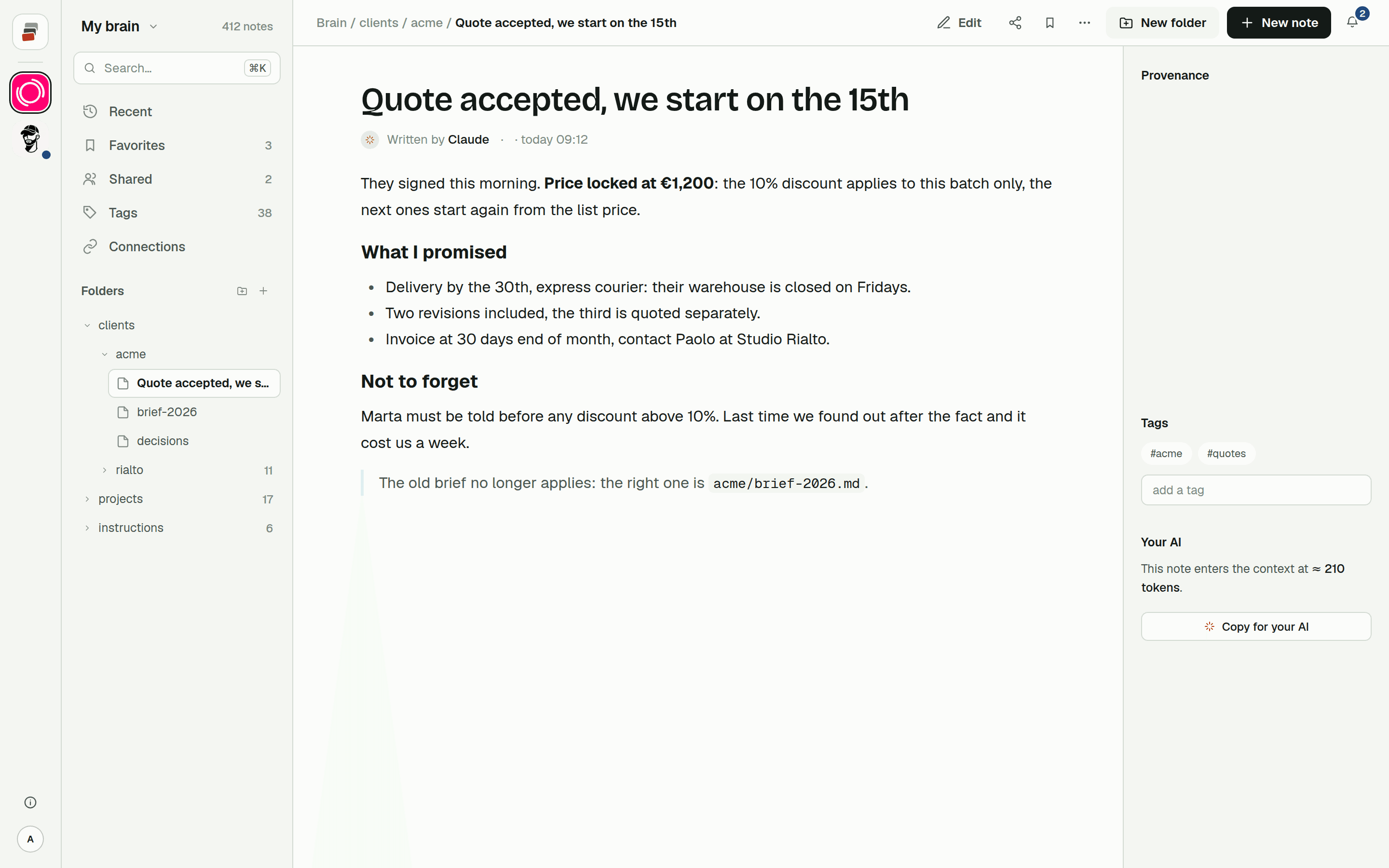
Cobrain is a shared memory built on that idea: Markdown notes in folders, behind a standard remote MCP server at https://cobrain.space/mcp, over Streamable HTTP with OAuth 2.1. There's no key to copy. When ChatGPT connects, a Cobrain page tells you what ChatGPT will be able to read and write, and you press Allow access.
Our ChatGPT guide has the steps with screenshots. Cobrain offers a plugin file you download and upload to ChatGPT, with the address of your brain and the icon inside, and the guide also covers the manual route through ChatGPT's settings for accounts where the upload option isn't there. OpenAI renames its menus often, so if an entry isn't called what the guide says, look for the closest name.
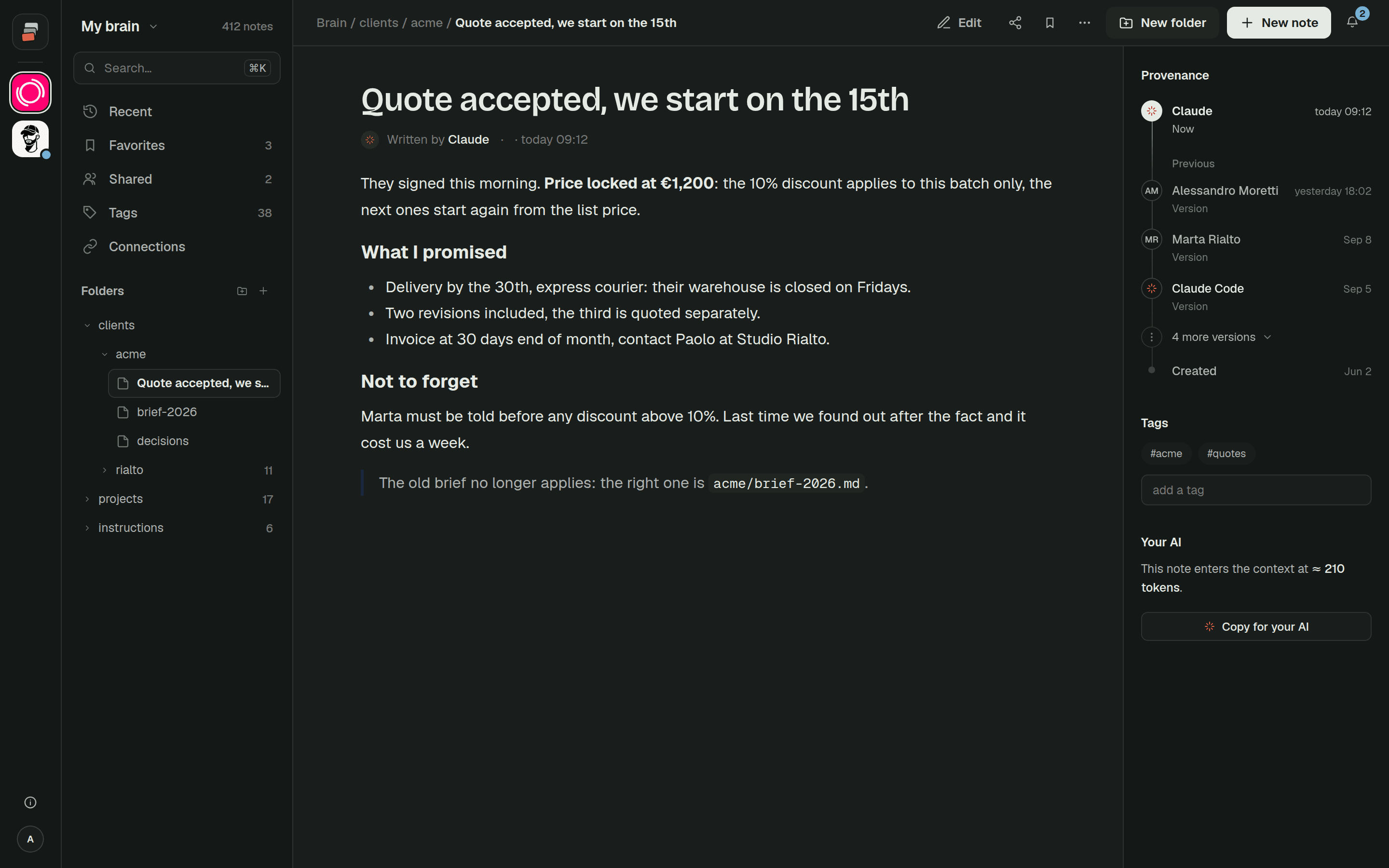
After that, notes written from ChatGPT show who wrote them, earlier versions can be restored, and the same brain is there when you open Claude, Claude Code, Codex or Cursor.
Quick answers
Can ChatGPT use MCP servers?
Yes. On ChatGPT web you add a custom MCP server from the Plugins page with + and Add custom MCP server, then install it as a plugin and call it with @ in a chat.
Does ChatGPT support local MCP servers? Not directly. ChatGPT needs a public HTTPS endpoint using streaming HTTP or SSE. To reach a server on your own machine, OpenAI points to a development tunnel or its Secure MCP Tunnel.
Which ChatGPT plans can add a custom MCP server? OpenAI's help center lists full MCP support, write actions included, for Business, Enterprise and Edu, and read and fetch access for Pro. Availability on other plans has been changing, so check your Plugins page and OpenAI's help article.
Why does ChatGPT ask me to confirm every tool call?
Any tool the server doesn't mark with readOnlyHint is treated as a write action, and write actions need confirmation by default. You can remember your choice for a tool for the rest of the conversation.