Open a new chat in Cursor and the agent starts from zero. It can read your code, but it doesn't know why you picked this database last month, which client asked for that odd date format, or that you already tried the obvious fix and it broke the build. You explain it again, and again the week after.
This article looks at what Cursor keeps between chats today, where that stops, and how to give it a long-term memory through MCP that you can read and correct yourself. Facts about Cursor were checked against its documentation and changelog on 26 October 2026.
What Cursor remembers on its own
Less than you might expect, and mostly instructions rather than memory.
Cursor used to have a feature called Memories, which saved facts from your chats. Cursor staff said on the official forum that it was removed in the 2.1 releases, and pointed users to a command that exports old memories into a rules file. The current documentation doesn't list it. What's left are rules, in a few layers:
- Project rules live in
.cursor/rulesinside the repository, as.mdcfiles under version control. Each one can apply always, when the agent decides it's relevant, when a file matches a pattern, or only when you mention it. - User rules are your personal preferences, set in Customize → Rules, and apply to every project.
- Team rules are managed from the Cursor dashboard on Team and Enterprise plans. Admins can make a rule required for everyone. When rules conflict, team rules win over project rules, and project rules win over user rules.
- AGENTS.md is a plain Markdown file in the project root, or in subfolders, that Cursor reads as a simpler alternative to
.cursor/rules. Nested files combine with their parents, and the more specific one wins.
Cursor's own advice is to keep rules under 500 lines, split big ones up, and add a rule only when you see the agent repeat the same mistake. That tells you what rules are for: short, stable guidance on how to work in this codebase.
There's also something new. In September 2026 Cursor launched Projects, in beta: a coordinator agent that plans larger work and hands it to other agents, running on its own cloud machine. According to the changelog, each Project keeps files that sync across the cloud and local machines its agents use, so later agents can reuse what earlier ones learned. That's real shared context, but it belongs to one Project inside Cursor.
Where it stops
Rules and AGENTS.md are good at "use pnpm, not npm" and "tests go next to the file". They're a poor fit for everything else you'd want an assistant to remember.
They're tied to a repository. A decision about a client, a note from a call, the reason you dropped a supplier: none of that belongs in the codebase, and if you put it there it sits in every clone and every pull request. The docs also suggest referencing files instead of copying them into rules, because copied content goes stale.
They're instructions, not knowledge. A rule tells the agent how to behave. It isn't the place for a growing record of what happened and why. Pile history into it and you hit the 500-line advice quickly, and every always-on rule costs context in every chat.
They're invisible outside Cursor. Your rules don't reach Claude in the browser, ChatGPT on your phone, or Claude Code and Codex in a terminal. If you plan a feature in one AI and build it in Cursor, the plan stays where you wrote it. We covered the same problem for other tools in CLAUDE.md vs AGENTS.md.
And the agent doesn't keep them up to date. Since Memories went away, nothing in Cursor writes down what you learned in a chat unless you edit a rule by hand or ask the agent to.
MCP: the way in for a real memory
Cursor supports the Model Context Protocol, the open standard that lets an AI app talk to outside tools. According to the docs:
- servers are configured in
mcp.json, either.cursor/mcp.jsonin a project or~/.cursor/mcp.jsonin your home folder for every project; - local servers run over stdio, remote ones over SSE or Streamable HTTP;
- remote servers can sign you in with OAuth, so you don't paste keys into a file;
- the agent uses MCP tools on its own when they're relevant, and by default asks your approval before running one;
- you can switch a server off from Customize, and then it doesn't load at all.
So a memory server is just another MCP server. The agent can search it at the start of a task, read the notes that matter, and write down a decision before the chat ends. Because the server is outside Cursor, the same notes can be reachable from other AIs too. There's more on the kinds of memory servers, local or remote, and how they store things in What is an MCP memory server.
What to look for in a memory for Cursor
A few questions sort the options quickly.
Can you read it? If the memory is plain text you can open, fix a wrong line in and export, you stay in charge. A vector store you can only query through the AI is harder to audit.
Does it follow you outside the editor? Most work isn't only code. If the same notes are there when you talk to Claude or ChatGPT, you stop retyping context.
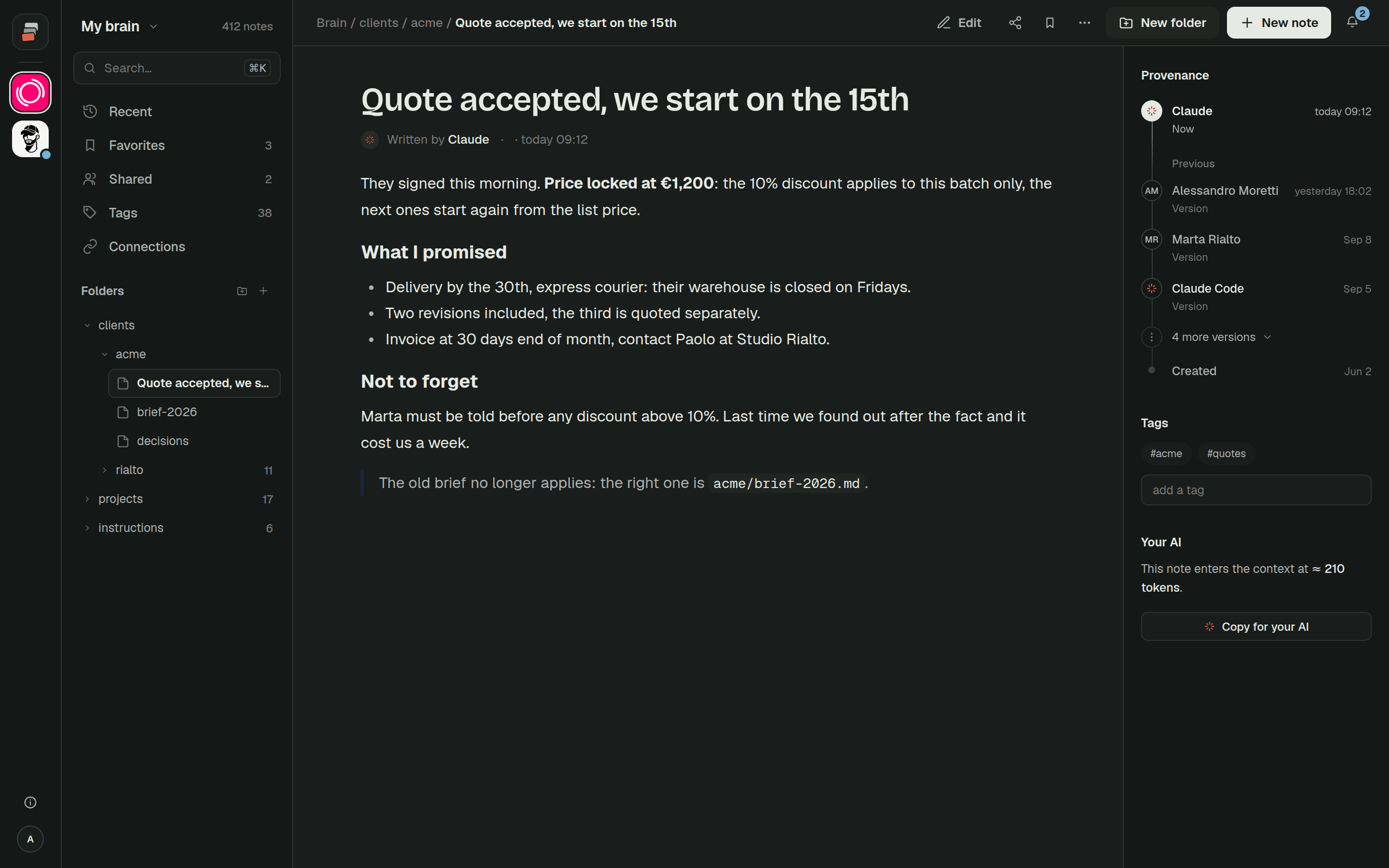
Who wrote what? When the agent writes, you want to see that it was the agent, from which tool, and be able to go back to the previous version.
Can you share part of it? A colleague or a client might need one folder, not everything.
And what does it cost in context? Tools load into the agent's context. A good server returns the few notes that matter instead of dumping everything.
How Cobrain fits
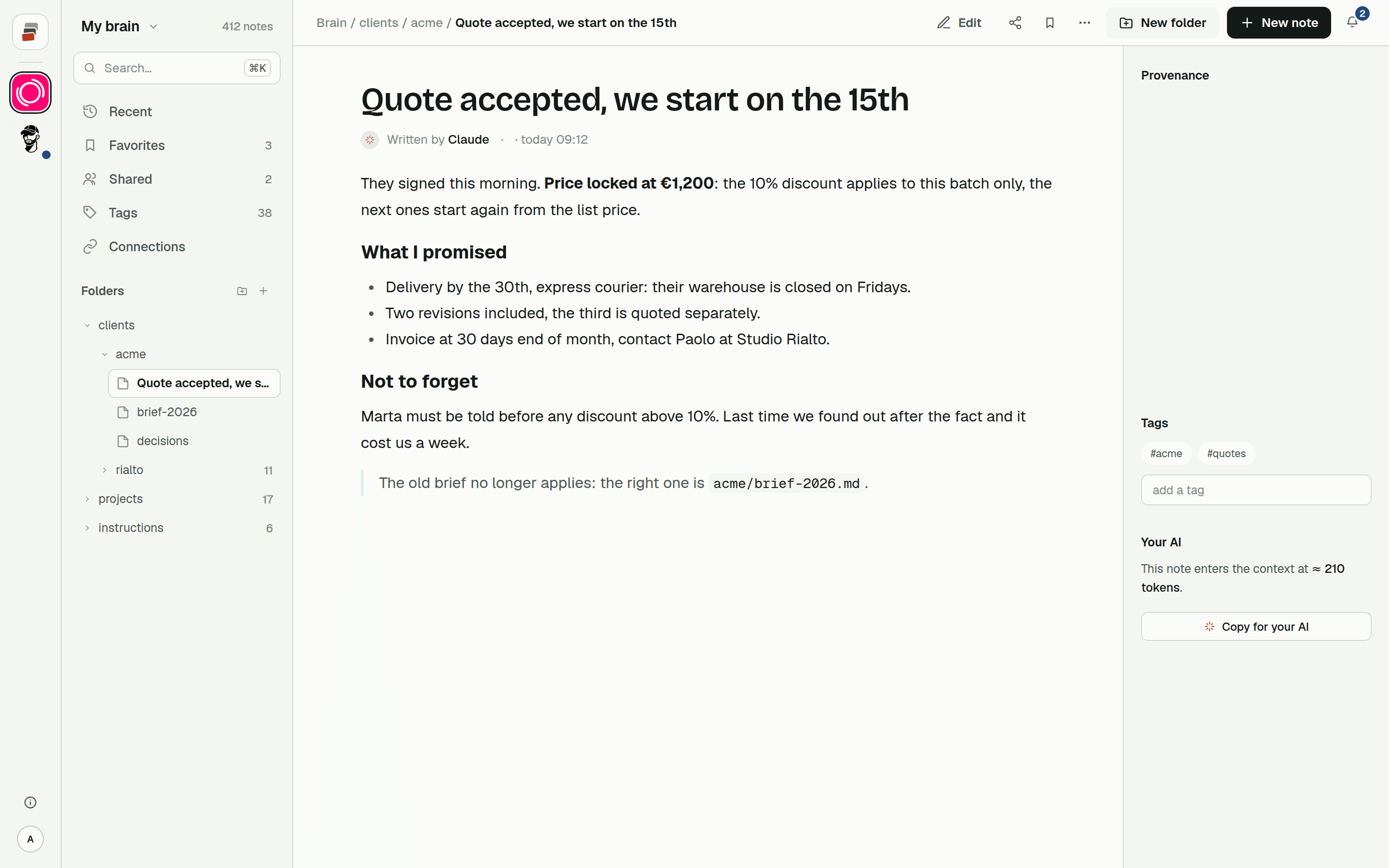
Cobrain is a shared memory built on that idea. Notes are Markdown files in folders, behind a remote MCP address. Cobrain has a plugin for Cursor on cursor.directory: it adds the connector and a skill that tells the agent when to load context and how to save without overwriting what's already there. You install it, approve access in the browser, and the tools show up in Cursor's MCP settings. The Cursor guide walks through it in about two minutes.
Your rules keep doing their job, the short how-we-code part. Cobrain holds the rest: client decisions, what you tried, what's still open. Each note shows who wrote it, you or one of your AIs, and earlier versions can be brought back. The same notes are reachable from Claude, ChatGPT, Claude Code, Codex and Antigravity, which is the part a rule file can't do. How that works across tools is on Cobrain across AIs.
Quick answers
Does Cursor remember previous chats? Not as a general memory. The Memories feature was removed in the 2.1 releases, according to Cursor staff on the forum. What persists are rules (project, user and team) and AGENTS.md, plus the shared context of a Project if you use Projects.
Where do Cursor rules live?
Project rules are .mdc files in .cursor/rules inside the repository. User rules are set in Customize → Rules. Team rules are managed from the Cursor dashboard on Team and Enterprise plans.
Can Cursor use AGENTS.md? Yes. Cursor reads AGENTS.md in the project root and in subfolders, with the more specific file taking precedence.
How do I add an MCP server to Cursor?
Add it to .cursor/mcp.json for one project or ~/.cursor/mcp.json for all of them, or install it from the marketplace or a plugin. Remote servers can sign you in with OAuth.
Can Cursor and Claude share the same memory? Not through Cursor's rules, which stay in the repository and in Cursor. They can share notes kept behind an MCP server that both are connected to.