Claude Projects are the first thing most people try when they want Claude to stop forgetting. You put the brief, the style guide and a few instructions in one place, and every chat in that project starts with them. For a lot of work, that's enough.
It stops being enough when the work leaves the project: a new chat elsewhere, a colleague outside your organization, the terminal, another AI. This article explains what a project actually keeps, where that ends, and when a shared memory is the better tool. Everything about Claude was checked against Anthropic's help center on 19 October 2026.
What a Claude Project is
Anthropic describes projects as "self-contained workspaces with their own chat histories and knowledge bases". In practice a project holds three things.
Instructions tell Claude how to behave in that project, for example a more formal tone or a specific role. Project knowledge is the files you upload: documents, text, code. And the chats you start inside the project stay grouped there.
Projects are available on every plan, including the free one, where you can create up to five. On paid plans (Pro, Max, Team and Enterprise) Claude switches project knowledge to RAG mode when it gets close to the context window limit, so the project can hold more than fits in one conversation. On a private project you can also add files from Google Drive.
Projects vs chats: what carries over
The detail people miss is this sentence from the help center: "Context is not shared across chats within a project unless the information is added into the project knowledge base."
So a project doesn't remember everything that happened in it. The files and the instructions reach every chat. What you said in Tuesday's chat doesn't reach Thursday's, unless it's been saved somewhere.
Two features fill part of that gap.
Memory. "Each project has its own memory," says Anthropic. Inside a project, Claude uses that project's memory plus your general memory from chats outside projects, never the memory of another project. New memories land in the project. If you want a project fully sealed off, there's a "Use account memory" switch on the project page to turn off.
Chat search. On paid plans you can ask Claude to look through past conversations, and inside a project the search stays within that project.
That's a sensible design. A project for client A doesn't leak into client B. We covered the rest of Claude's memory in how Claude's memory works.
Where a project stops
A project is very good at one person, in Claude, on one topic. Each part of that sentence is a limit.
It's one person, unless you're on Team or Enterprise. Sharing a project is only available there, and only with members of your own organization. They get "Can view", which lets them read the knowledge and chat in the project, or "Can edit", which lets them change instructions and knowledge. A freelancer, a client or a partner agency outside the organization can't be added. On a shared project the Google Drive option is turned off too.
Memory stays personal. The help center describes memory per person and per project. Team owners can't see or edit individual memories, and nothing says that what your Claude learned in a shared project reaches your colleague's. The files are shared. What each of you learned along the way isn't.
It's in Claude only. Project knowledge lives in the Claude app. ChatGPT, Codex, Cursor and other tools don't see it. Claude Code has its own memory, made of CLAUDE.md files and auto memory on your machine. Anthropic is testing a new kind of project for some Pro and Max users of Claude Code, where every thread starts with the project's files, repositories, instructions and memory, but it's a beta and it's still a Claude feature.
Knowledge is files you upload. Uploading a file copies it as it is. When the brief changes, you upload the new version and remember to remove the old one. The help center describes adding knowledge through the "+" button, by uploading files, and says nothing about Claude writing to it during a chat. Decisions made in a chat stay in that chat, or in memory topics Claude rewrites as it goes, which isn't how you'd want to keep a decision log.
What a shared memory adds
A shared memory is a set of notes that sits outside any single AI, reachable over MCP, the protocol Claude, ChatGPT, Claude Code and Codex use to talk to outside tools. So what matters is who can read it and who can write it, whatever app they happen to use.
The differences with a project come from that.
The AI writes back. When something is decided, the AI writes it in the right note, and the next chat, the next tool or the next person finds it there. In a project, new knowledge arrives when someone uploads it.
Sharing follows the folder, not the company. You give a folder to an email address, whoever that is.
Every AI reads the same notes. The decision you made in Claude is there when ChatGPT writes the email and when Claude Code edits the code.
Notes stay as written. A decision log or a client brief is a file you can open and correct, not a summary someone else keeps rewriting.
Projects or a shared memory: how to choose
Keep using Claude Projects if you work alone or inside one organization, only in Claude, and the knowledge is mostly reference files that don't change much: a style guide, a manual, a contract. They come with your plan and take a minute to set up.
Add a shared memory when one of these is true:
- people outside your organization need the same context, like a client or a freelancer;
- you use more than one AI, or Claude Code alongside the chat;
- the knowledge changes every week and you want the AI to keep it current;
- you want decisions written down in one place you can read and fix.
The two also work together. A project can keep its instructions and reference files, while the facts that change live in the shared notes.
How Cobrain fits
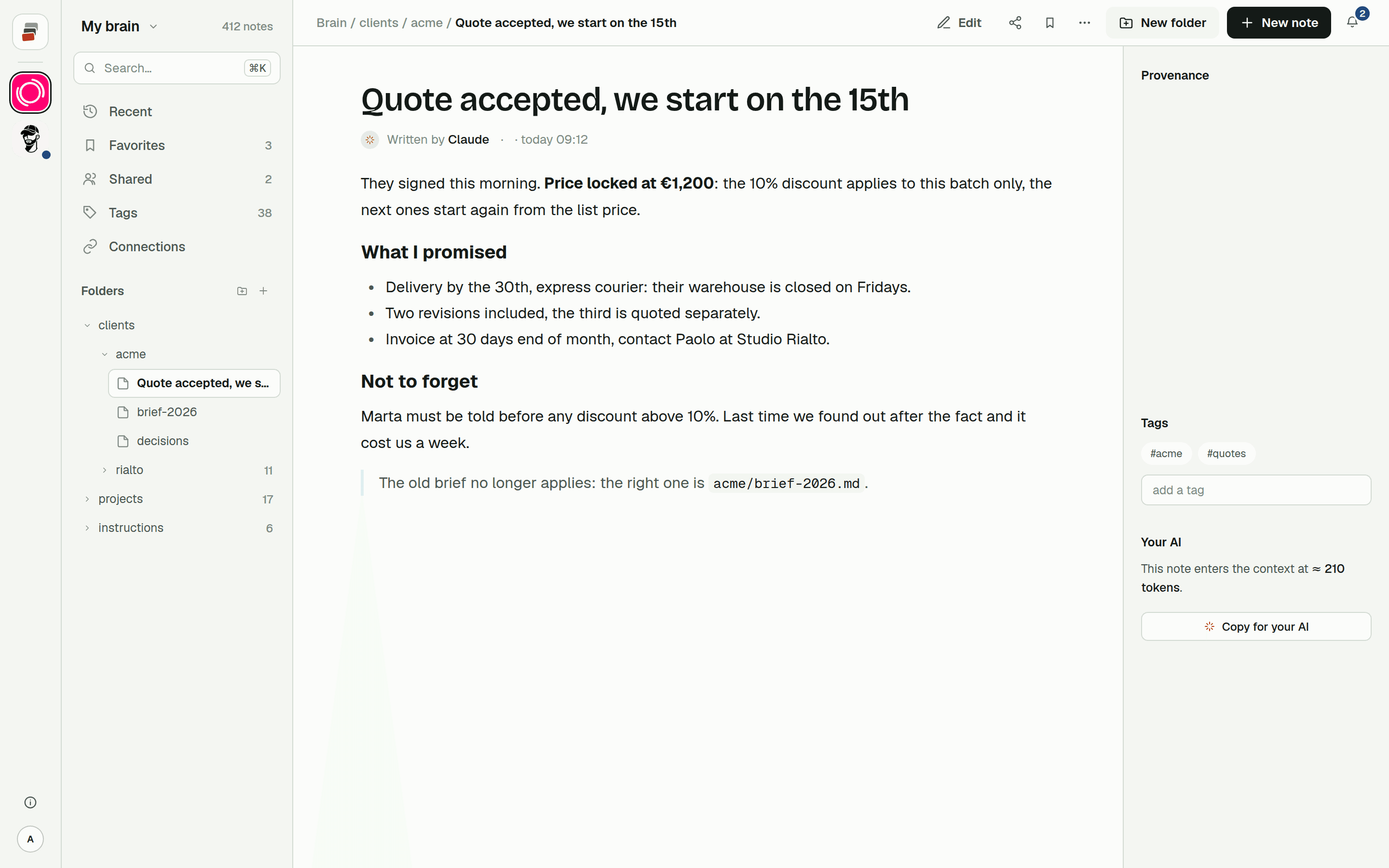
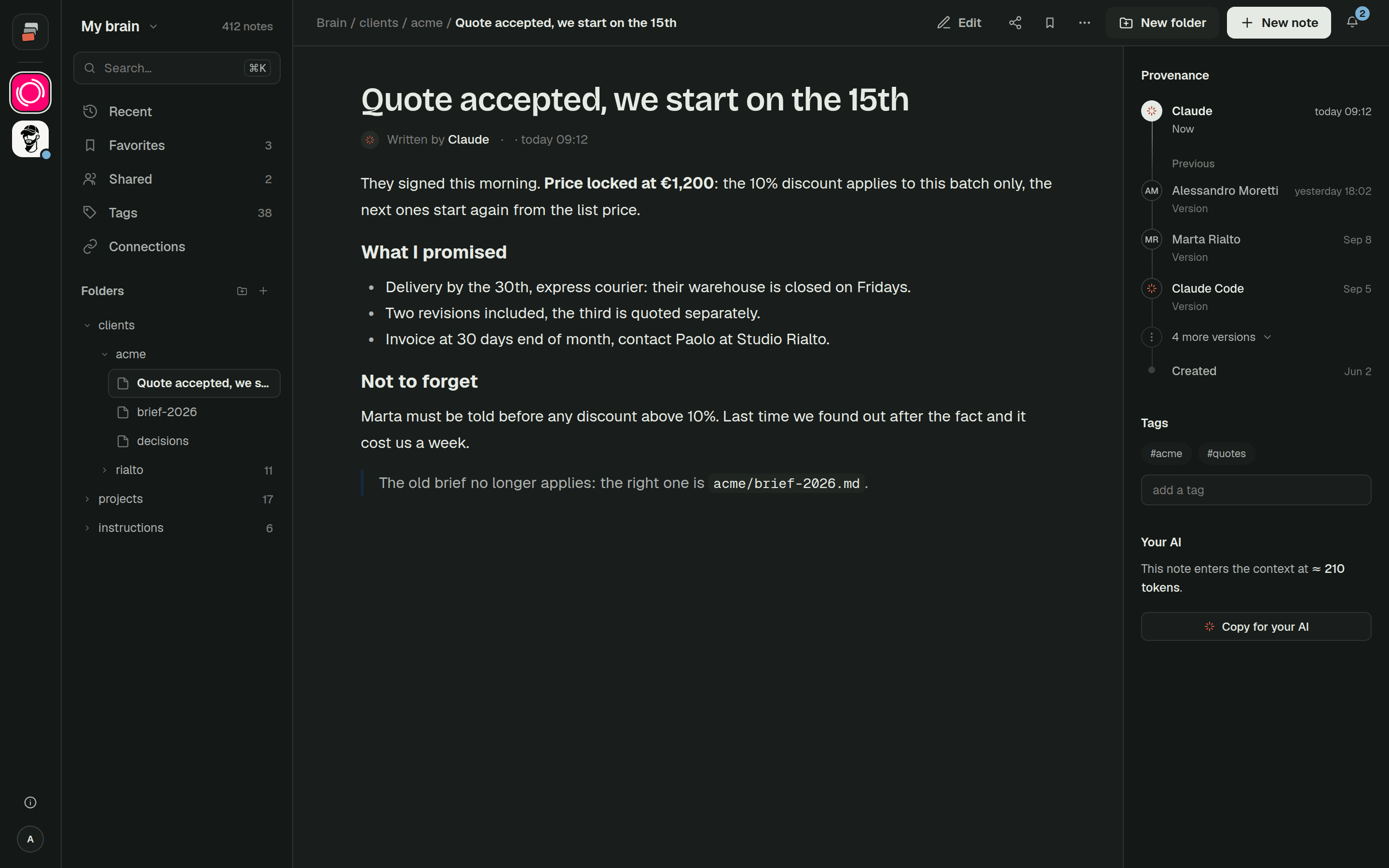
Cobrain is a shared memory built that way. Your notes are Markdown files in folders, behind a remote MCP address you connect to Claude, ChatGPT, Claude Code, Codex, Cursor and others. Each AI works with your permissions.
A folder, with everything in it, or a single note is called a branch. You share a branch by email address, with Can read or Can write. It appears in the other person's tree, and when they ask their AI about that client, it finds your notes next to theirs. They see that branch and nothing else of your brain. Edits are signed and the previous version can be brought back. Writing is part of the Pro plan; whoever receives a share never pays. More on working this way in Cobrain in a team.
To try it with Claude, the Claude guide takes a few minutes.
Quick answers
Do Claude Projects share context between chats? Not by themselves. Instructions and project knowledge reach every chat in the project. What was said in one chat reaches another only through project memory or if you add it to the knowledge.
Can I share a Claude Project with someone outside my company? No. Project sharing is available on Team and Enterprise plans, with members of your own organization, as Can view or Can edit.
Does each Claude Project have its own memory? Yes. A project uses its own memory plus your account memory, never another project's. You can switch off account memory for a project to keep it fully separate.
Can ChatGPT or Claude Code use my Claude Project? No. Project knowledge stays in the Claude app. To give several AIs the same context, keep it in notes they can all reach, for example through an MCP server.