An agent that forgets everything when the session ends has to be told the same things every morning. So sooner or later anyone building one has to answer a plain question: where do the things it learns go, and how does it find them again?
There are three common answers: plain files, a vector store that finds text by meaning, or a database. Here is what each one is good at, where it breaks, and how to pick. Everything we say about other people's products and research was checked on their own pages on 16 October 2026.
What persistent memory means for an agent
A language model keeps nothing between calls. What it "knows" about your project sits in its context window, which empties when the conversation ends. Persistent memory is anything outside the window that the agent can write to now and read from later.
That gives you two jobs. Writing is the easy one. Retrieval is the hard one: when a new task starts, the agent has to bring back the right few things, not everything, because every token it loads takes space away from the work.
Anthropic's engineering team describes one way to handle this, which they call "just-in-time" retrieval, in a post from 29 September 2025. The agent keeps lightweight references such as file paths or stored queries, and loads the actual data with tools when it needs it. Their own example is Claude Code: CLAUDE.md files are loaded at the start, while glob and grep let it pull in other files only when a task calls for them. The same post sets this against the other common approach, embedding-based retrieval done before the model runs.
Option 1: plain files
The simplest memory is a folder. The agent writes Markdown notes, and later it lists the folder, searches it by words and opens what looks relevant.
It sounds too simple. But models are trained heavily on code, so listing, grepping and reading files is something they already do well.
Anthropic builds on this directly. Its API has a memory tool that works on a directory called /memories: Claude can view, create, edit, rename and delete files there, and the documentation says that when the tool is on, Claude checks its memory directory before starting a task. The tool runs client-side, so your application decides where those "files" really live: a folder on disk, a database, cloud storage.
There is also a public experiment worth knowing about. On 12 August 2025, Letta reported that an agent running on GPT-4o mini, given only file tools (grep, search_files, open and close) and the conversation histories stored as files, scored 74.0% on LoCoMo, a benchmark for long-term conversational memory. Letta compared that with 68.5%, the score reported for a specialised memory system's graph variant. Treat that as one company's test with minimal prompt tuning, and the head-to-head as disputed. Letta's own conclusion is the useful part: memory depends more on how the agent manages its context than on the exact retrieval mechanism.
Files are also the only option on this list a person can open and fix in a text editor. When your agent saves something wrong, you'll want that.
Where they break: a folder on one machine is reachable only from that machine. Two agents writing at the same time can overwrite each other. And word search finds words. If the note says "courier" and the agent searches "shipping", it misses.
Option 2: a vector store
A vector store turns each piece of text into an embedding, a list of numbers that places it near text with similar meaning. A question then finds the closest passages, even when they use different words. This is the classic RAG setup.
It's the right tool when wording really drifts: thousands of support tickets, a large body of documents nobody wrote with search in mind.
The costs show up in day-to-day use. Every write needs an embedding step, and so does every search. Long notes have to be cut into chunks, and the chunk size changes what you can find. When retrieval goes wrong, it's hard to say why: a vector can't be read, and "this passage scored 0.81" doesn't tell you much. And similarity is weak exactly where agents spend a lot of time, on exact strings. An error code, a hostname, a product SKU or a person's surname is a word match, not a meaning match.
There's a quieter problem too. Agent memory changes all the time, as decisions get reversed and notes corrected, and every edit means re-embedding.
Option 3: a database
The third answer is less about how you search and more about everything around the search. A database gives you things a folder doesn't:
- several people and several agents writing at once without overwriting each other;
- permissions checked on every read and write, rather than left to the model's good behaviour;
- a history of changes, so a bad write can be undone;
- a full-text index that updates as you write, so word search stays fast as the memory grows.
The catch is shape. Force memory into rigid tables, one row per fact, and the agent can't write freely and a person can't read it. The usual fix is a hybrid: free text stored as documents inside a database, which handles access, versions and the index.
So "files or a database" is a false choice. Keep notes as text the agent and the person both understand, store them in a database for the guarantees, and add vectors later only if word search falls short.
How to choose
A few questions settle most cases.
- Who will read the memory besides the model? If a person needs to check or correct it, keep it in text a person can open.
- How many agents and people write to it? One agent on one machine can live with a folder. More than that needs a database underneath.
- What do the queries look like? Names, codes and dates favour word search. Vague questions over a large, messy corpus favour vectors.
- How big is it? Thousands of notes are well within reach of a good word index. Millions of documents are a different problem.
- How often does it change? The more it changes, the more an embedding pipeline costs you to keep fresh.
If you're choosing a ready-made server rather than building one, our guide on what an MCP memory server is covers the practical questions, and how Claude Code's own memory works shows the file approach at its simplest.
What we chose for Cobrain, and why
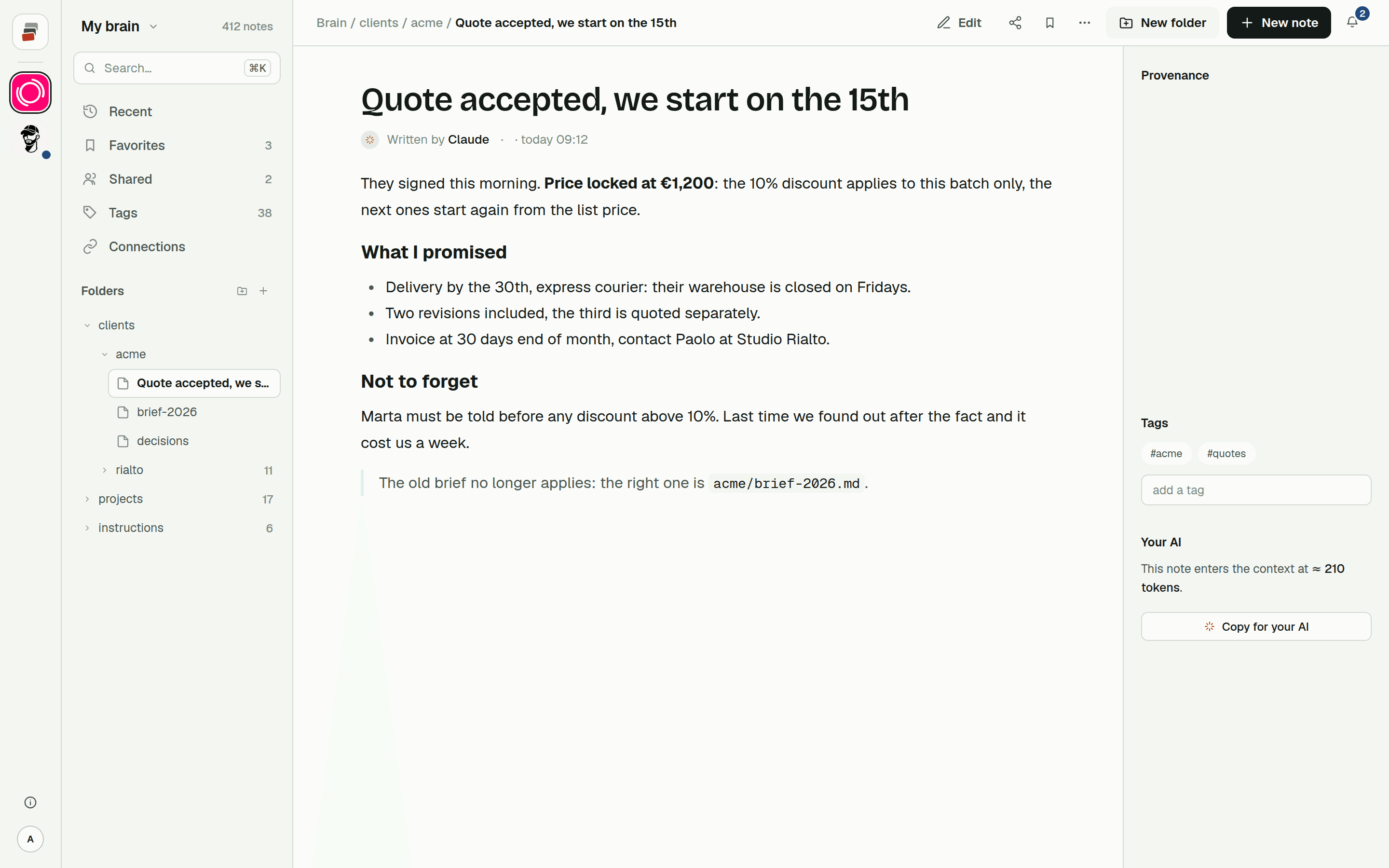
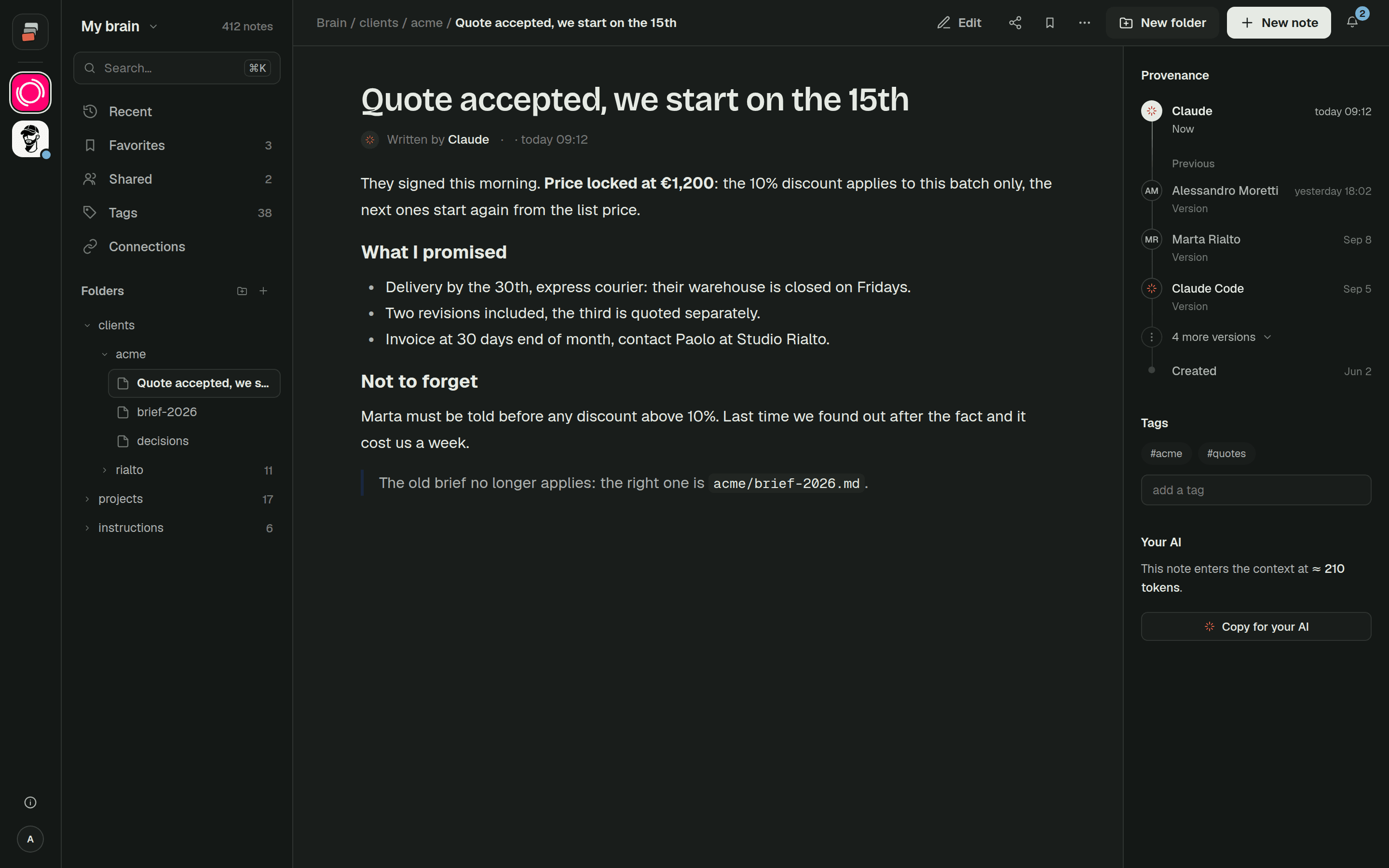
Cobrain is the hybrid described above. Every note is a Markdown file in folders you arrange, stored in a database that applies permissions on every read and write, for the site and for the AIs alike. Notes are encrypted with a key per brain. Each change keeps the previous version, and you can export everything as ordinary files.
We deliberately left embeddings out. A typical brain is full of exact identifiers (client names, error codes, hostnames, dates in file names), and those are word matches. So search is a word index that updates as you write. The AI picks a few keywords, gets back a short list of notes with the matching lines, opens the right one and, when it needs the full picture, loads a whole client or project folder. The steps are explained in how the AI finds things, and what that costs in tokens is on the context costs page.
Would vectors find more in some cases? Sometimes, yes. We would rather have a search we can explain, and add the other kind only if real queries keep coming back empty.
Quick answers
What is persistent memory for AI agents? Anything outside the model's context window that the agent can write to during one session and read from in a later one: files, a vector store, a database, or a mix.
Do AI agents need a vector database for memory? Not necessarily. Agents handle files and word search well, and most project memory is full of exact names and codes. Vectors help most with large, loosely worded collections of text.
What is Claude's memory tool?
An Anthropic API tool that lets Claude view, create, edit, rename and delete files in a /memories directory. It runs client-side, so your application decides where those files are stored.
Files or database for agent memory? Usually both: notes as readable text, stored in a database that handles permissions, versions, concurrent writes and the search index.