Yes, Claude can read your Notion. It can also write to it, if you let it. The link between the two is Notion's own MCP server, which shows up in Claude as a connector made by Notion. Once it's on, Claude can search your workspace, open pages and databases, and create or edit content while you chat.
This article covers how to switch it on in Claude and in Claude Code, what Claude can and can't do with your pages, and the permissions question you should think about first. Facts about Claude were checked against Anthropic's help center and the Claude connector directory, and facts about Notion against Notion's help center and developer docs, on 2 November 2026.
How Claude reads Notion: the Notion MCP connector
Claude doesn't have a built-in view of your Notion. It gets there through the Model Context Protocol (MCP), the standard that lets an AI call tools living outside it. Notion runs a hosted MCP server at https://mcp.notion.com/mcp, and the Notion entry in Claude's connector directory points to that address. The listing says "Made by Notion" and carries Anthropic's verified badge.
When you connect it, Claude gets a list of tools: search, fetch a page, create pages, update a page, query a database, add a comment and so on. During a chat, Claude decides when one of them is worth calling. You don't install anything inside Notion, and you don't paste an API key anywhere. You sign in to Notion and authorize the connection.
If MCP is new to you, What is an MCP memory server explains the protocol with one common use as the example.
How to connect Notion to Claude
On claude.ai and Claude Desktop, according to Anthropic's help center:
- Open the connectors page. Until recently it lived under Customize > Connectors. Anthropic is renaming Customize to Plugins in the sidebar, with the rollout to Free, Pro, Max, Ultra and Team starting on 29 October 2026, so look for whichever of the two you have.
- Find Notion in the directory and press Connect.
- Sign in to Notion, pick the workspace and approve the access.
- In a chat, open the + menu (or type
/), go to Connectors and make sure Notion is switched on for that conversation.
Anthropic says web connectors are available to all users, Free included. The only limit it mentions for the Free plan is one custom connector, meaning one you add by URL, and Notion comes from the directory. On Team and Enterprise plans, an Owner has to enable the connector for the organization first, then each person connects their own Notion account.
You can also connect services from the Claude apps on iOS and Android. Anthropic calls installing connectors on mobile a beta, and anything you connected on the web shows up on your phone after you log in there.
In Claude Code it's one command, from Notion's developer docs:
claude mcp add --transport http notion https://mcp.notion.com/mcp
Then run /mcp inside Claude Code and follow the sign-in. By default the server is added for the current project only. Add --scope user to have it in every project.
What Claude can do in your Notion
Notion's list of MCP tools is long, and it goes well beyond reading. Claude can:
- search pages and databases, and look up people in the workspace;
- open a page, a database or a saved view, and read older versions of a page;
- create pages (also from a database template), update their properties and content, move and duplicate them;
- create databases and views, and query rows, including SQL queries on a data source;
- read comments, add new ones and propose suggested edits;
- move pages to the Trash and restore them.
There are limits worth knowing. Deleting only moves pages to the Trash, and locked pages have to be unlocked in Notion first. No tool changes sharing settings. Some tools need a Business or Enterprise plan with Notion AI, for example searching connected sources like Slack or Google Drive. On other plans some search filters are dropped, and Notion says rate limits are higher on Business and Enterprise.
Permissions: Claude sees what you see
This is the part to read twice. Notion's help center says MCP tools act with your full Notion permissions: whatever you can open or edit, Claude can open or edit too. MCP doesn't get around Notion's permissions, but it doesn't narrow them either. Anthropic's help center says the same from its side: Claude inherits each person's permissions from the connected service.
Only workspace members can connect; guests can't. On Notion Enterprise, an admin can restrict AI apps to an approved list, and if Claude isn't on it, Notion blocks every call. On Claude Team and Enterprise, Owners can set each tool to "Always allow", "Needs approval" or "Blocked". That narrows what Claude does. It never widens what Notion allows.
If your workspace holds HR files or client contracts, Claude can reach them whenever it decides a search is relevant. Keeping write tools on approval is a reasonable default. We go into this in more detail in permissions and privacy.
Where a Notion connector stops
The connector does what it says. But reading Notion is a different job from remembering things.
The connector doesn't remember what it read. To find the page Claude used yesterday, it searches your workspace again. Pages written for people, long and full of embeds and toggles, cost a lot of context to read. And what Claude learns during a chat (a decision, a correction, the reason a plan changed) stays in that chat unless you ask it to write a page, and you tell it where.
There's also the question of other AIs. ChatGPT, Cursor and Codex each need their own connection to Notion, if they support one, and each of them sees the workspace through your account.
If your team already lives in Notion, keep it there. The connector is the right tool for reading and updating the documents you already have. Where it fits less well is as the place your AI keeps its own working memory between chats. We compared these options on our alternatives page.
A memory your AIs keep, next to Notion
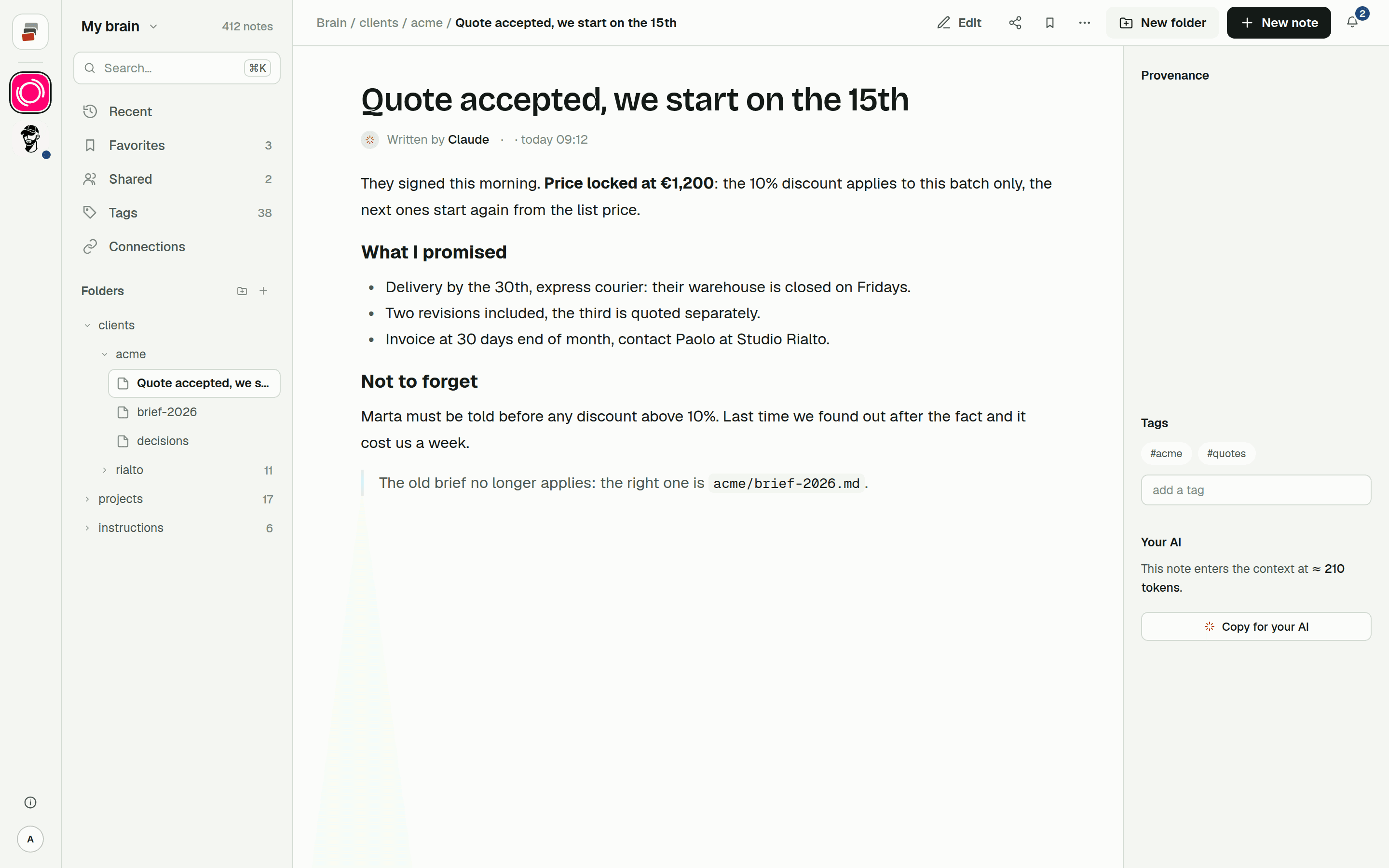
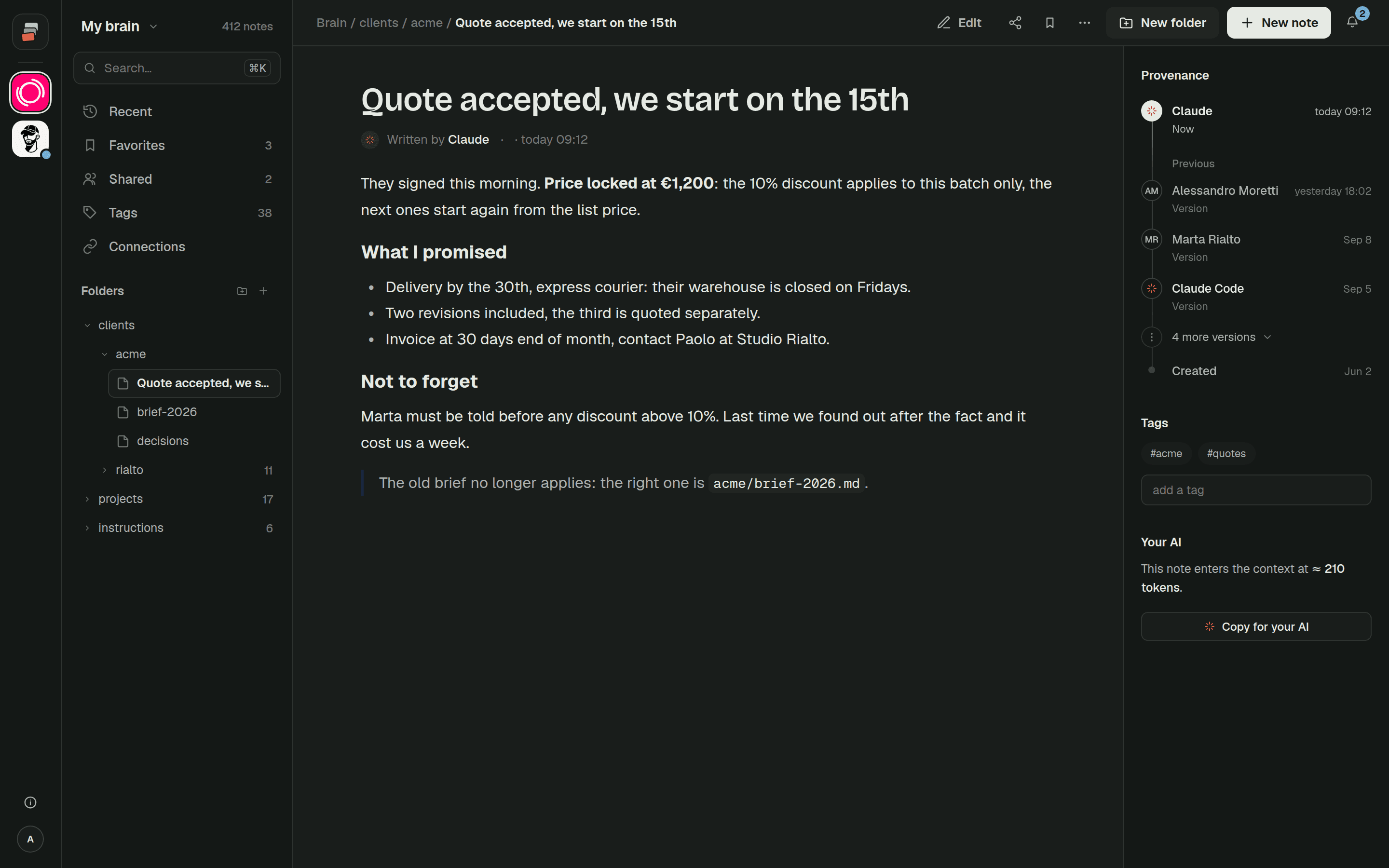
Cobrain is built for that second job. It's a shared memory made of Markdown notes in folders, behind a remote MCP server that Claude, ChatGPT, Claude Code, Codex and Cursor can all connect to. When an AI writes a note, the note shows who wrote it, and earlier versions can be restored.
You don't have to choose one or the other. With both connectors on, you can ask Claude to read a Notion page and save what matters into Cobrain. Our guide to bringing in the notes you already have has a ready-made message for that, and connecting Claude takes a couple of minutes.
Quick answers
Can Claude read my Notion? Yes. Connect the Notion connector from Claude's connector directory, sign in to Notion and switch it on in the chat. Claude can then search and read the pages you have access to.
Can Claude edit or create Notion pages? Yes. Notion's MCP server lets Claude create pages, update content and properties, move pages, add comments and move pages to the Trash. It can't change sharing settings.
Is the Notion connector available on the free Claude plan? Anthropic's help center says web connectors are available to all users. The Free plan limit it mentions is one custom connector added by URL, and Notion is a directory connector, not a custom one.
Can Claude see pages I don't have access to? No. Claude acts with your Notion permissions, so it sees exactly what you can see. That also means it can reach everything you can, private pages included.
How do I add Notion to Claude Code?
Run claude mcp add --transport http notion https://mcp.notion.com/mcp, then /mcp inside Claude Code to sign in.