In April 2026 Andrej Karpathy published a short document called "LLM Wiki" on GitHub. It describes a way to build a personal knowledge base where you collect the sources and an AI agent writes and maintains everything else. It spread fast.
This article explains what the pattern is, what you need to run it, and what changes when the wiki has to serve more than one AI. What we say about Karpathy's document comes from the gist itself, and what we say about Claude from Anthropic's help center, both checked on 6 November 2026.
What Karpathy's LLM wiki is
The gist opens by calling itself "a pattern for building personal knowledge bases using LLMs". It's an "idea file", written to be pasted into your own coding agent (he names Codex, Claude Code and OpenCode) so the agent can set it up with you. Karpathy says the document is "intentionally abstract": it describes the idea, not a particular implementation.
The idea starts from a complaint about how most AI tools use your documents. You upload files, the AI retrieves a few chunks when you ask something, and then it forgets. In his words, the LLM is "rediscovering knowledge from scratch on every question". Nothing builds up.
His alternative is a wiki that the LLM writes and keeps current. You read it; the LLM writes it. When a new source comes in, the connections get made once and stay in the pages, instead of being worked out again at every question. He calls the result "a persistent, compounding artifact".
The three layers: sources, wiki, schema
The wiki has three parts.
The raw sources are your collection: articles, papers, images, data files. The agent reads them and never changes them. They're the source of truth.
The wiki itself is a folder of Markdown files the agent writes: summaries, pages for people and concepts, comparisons. Karpathy says you "never (or rarely)" write it yourself.
The schema is one document, CLAUDE.md for Claude Code or AGENTS.md for Codex, that tells the agent how the wiki is organized and which workflows to follow. You and the agent refine it over time. If you've never written one, our piece on CLAUDE.md and AGENTS.md covers what these files are and how the two tools read them.
Two more files keep the thing navigable. index.md is a catalog with one line per page, which the agent reads first when it answers a question. log.md is an append-only diary of what happened and when.
Ingest, query, lint
The pattern has three operations.
Ingest is adding a source. The agent reads it, writes a summary page, updates the pages for the people and ideas it mentions, fixes the index and adds a line to the log. Karpathy notes that a single source "might touch 10-15 wiki pages".
Query is asking questions. The agent reads the index, opens the relevant pages and answers with citations. The step that's easy to miss: a good answer can be saved back into the wiki as a new page, so what you work out in a chat doesn't disappear with it.
Lint is the periodic health check. The agent looks for contradictions between pages, claims that newer sources have overtaken, orphan pages with no links pointing at them, and gaps worth filling.
On scale, Karpathy is modest. He says the index file works "surprisingly well at moderate scale (~100 sources, ~hundreds of pages)" without any embedding-based search, and that past that point you want proper search. He also links the idea to Vannevar Bush's Memex from 1945: what Bush couldn't solve, he writes, was who does the maintenance. The LLM handles that.
How to build one
Karpathy's own setup is local: a folder on his computer, Obsidian open on one side to read it, a coding agent open on the other to write it. The wiki is "just a git repo of markdown files". If you want to try it, the minimum is:
- A folder with a
raw/subfolder for sources and a folder for the wiki pages. - A CLAUDE.md or AGENTS.md that explains the layout, the page types and the three operations.
- An empty
index.mdandlog.md. - A coding agent started in that folder, and the gist pasted in as the first message.
Then add one source, read what the agent did, and adjust the schema until the pages come out right. Obsidian is optional: the wiki is plain text.
Where the local version stops
The setup works well for one person at one computer. It gets harder when you leave that computer.
A coding agent running in the folder can read and write the files. Claude on the web or on your phone can't. Anthropic's help center says that with a custom connector, Claude connects to your MCP server "from Anthropic's cloud infrastructure, rather than from your local device". A folder on your laptop has no address it can reach. ChatGPT also connects to MCP servers by URL, as we explain in how to connect an MCP server to ChatGPT. We went through the details for Obsidian in Obsidian and Claude via MCP.
That matters because the useful moments don't all happen in a terminal. You read an article on the phone and want it filed. A colleague asks ChatGPT something the wiki already answers. A git repo can be shared, but each person needs a clone, an agent and the habit of pulling first.
Karpathy lists "Business/team" among the use cases, an internal wiki fed by meeting notes and project documents. He leaves the how to you.
Running the same pattern on Cobrain
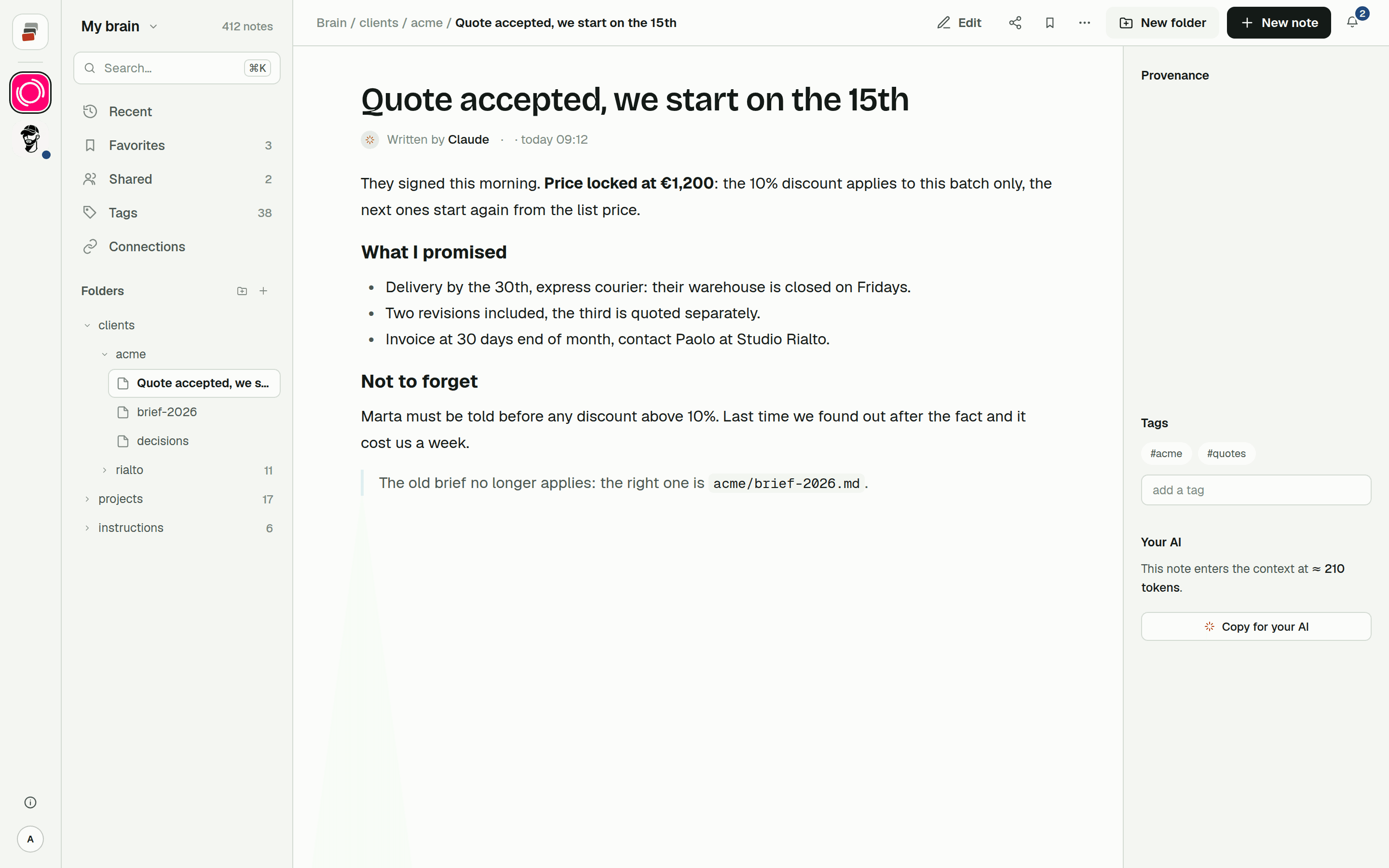
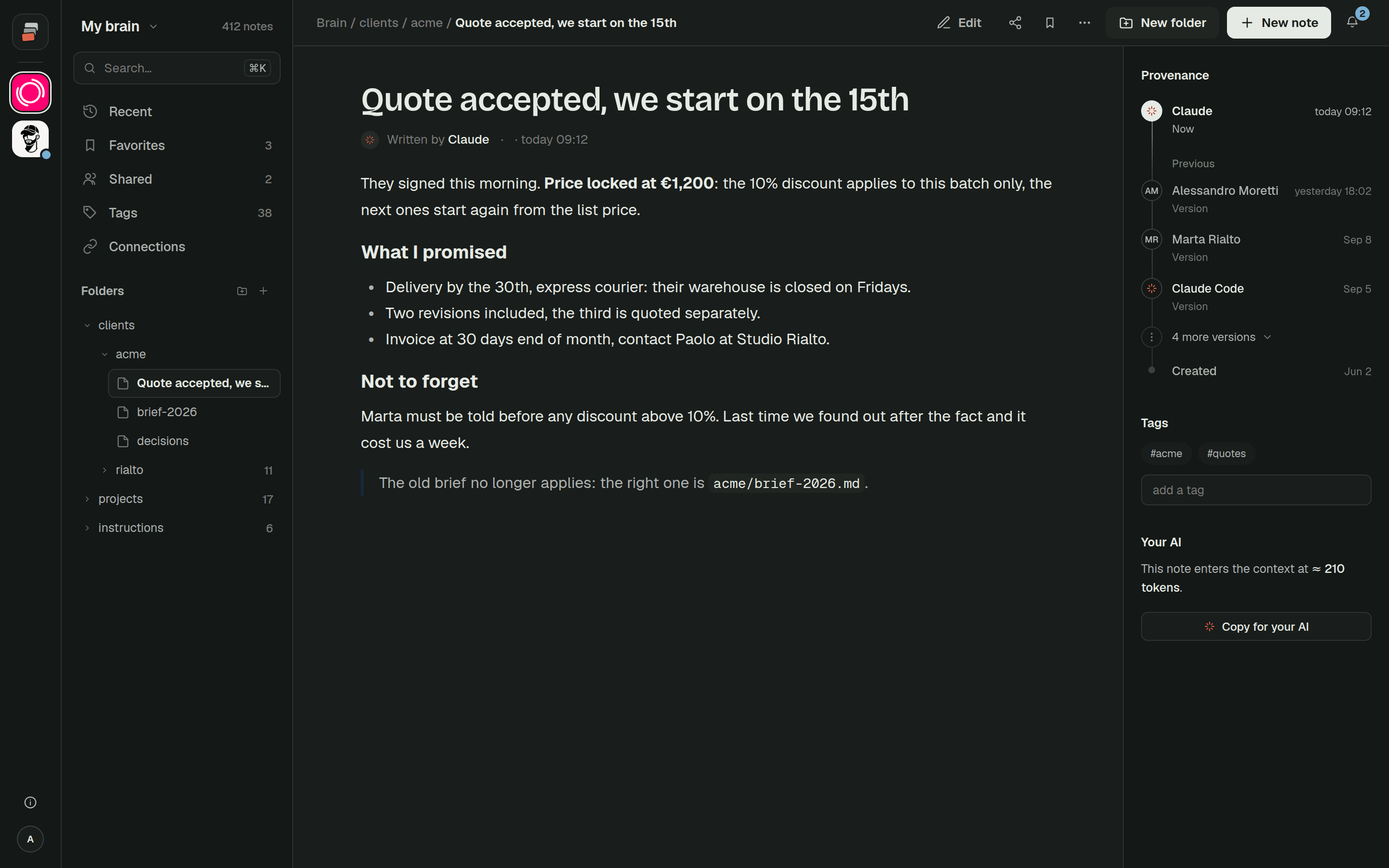
Cobrain keeps Markdown notes in real folders behind a remote MCP address. Claude, ChatGPT, Claude Code, Codex, Cursor and others connect to the same brain, each with your permissions. Most of Karpathy's pieces have a place in it.
The schema becomes the brain's rules and each unit's card. Every client or project is a unit with a short card and a decision log; when an AI opens one, it gets the rules, the card and the latest decisions first.
The index is that same briefing, plus search. The AI can list a folder, find a note by name, or search the text; on the Pro and Team plans it also searches by meaning. We describe how in how the AI finds things.
The log is the decision log plus the list of recently changed notes, with who changed them and when. Older versions of a note are kept, so a bad edit can be undone.
Raw sources can sit next to the notes as attachments. The AI reads PDFs, Word files and spreadsheets as text.
Lint is closest to what we call the Dream. Cobrain finds notes that say the same thing, decision logs that have grown too long and links that lead nowhere. Then your AI fixes them with you: it does the obvious things and asks about the rest. It's included in every plan.
What Cobrain doesn't do is the ingest itself. That's still your AI's job, guided by the rules you write, which is how Karpathy meant it. The difference is that the wiki is now one address every AI can reach, from the terminal, the browser or the phone. And it's still plain Markdown: you can export it whenever you want.
Quick answers
What is Karpathy's LLM wiki? A pattern Andrej Karpathy published as a GitHub gist in April 2026. You collect sources; an AI agent writes and maintains a wiki of interlinked Markdown pages about them, guided by a schema file such as CLAUDE.md or AGENTS.md.
How is an LLM wiki different from RAG? RAG retrieves chunks of your documents at every question and starts over each time. In an LLM wiki the agent integrates each source once, updates the affected pages, and answers from pages that are already written.
Do I need Obsidian for an LLM wiki? No. Karpathy uses Obsidian to read the wiki, but the pages are plain Markdown files. Any editor works, and the agent only needs access to the folder.
Can Claude or ChatGPT use an LLM wiki stored on my computer? A coding agent running on that computer can. Claude on the web and on the phone connects to MCP servers from Anthropic's cloud, so a local folder is out of reach unless the wiki sits behind a remote MCP server.