Five developers, one repository, five Claude Code sessions. Each one starts with an empty context window, and each one slowly learns the same things: how the tests run, which folder not to touch, why the billing module looks the way it does. Some of that learning reaches the rest of the team. A lot of it doesn't.
This article sorts the two. What Claude Code already shares through the repository, what stays on each developer's machine, and how to give the whole team one memory that also covers what doesn't belong in the code. Facts about Claude Code were checked against its official documentation on 9 November 2026.
What Claude Code shares with the team: CLAUDE.md in git
The documentation lists four places for CLAUDE.md, and for each one it says who it's shared with. The project file, ./CLAUDE.md or ./.claude/CLAUDE.md, is shared with "team members via source control". You commit it like any other file, and every colleague who pulls the repository gets the same instructions at the start of their sessions.
The other three are narrower. ~/.claude/CLAUDE.md is yours, for all your projects. CLAUDE.local.md at the project root is for your private preferences on one project, and the docs say it shouldn't be checked into version control. Then there's the managed policy file, which an organization deploys centrally (on Linux it lives in /etc/claude-code/CLAUDE.md) and which applies to every user on the machine.
For a larger project, instructions can be split into files under .claude/rules/. A rule without a paths field loads at launch like CLAUDE.md. A rule with paths in its frontmatter loads only when Claude reads or edits a matching file, so the frontend conventions don't take up room while someone is working on the database.
Subagents can keep a memory too. With memory: project in a subagent's definition, its notes go to .claude/agent-memory/<name>/ inside the repository, and the documentation describes that scope as "shareable via version control".
What stays on each developer's machine
Auto memory is the part people expect to be shared, and it isn't. Claude Code writes it to ~/.claude/projects/<project>/memory/, in your home folder, and the documentation is direct about it: auto memory is machine-local, and the files "are not shared across machines or cloud environments". We went through how it works in Claude Code memory.
Where each piece lives
repository/CLAUDE.mdthe team, via git.claude/rules/the team, via git.claude/agent-memory/the team, with memory: projectCLAUDE.local.mdonly you, not committed~/.claude/CLAUDE.mdonly you, all projectsprojects/<project>/memory/only you, this machine
So the lesson your Claude Code picked up on Tuesday, say that the API tests need a local Redis, sits in a folder on your laptop. Your colleague's Claude Code finds it out again on its own, or doesn't. Nothing is broken here: auto memory was built to remember how you work. It just isn't a team tool.
Where the repository stops being enough
Putting knowledge in git works well for anything that's about the code and changes with it. Build commands and project conventions, for example. It gets awkward with the rest.
Every note becomes a commit. Writing down "the client signed off on the new checkout flow" means a branch, a pull request and a review, for a sentence that isn't code. People stop doing it within a week, and the decision ends up in a chat thread.
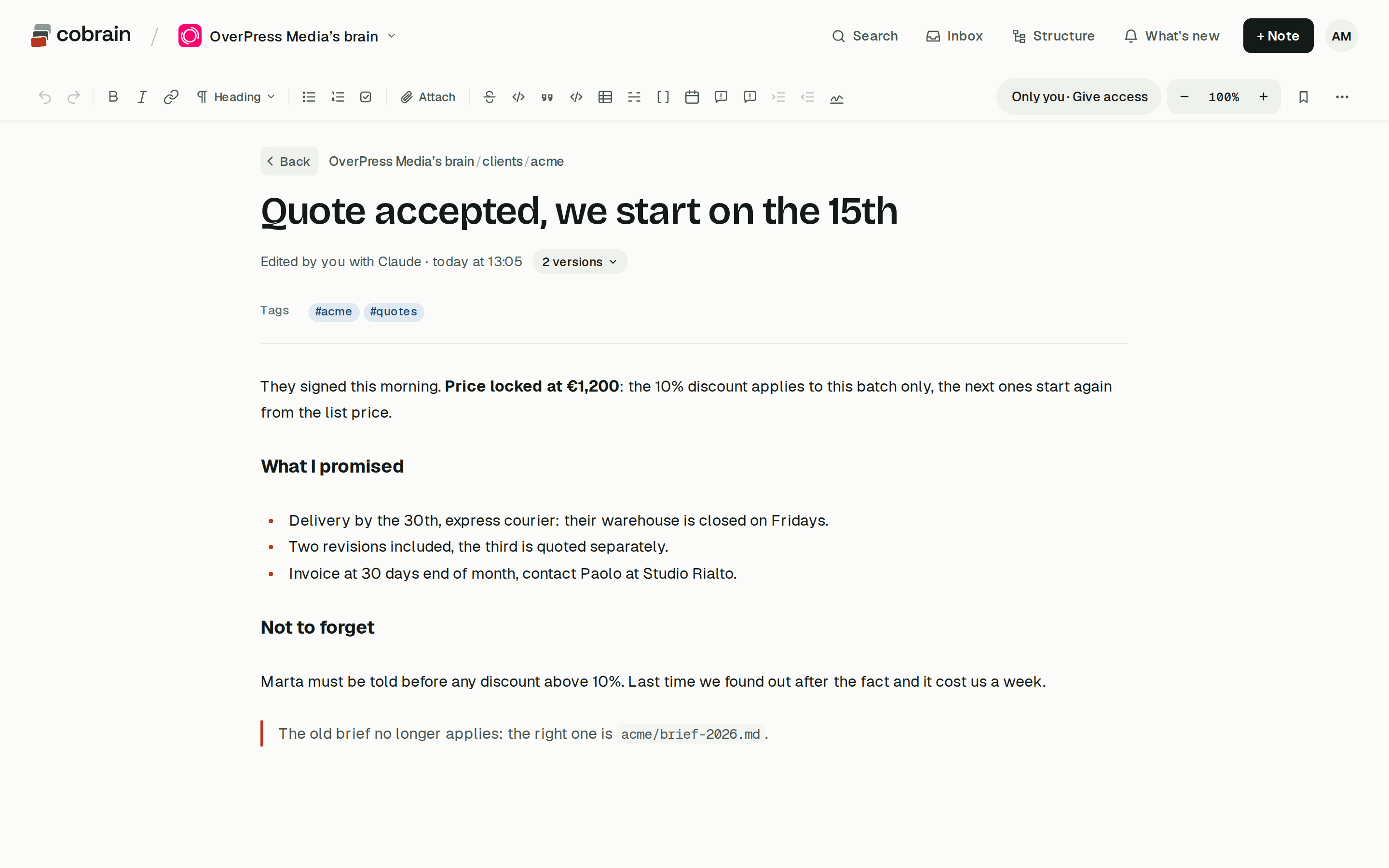
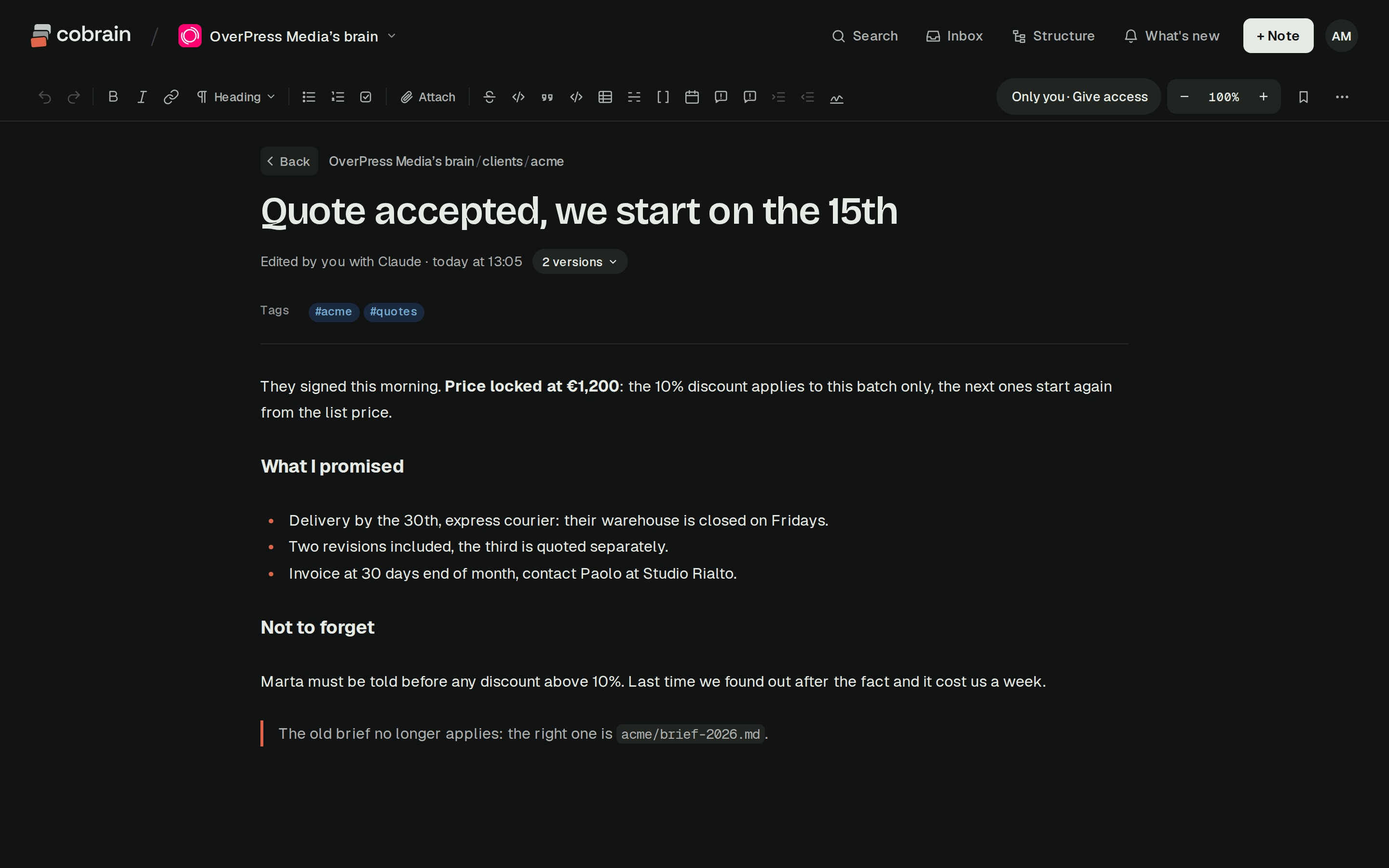
Many of the people who know things don't have the repository. The project manager who agreed the deadline works in the Claude app, or in ChatGPT. The designer has never cloned anything. What they decide doesn't reach CLAUDE.md unless a developer copies it in by hand.
Knowledge about a client is spread across repositories. An agency with a website, an app and a backend for the same client has three CLAUDE.md files and no single place for what the client wants.
And CLAUDE.md loads in full at every session. The more history goes in, the more context it takes before anyone has typed a word. A year of decisions doesn't belong in it.
| In the repository | Shared notes over MCP | |
|---|---|---|
| Every developer gets it | ||
| Writing a note | a commit and a review | Claude writes it |
| People without the repo | ||
| Other AIs read it | ||
| Loaded at every session | all of CLAUDE.md | what is searched for |
A shared memory for Claude Code, set up once for the whole team
Claude Code connects to MCP servers, and the documentation describes three scopes for them. The project scope writes the server into a .mcp.json file at the root of the repository, and the docs suggest checking it in "so everyone on your team gets the same MCP tools and services".
That's the piece that turns a shared memory into a team setting. One developer adds the memory server with the project scope, for example claude mcp add --transport http --scope project <name> <url>, and commits .mcp.json. Everyone else gets it on their next pull. For security, Claude Code asks each person to approve a project server before using it in an interactive session. If the server uses OAuth, each person logs in from /mcp in their own browser.
One memory for the whole team
- 1Add the serverwith --scope project
- 2Commit .mcp.jsonit goes out with git
- 3Each person approvesand logs in from /mcp
- 4Two lines in CLAUDE.mdwhen to read, when to write
Then two lines in the project's CLAUDE.md tell Claude Code what to do with it: load the project's notes at the start of a session, and write new decisions there instead of in a local file. From then on the gotcha found on Tuesday is a note that every colleague's Claude Code can find on Wednesday.
How Cobrain fits
Cobrain is a shared memory made of Markdown notes in folders, behind a remote MCP address. You connect it to Claude Code in a few minutes (the guide has the steps), and the same notes are open to the Claude app, ChatGPT, Codex and Cursor. Each client or project is a folder with its rules and decisions. start_session hands Claude the briefing for that folder: rules, the index card, the latest decisions and the last changes. After that Claude searches the notes and reads only what it needs, instead of loading everything at the start; we explain why that matters in context costs.
Each person signs in with their own account, so each Claude Code sees what that person can see. You share a folder by email, read-only or with write access. Every note says who changed it, a person or one of their AIs, and the previous version stays. Whoever receives a share never pays; on Pro one person besides you can write, and the Team plan adds a brain for the whole squad with a seat for each person. The details are on Cobrain in a team.
So the split we'd suggest is simple. CLAUDE.md stays in the repository and stays short, because it's about how to work on the code, and auto memory can keep your own habits. What the team knows goes somewhere every AI on the team can reach.
Quick answers
Does Claude Code share memory between team members?
Only what's in the repository. The project CLAUDE.md, .claude/rules/ and subagent memory with the project scope travel with git. Auto memory stays on each developer's machine.
Is Claude Code's auto memory shared across machines? No. The documentation says auto memory is machine-local and its files aren't shared across machines or cloud environments.
Should CLAUDE.local.md be committed? No. It's meant for your private preferences on one project, and the documentation says it shouldn't be checked into version control.
How do I give the whole team the same MCP server in Claude Code?
Add it with the project scope, which writes it to .mcp.json at the root of the repository, and commit that file. Each person approves the server the first time and, if it uses OAuth, logs in from /mcp.
Where should a team keep decisions that aren't about the code? Outside the repository, in notes every AI can reach. A shared memory over MCP lets Claude Code read and write them without a commit, and people who don't use the repository can read them too.